Becoming a Writer: It Starts Here!

It’s no secret that I LOVE writing.  Besides just doing it, I read about it, talk about it and LOVE teaching it.  I am sure you’ve read those posts here, and if you haven’t, why you take a minute and do so?  It’ll be worth your while, I promise! (In addition to the posts I linked, you could check out the writing tab or category for more about what writing looks like in my classroom).

So it’s also no secret that I was a little sad about leaving what “big kid” writers do.  When I first learned about my move back to primary, I lamented the lessons I wouldn’t teach about using the Writer’s Notebook, conversations I wouldn’t have and craft lessons that I wouldn’t be able to include in my Writer’s Workshop; first grade writing is more about becoming a writer than being a writer.  In short, I felt like I was leaving a little bit of myself in 5th grade–a part of me that I would really miss.

And yet, the more days I spend with my little writers the more I’m remembering the joy of teaching beginning writers.  The wonder and amazement that they come to my lessons with is priceless.  The smiles on their faces as they share stories of learning to ride a bike, tackle a scary roller coaster or ride to school and wave to someone out the window of the bus.  As we are learning strategies that real writers use in their work, I can see them file those in their toolboxes to pull out later in their writing.  I am already seeing progress in the way friends are adding details to their pictures, adding sounds to their words and ideas to their writing.

The most exciting part of being on this end of a student’s writing journey is the influence I have in helping them learn to see themselves as writers–and maybe even like it!  There were times that 5th grade writing was frustrating because there was such a hurdle to cross in getting them to believe they could do it.  Unfortunately, back then my friends had 5 years of believing the WEREN’T writers or that they HATED writing to try to overcome in the short amount of time of time we had together.  Now, I get to help these little friends start to see the power in their words and encourage them to do great things with them–for today and for years to come!

And so yeah…I’m kinda pumped about it. 🙂

Can We Persuade You?

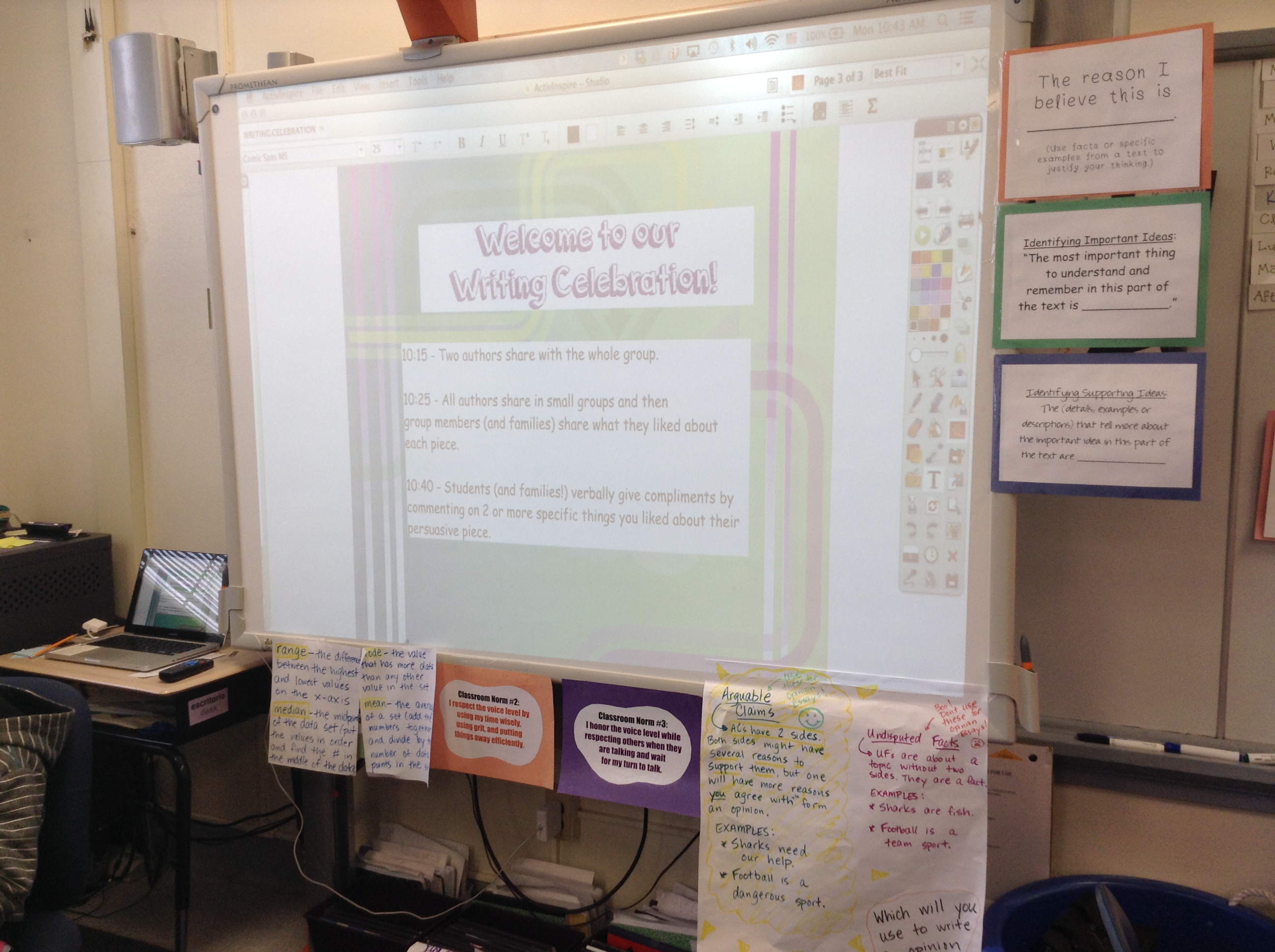
A couple of weeks ago we were invited to attend a very special writing celebration.  Our next-door-neighbors (Ms. Turken’s class) had been working on writing persuasive arguments and wanted to share them with us!

IMG_2449

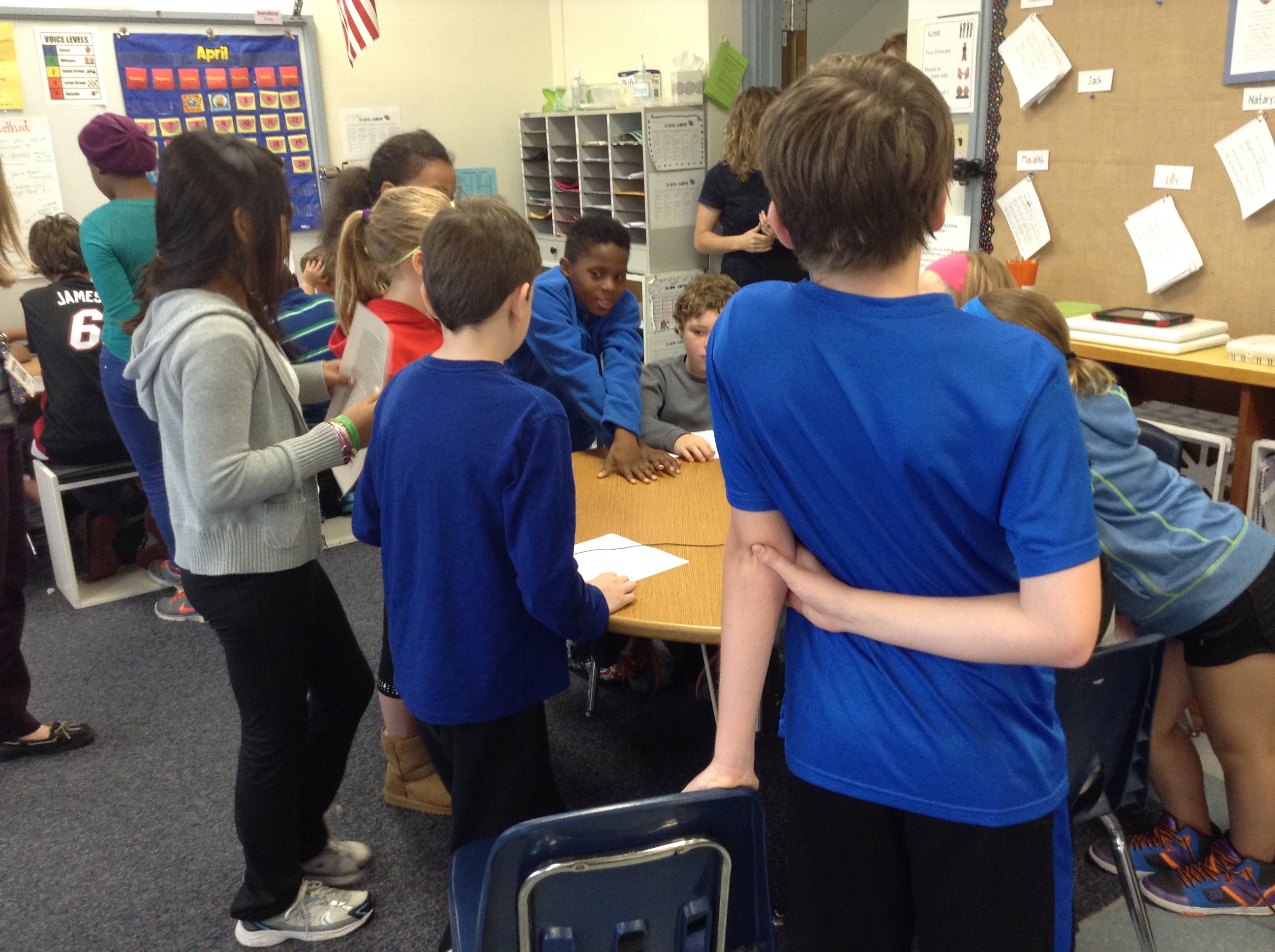
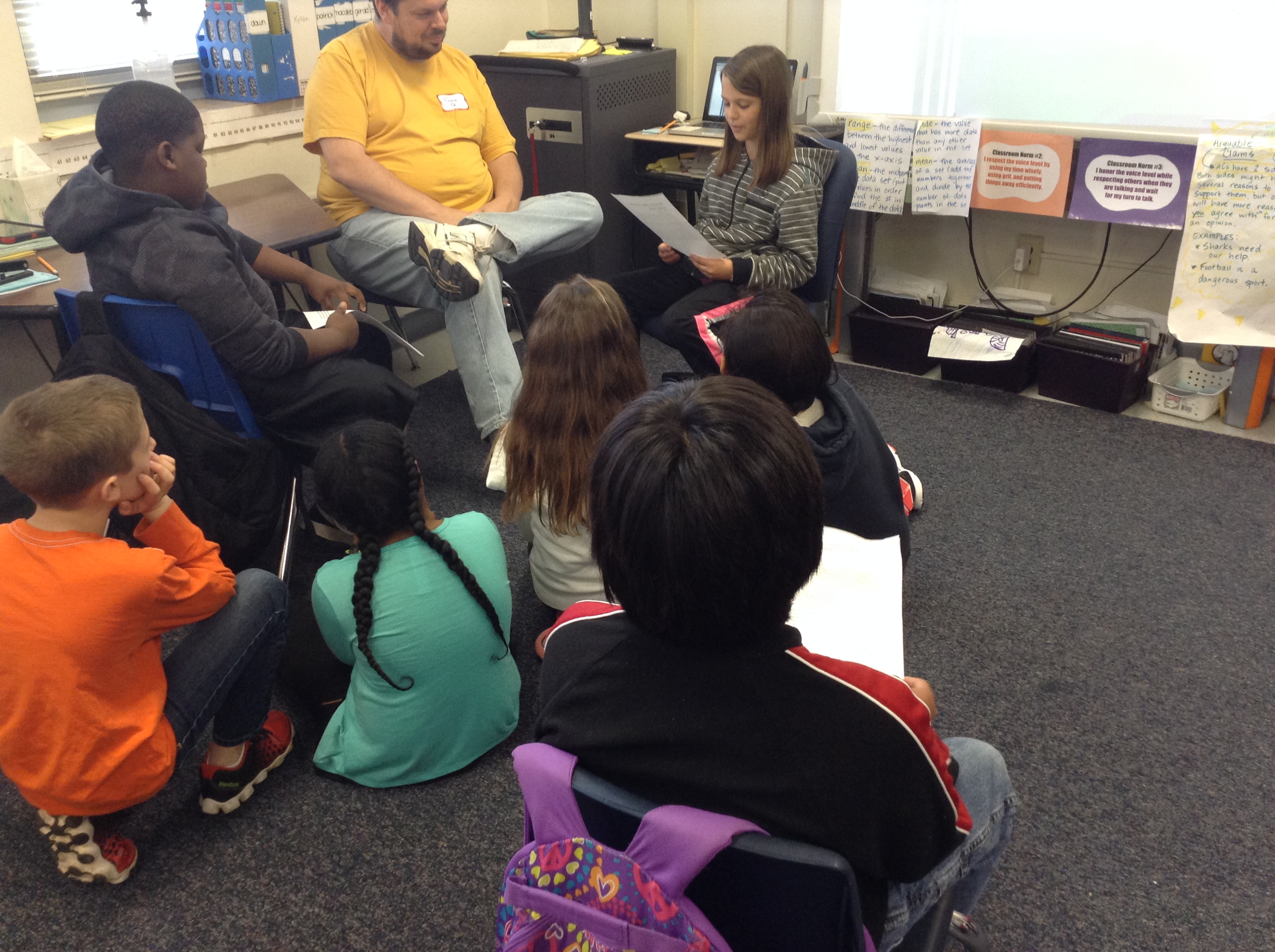
She had kiddos divided into small groups, and everyone went around the circle and read aloud their essays.  Their writing was great!  We heard about a variety of topics, from girls being able to play traditionally “boy” sports, wearing helmets while skateboarding and bike riding, wearing seat belts and many more.  We were definitely treated to many great essays, and are thinking differently about these topics because of the evidence they shared with their opinions.  It was also helpful because we were getting ready to start this unit in our own Writer’s Workshop next!  It has been great to be able to use this day as a touchstone in our own persuasive work.  Great job, Ms. Turken’s class!

Check out a few more pics from this super learning opportunity:

IMG_2443 IMG_2444 IMG_2445 IMG_2446 IMG_2447 IMG_2448

What do you know about persuasive writing?  What topic would you choose to write about if you had an opportunity to write an opinion essay?  We’d love to hear your ideas–we’re just  about ready to choose the ones we’ll write about! 🙂

How Did I Not Tell You?

I just realized I’ve keeping something from you….so yep, I’ll spill the beans.

My kids are bloggers!  I am not sure what I’ve been doing the last month or so, but I’ve neglected to tell you that my kiddos (and some of yours, too!) have begun a fabulous new blogging journey, and we’d love you to join us on it. 🙂

I started blogging with this group of kiddos the same way that I have the past two years, which I wrote about here.  It has been a great thing for us as learners already, and I am so impressed with how so many kiddos have taken the ball and RUN!!

We’d love it if you could jump over to our blogs and have a look–and more importantly LEAVE A COMMENT or two to help continue the conversations we’ve started over there.

Check us out at www.kidblog.org/mrsbeardensclass2013 and join in on the fun!  See you there! 🙂

Informational Writing Lessons

Remember when I wrote about what had been going on with Narrative Writing Lessons a little while ago? That post was actually one that I used in my class with my kids (an idea I stumbled upon last year in a grad class I was taking), and this one is instead a roundup-and-reflection type post that I do a lot around here after we try some new things.

We started our informational unit in a similar way that we ended our Narrative unit: with an on-demand writing piece:

2013-11-08 12.00.23

We began by looking at lots of nonfiction texts, recording what we noticed about them:

IMG_1929

Then we began a very exciting and learning-filled journey into the genre of informational text, focusing on how writers organize their writing, write for their intended audience and use text features meaningfully.  I’ll tell the rest of the story in pictures.  Be sure to check out the captions! (This is all about text features, after all!)

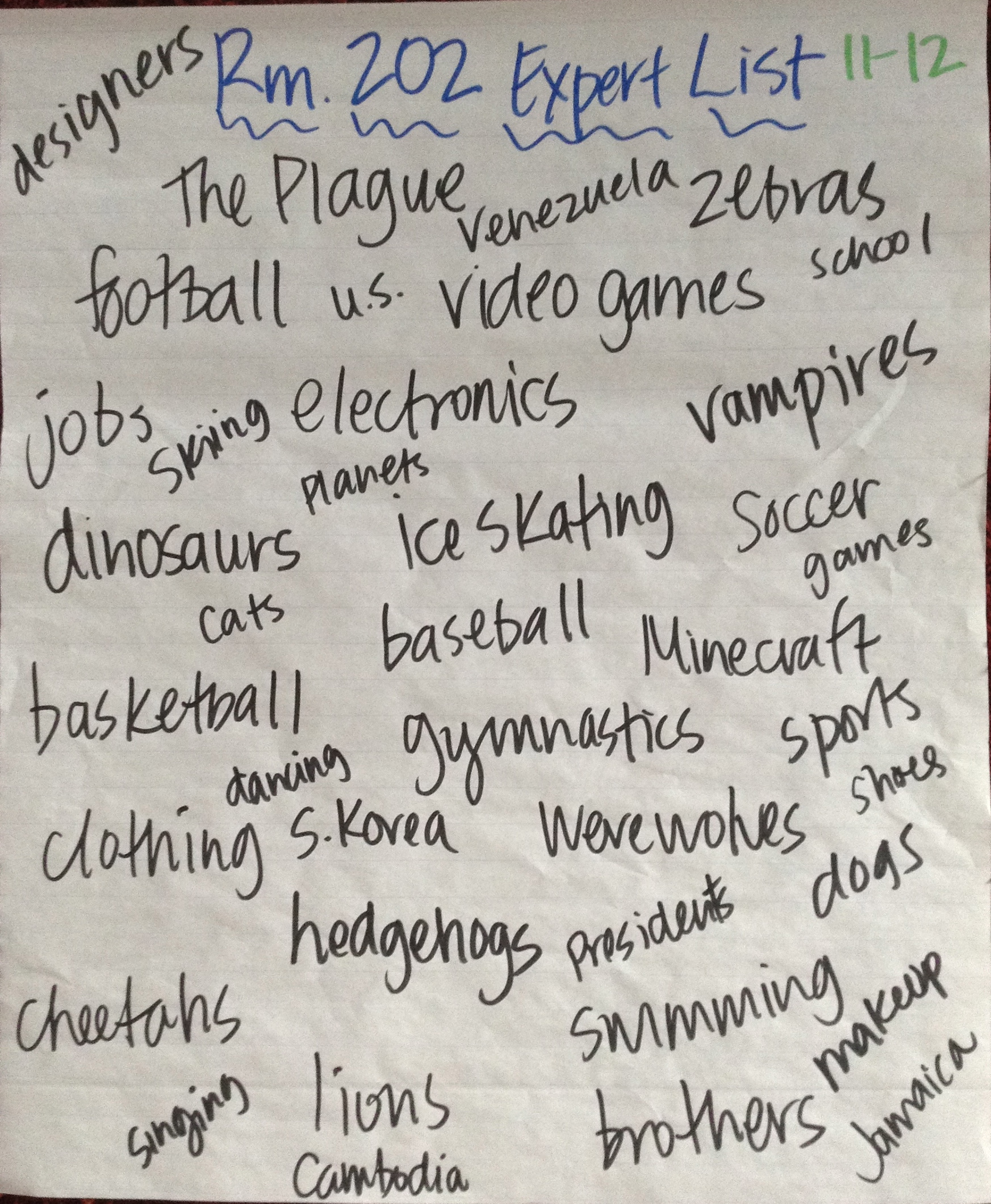
This was the first of two informational text units we're doing, and we focused on just things we knew alot about--that we were "experts" on.  Here is our Rm. 202 Expert List, compiled from everyone's individual lists.

This was the first of two informational text units we’re doing, and we focused on just things we knew a lot about–that we were “experts” on. Here is our Rm. 202 Expert List, compiled from everyone’s individual lists.

After we built our expert lists, we spent some time working with some ideas on those lists to see which ones we liked best.  We worked on deciding what our reader would be interested in knowing more about.  This chart shows how we focused on questions that we could answer, as well as creating trees or webs to organize subtopics.

After we built our expert lists, we spent some time working with some ideas on those lists to see which ones we liked best. We worked on deciding what our reader would be interested in knowing more about. This chart shows how we focused on questions that we could answer, as well as creating trees or webs to organize subtopics.

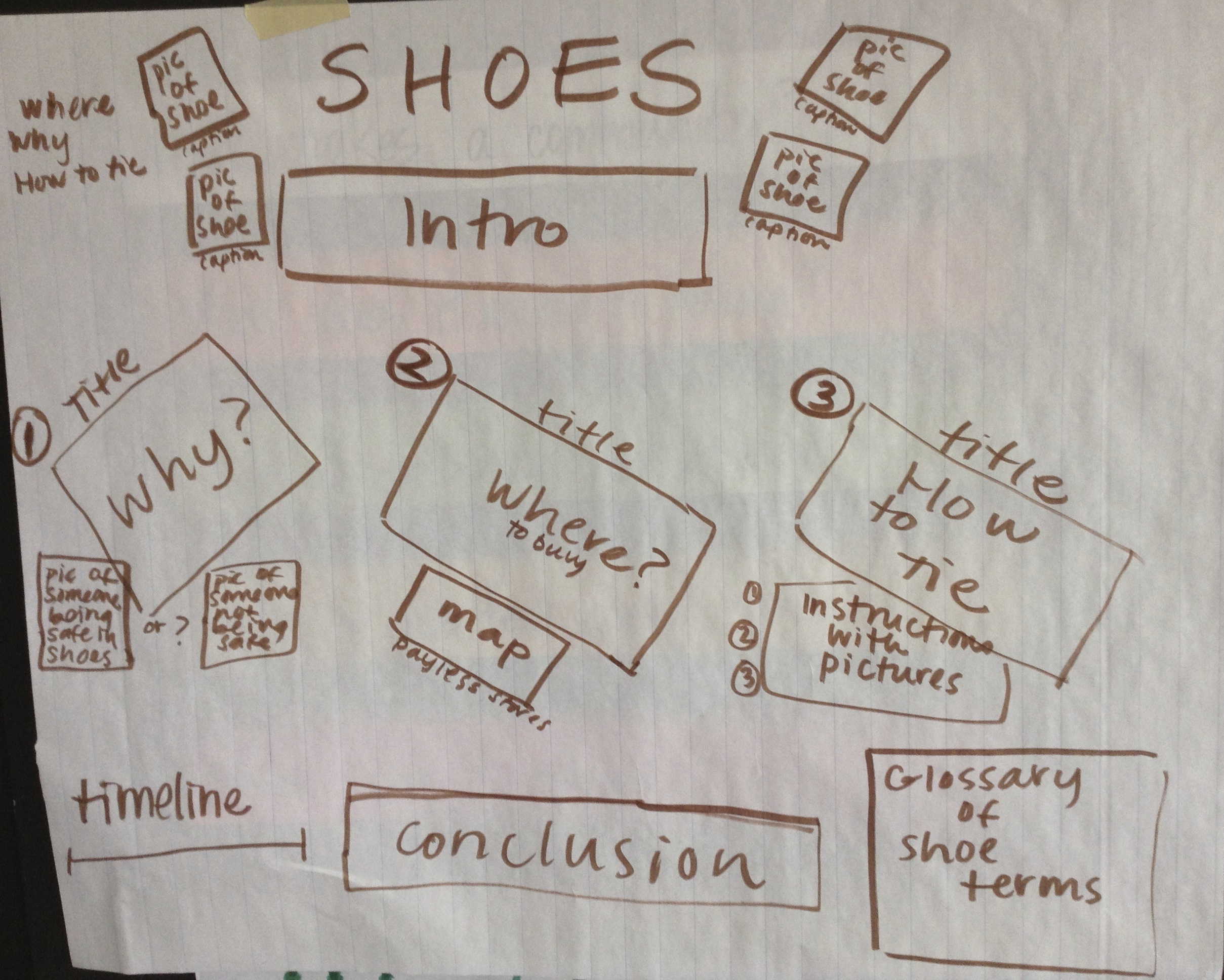
This was one of my favorite (and impromptu!) lessons from this unit.  As we considered what info the reader would be interested in knowing about, we had to think about who our AUDIENCE really was supposed to be.  This chart shows a strategy we tried: we picked two completely different audiences and recorded how the subtopics/questions would be different based on the reader.  Check out the difference between how you'd write about shoes for a fashion designer and a kid. :)  They had some pretty great ideas, huh?

This was one of my favorite (and impromptu!) lessons from this unit. As we considered what info the reader would be interested in knowing about, we had to think about who our AUDIENCE really was supposed to be. This chart shows a strategy we tried: we picked two completely different audiences and recorded how the subtopics/questions would be different based on the reader. Check out the difference between how you’d write about shoes for a fashion designer and a kid. 🙂 They had some pretty great ideas, huh?

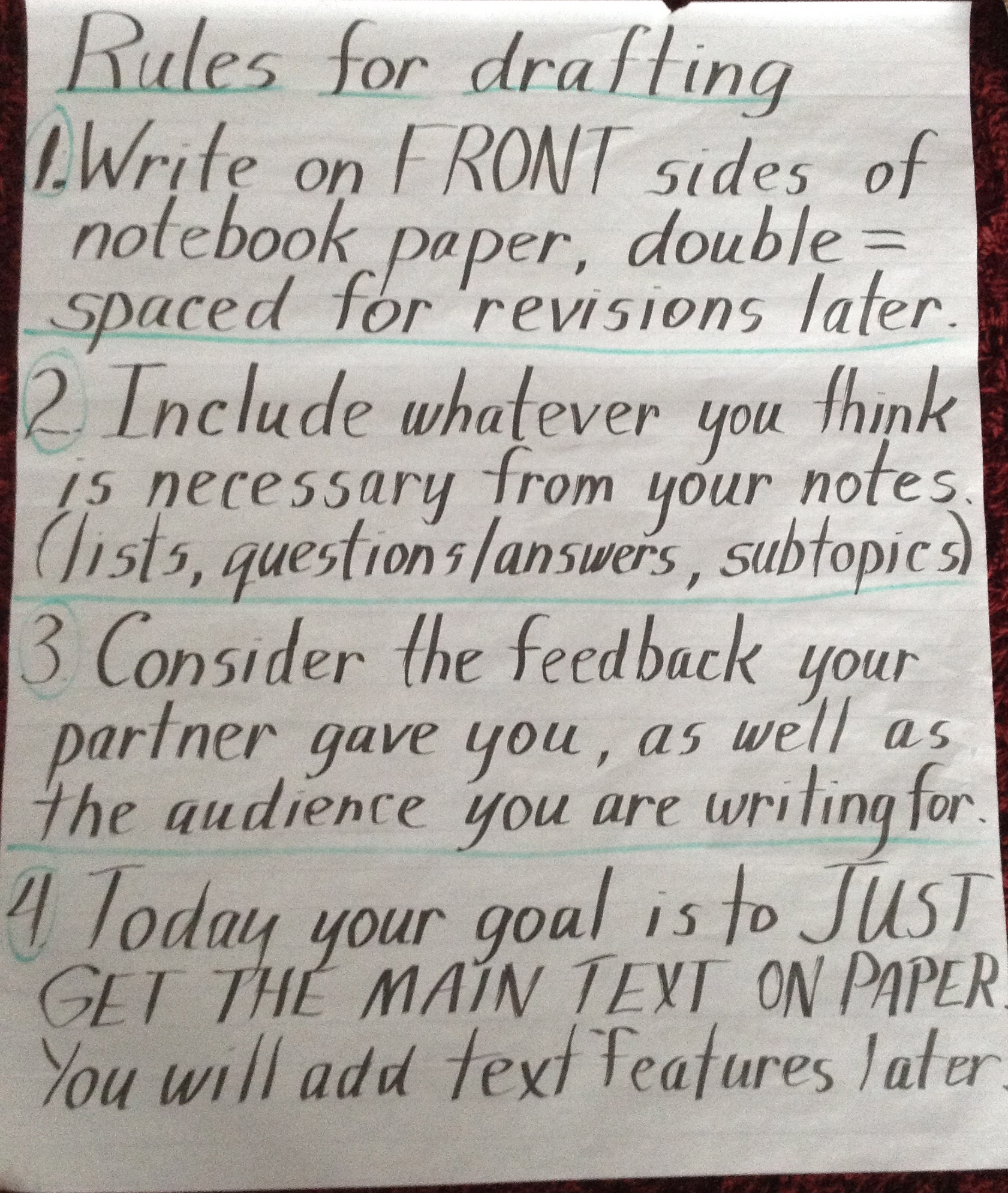
After we spent a couple of days trying out seed ideas and strategies for nuturing htem, we were ready to pick a seed, plan around it and then draft!  Drafting was a quick process, and meant to just get the ideas initially down on paper.  We would begin the work of cleaning up the messy parts as the next step!  (and just in case you're wondering, I was out of the classroom this day and my sub made this chart instead of me. :) )

After we spent a couple of days trying out seed ideas and strategies for nurturing them, we were ready to pick a seed, plan around it and then draft! Drafting was a quick process, and meant to just get the ideas initially down on paper. We would begin the work of cleaning up the messy parts as the next step! (and just in case you’re wondering, I was out of the classroom this day and my sub made this chart instead of me. 🙂 )


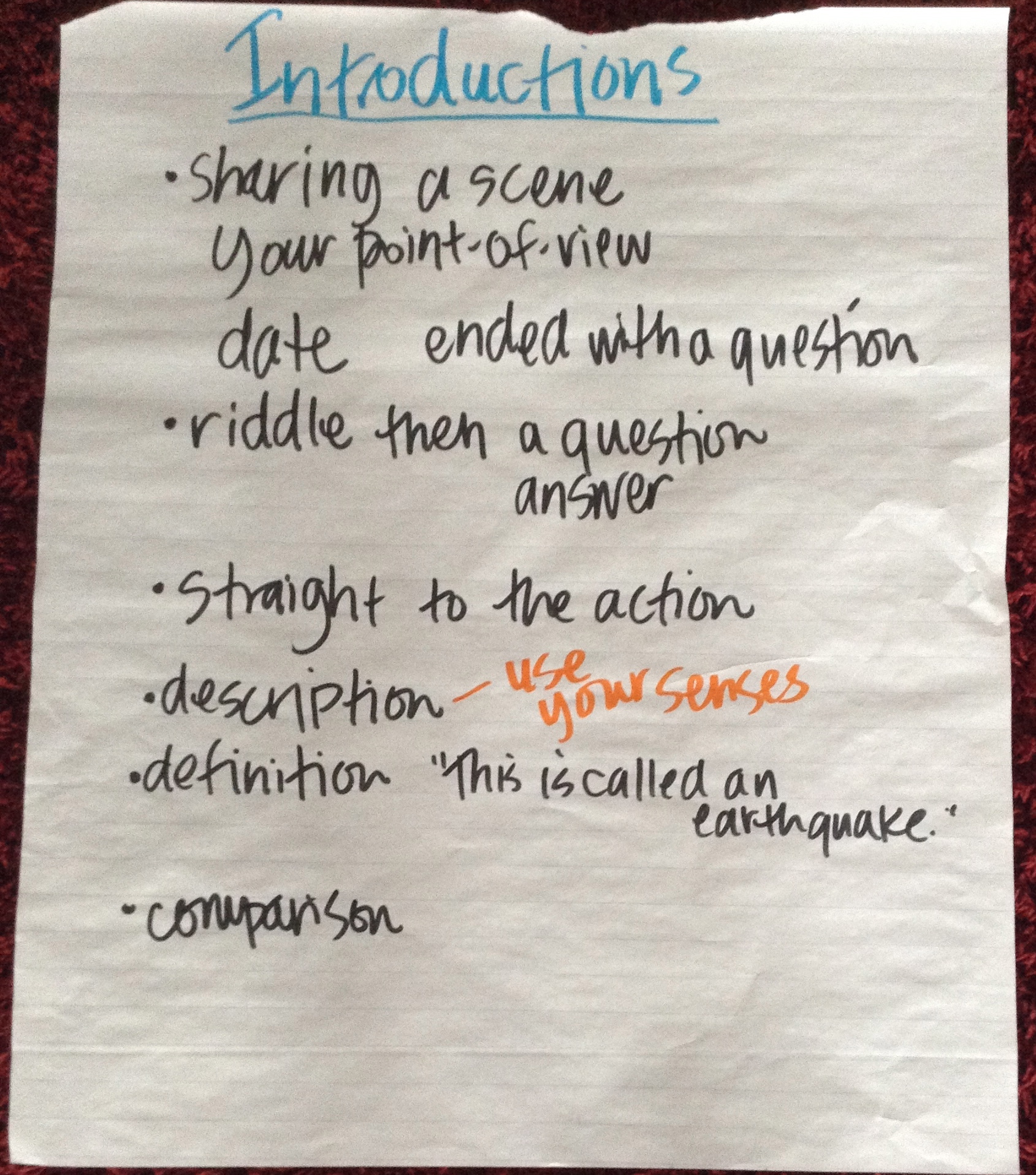
After we had flash drafted our initial ideas, we worked on creating interesting leads...

After we had flash drafted our initial ideas, we worked on creating interesting leads…

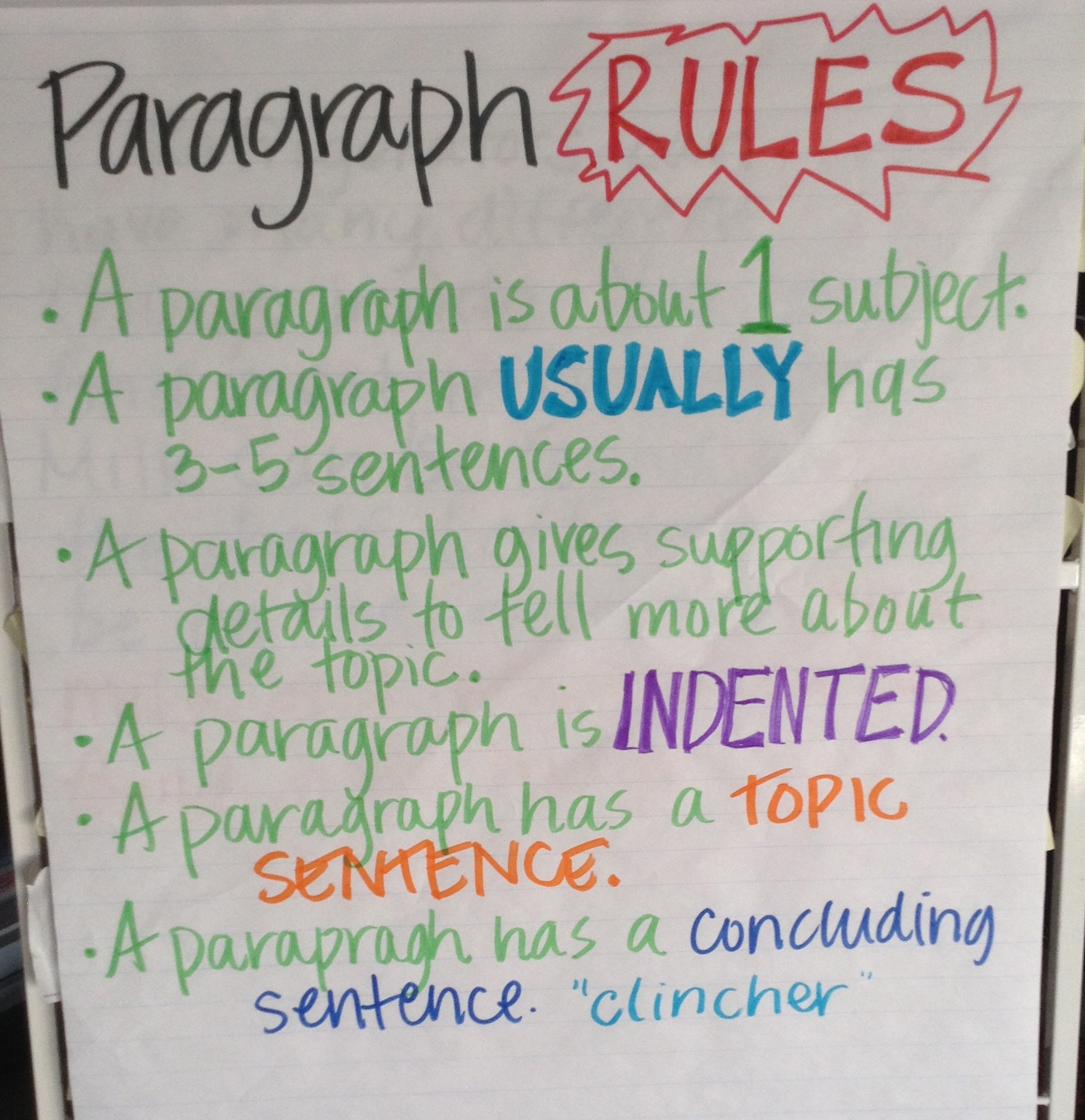
...and then focused in on writing paragraphs to organize our subtopics into chunks that made sense to our readers.  We did this over several days because it was hard, confusing work for many of us.

…and then focused in on writing paragraphs to organize our subtopics into chunks that made sense to our readers. We did this over several days because it was hard, confusing work for many of us.

First try at a paragraph with topic sentence, 3 details and a conclusion.  We wrote this one together.

First try at a paragraph with topic sentence, 3 details and a conclusion. We wrote this one together.

Another paragraph.  This one is colored coded to try to help writers see each part (although I wish I had written the topic sentence in green since it's how you GO...too late now, I guess.)

Another paragraph. This one is colored coded to try to help writers see each part (although I wish I had written the topic sentence in green since it’s how you GO…too late now, I guess.)

One more paragraph.  This one was written several days later as another example to hang for kids to reference.

One more paragraph. This one was written several days later as another example to hang for kids to reference.

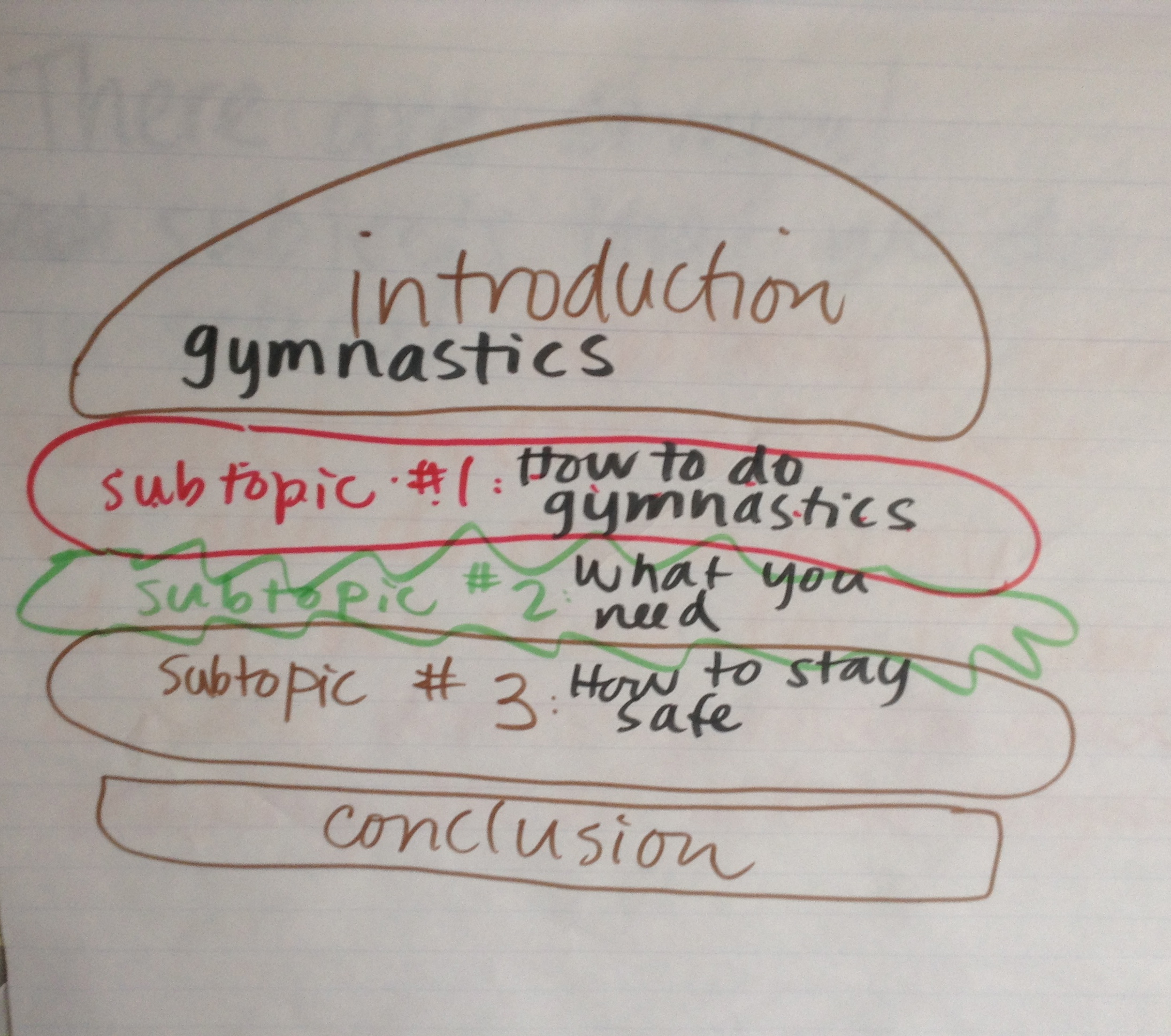
While there are lots of ways to describe the structure of a 5-paragraph essay (informational report, poster, etc.), the one I go to is always a sandwich or a hamburger.  Excuse my really bad attempt at art.  It did the job. :)

While there are lots of ways to describe the structure of a 5-paragraph essay (informational report, poster, etc.), the one I go to is always a sandwich or a hamburger. Excuse my really bad attempt at art. It did the job. 🙂

Before we published, we planned out what our posters (which they made under my suggestion) would look like.  They each created a "map" of where each paragraph and text feature would go.

Before we published, we planned out what our posters (which they made under my suggestion) would look like. They each created a “map” of where each paragraph and text feature would go.

One last step before we published was to edit (which we had a chart for, too, but I didn’t have a picture of just now).  We focused on how editing is a COURTESY TO THE READER so that they both read and understand our intended message.  Final posters were made and then we had a 5th grade writing celebration to showcase our hard work!

But wait–that wasn’t it.  Yesterday, after our celebration was finished, we sat down to do a post assessment version of the on-demand writing assignment.  It was AMAZING to see how their writing changed from the beginning to the end.  That led them to the post here,  where writers were reflecting on those changes.


Info Text Writing Reflections

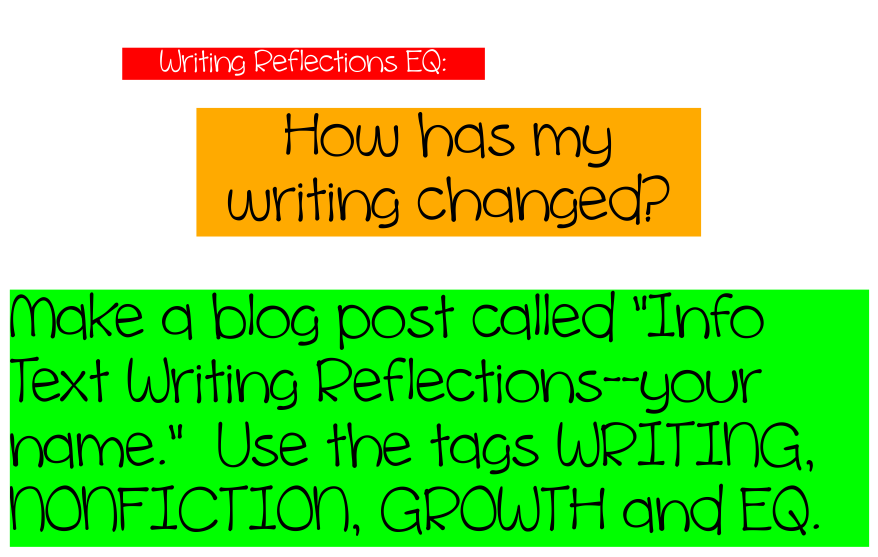
Ok, friends–here’s the post you needed to work on your blog reflections tonight!  Remember, this is the EQ we talked about in class:

Screen Shot 2013-12-10 at 3.12.12 PM

Your job is to explain the whole on-demand writing thing (because not everyone that reads your post will know what we’ve been doing!), as well as find as many ways that your writing is different as you can–using evidence from your writing to explain.  I hope to finish writing a post all about all the things we’ve learned, but here’s a quick list of things you might mention in your post:

  • paragraphs
  • length
  • use of interesting language or domain-specific vocabulary
  • how you added subtopics of more information than the first time around
  • how you used text features (more of them, more thoughtful, how you decided what to use)
  • if the writing experience was easier/harder for the post assessment than the pre assessment
  • anything else you notice about how your writing is different!

When I get the other post done, I’ll link to it here, to check back soon! Oh, and if you need a link to your blog, here’s one. 🙂

Can’t wait to see what you figure out!  Happy reflecting!

Mrs. Bearden

On-Demand

Writing is a subject that is important to students–to everyone, really–and the teaching and assessing of it are ever-changing.  I LOVE the topic of writing (wait–you knew that already didn’t you?): I love doing it, reading about it, teaching about it, everything.  And above all, one of my favorite things about writing is helping kiddos get to love it, too.

So…this year our district is implementing a new writing curriculum, one that I have had the privilege of spending the last year rewriting to better match the Common Core State Standards and better help every student become college and career ready.

In some ways, writing in our school district was already aligned with CCSS, and we have always had really high standards for what students should be able to do.  But there are also some things that have (and will) changed in response to the new standards:

  • Students will now be required to learn about and then demonstrate their knowledge of argumentive writing.  This is much different than the opinion pieces we’ve done for years–the heart of the argument is staking a claim, anticipating counterarguments (and answering them) and using valid evidence to support the claim.
  • The ability to write in every content area, while included for years, is more highly expected now.  Writing is expected to be thought of as something you do every day, in many ways and in many places.  It is not just something you do at school for an hour a day.  Students should be writing in reading, writing in math, writing in science and writing in social studies.
  • New listening and speaking standards have been introduced, and are emphasized in all areas of student learning, not just in writing.
  • Students are expected to be writing for a larger audience and making global connections via the internet.  Thank you KidBlog for your help with this one!  Luckily I started this one years ago. 🙂
  • Students are expected to be able to produce an entire piece of writing in one sitting.  Yep, go all the way through the cycle in 45 minutes. 🙂

And so that’s why this post is called On-Demand (glad I finally got to that explanation, huh?).  We did our second on-demand writing piece today.  And boy is there a story to tell. 🙂

This year, as a part of our new curriculum, we have access to Lucy Calkins’ Units of Study.  The newest version of them is aligned with CCSS expectations, and gives teachers many ideas of how to help kiddos achieve these more rigorous standards.  Included in each unit is an on-demand writing assessment (well actually there are two–one as a pretest and one at the end of the unit).

We just finished up a narrative unit, and today was the day we sat to do our on-demand piece, in 45 minutes.  Here were the directions I gave:

2013-10-23 11.12.14

Now, we have done this before.  Only once, though, at the beginning of the year before we started this unit.  I wish I had pictures of their faces when I first told them what we were going to do and how long they had to do it.  I don’t.  Boo. 😦

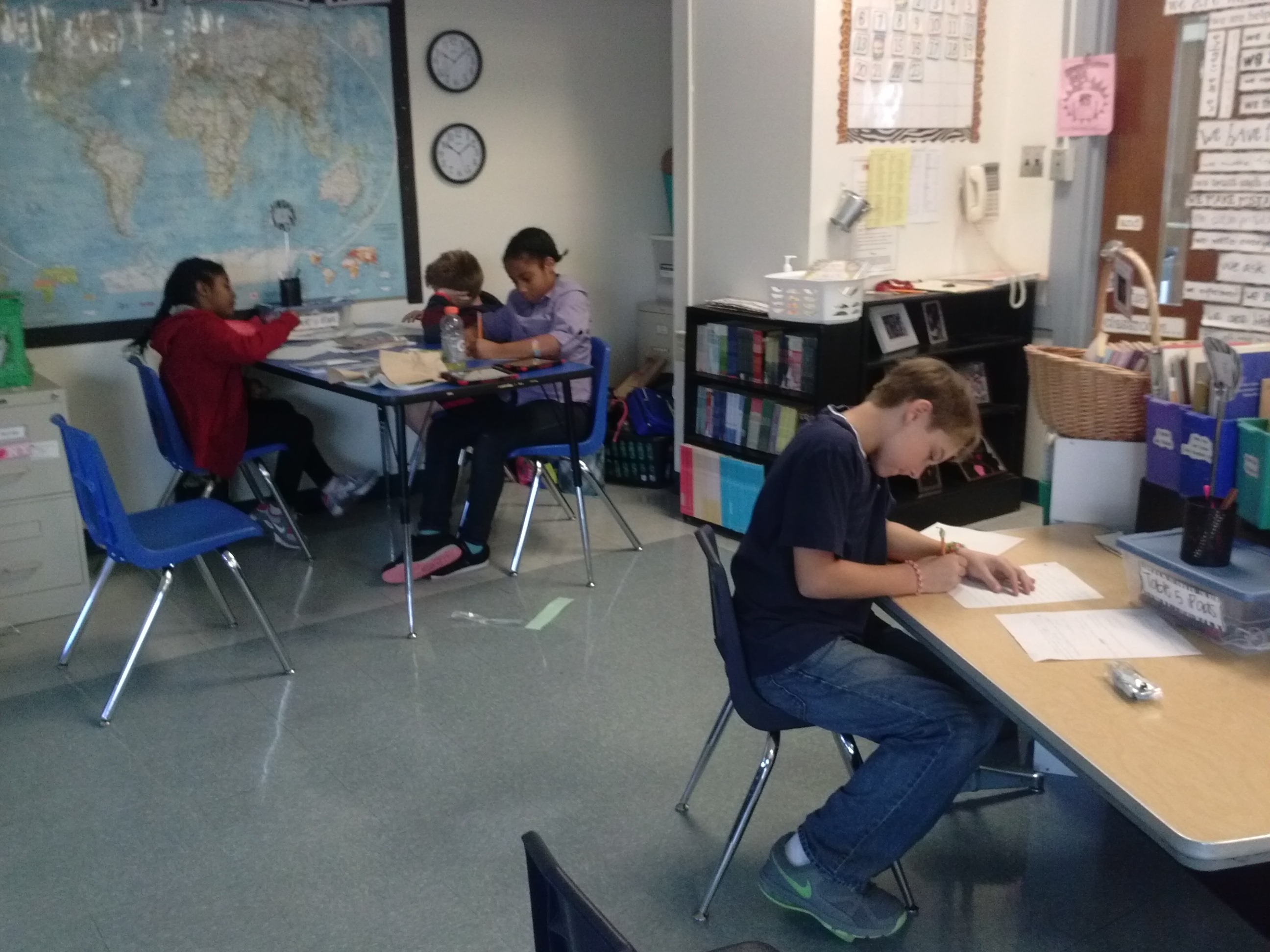
But I do have pictures of what it looked like today.

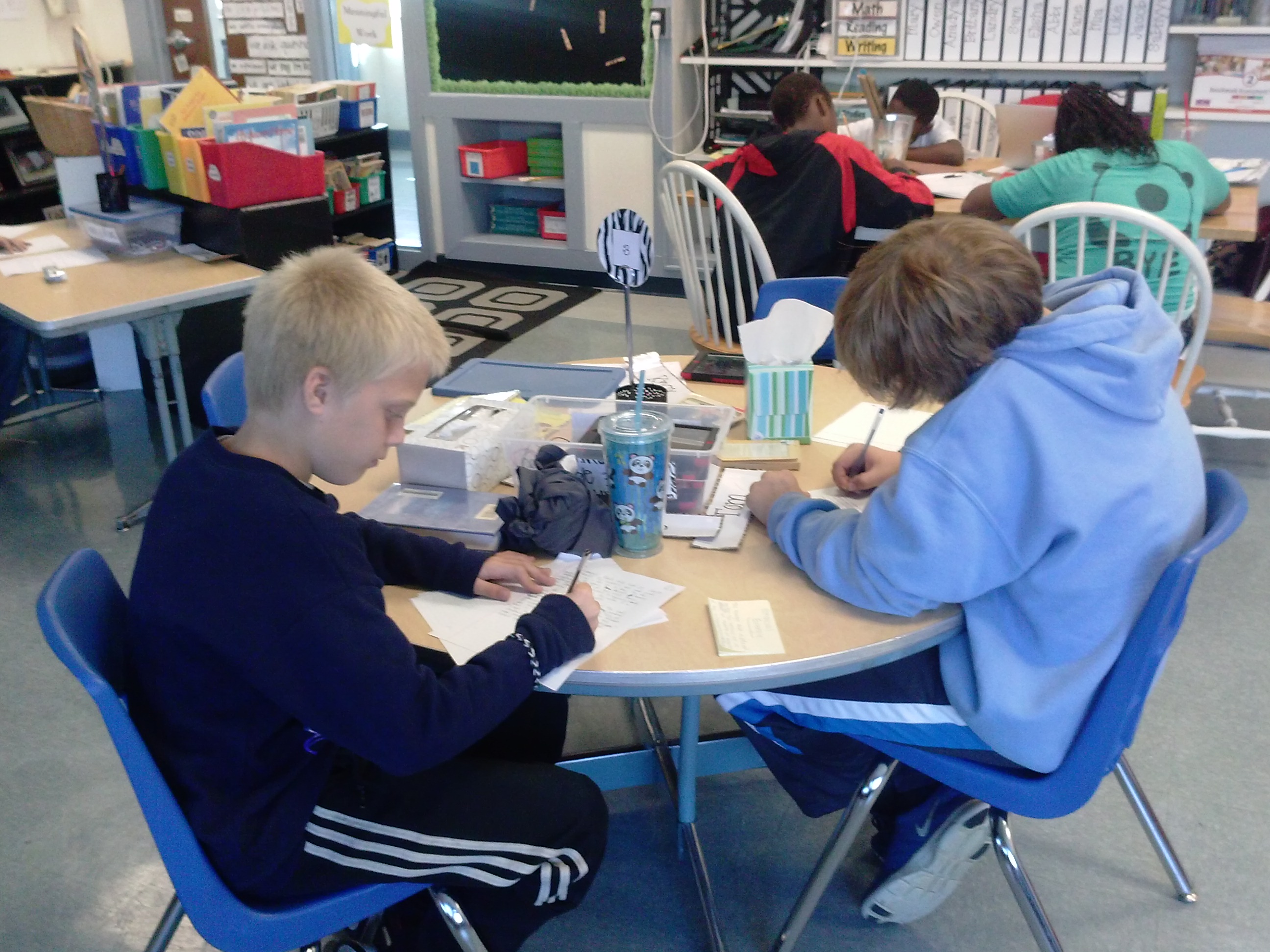
Some friends sat with me at my table to work on their pieces.

Some friends sat with me at my table to work on their pieces.

Max needed to stretch out on the floor to get the juices flowing.  Totally how it rolls in our room!  Love how he looks like he's really thinking!

Max needed to stretch out on the floor to get the juices flowing. Totally how it rolls in our room! Love how he looks like he’s really thinking!

2013-10-23 11.12.33

There are definitely many friends with their heads in their hands for at least part of the session.  Again--lots of deep thinking happening here!

There are definitely many friends with their heads in their hands for at least part of the session. Again–lots of deep thinking happening here!

2013-10-23 11.12.49 2013-10-23 11.12.55

I set a timer for friends who needed to monitor how much more time they had.  Although, not surprisingly, this really stressed some people out more than it helped them. :(

I set a timer for friends who needed to monitor how much more time they had. Although, not surprisingly, this really stressed some people out more than it helped them. 😦

For as hard as it was, though, I was so glad that in a very short time, everyone was busy and writing.  Everyone got a piece written and everyone turned something in!  It was very cool to see what they are now able to accomplish in such a short amount of time!  I think they’re amazed, too.  And the best part is that the more we do this, the easier it will get!

Notebook Day! (a.k.a. SepChristmas)

We had a special day on Monday!  It was Notebook Day!  I wish I would have taken a pic of the big ‘ole pile of wrapped up notebooks, but I was so excited to give them out that I forgot. Boo. 😦

But just like last year (and for many years, actually) my friends got a special gift wrapped up all special, with an even more special note attached.  Here’s this year’s note:

Screen Shot 2013-09-18 at 8.36.28 PMThe paper they were wrapped in was covered in moustaches!  (On a side note, what is it with kids loving everything moustache lately?!)

Then it was time to pass them out.  So each kiddo, one at a time, came up to sign the pledge (which I’ll share soon–it’s at school. 😦 ), get their secret package AND a new pen!  The smiles on faces where SO GREAT!!  Here’s a little bit of how our “signing ceremony” went:

Yeah…somehow I got cut off there at the end, sorry.  🙂

I love that DeShala was the one who coined this special day SepChristmas, since it was like Christmas in September!  Yep, love it.

So once everyone pledged that they were going to do their best to grow and learn as writers this year, it was time.  And so on the count of 3…

Here’s to a great writing journey this year, friends of Rm. 202!  Let’s get this party started!

Book Trailers

We watched our first book trailer together when we read The One and Only Ivan earlier this year.   We were mesmerized by how it drew us in and made us want to read the book–even more than we already did!  Then we went 1:1 with iPads, and I knew that this would be something we’d have to do for ourselves, especially since we had some iMovie experts in our midsts (yes, I’m talking about you, Anna K., Aiden and Jack!).

Then, it was time to start thinking about service learning projects, too, and suddenly it all seemed to fall into place….

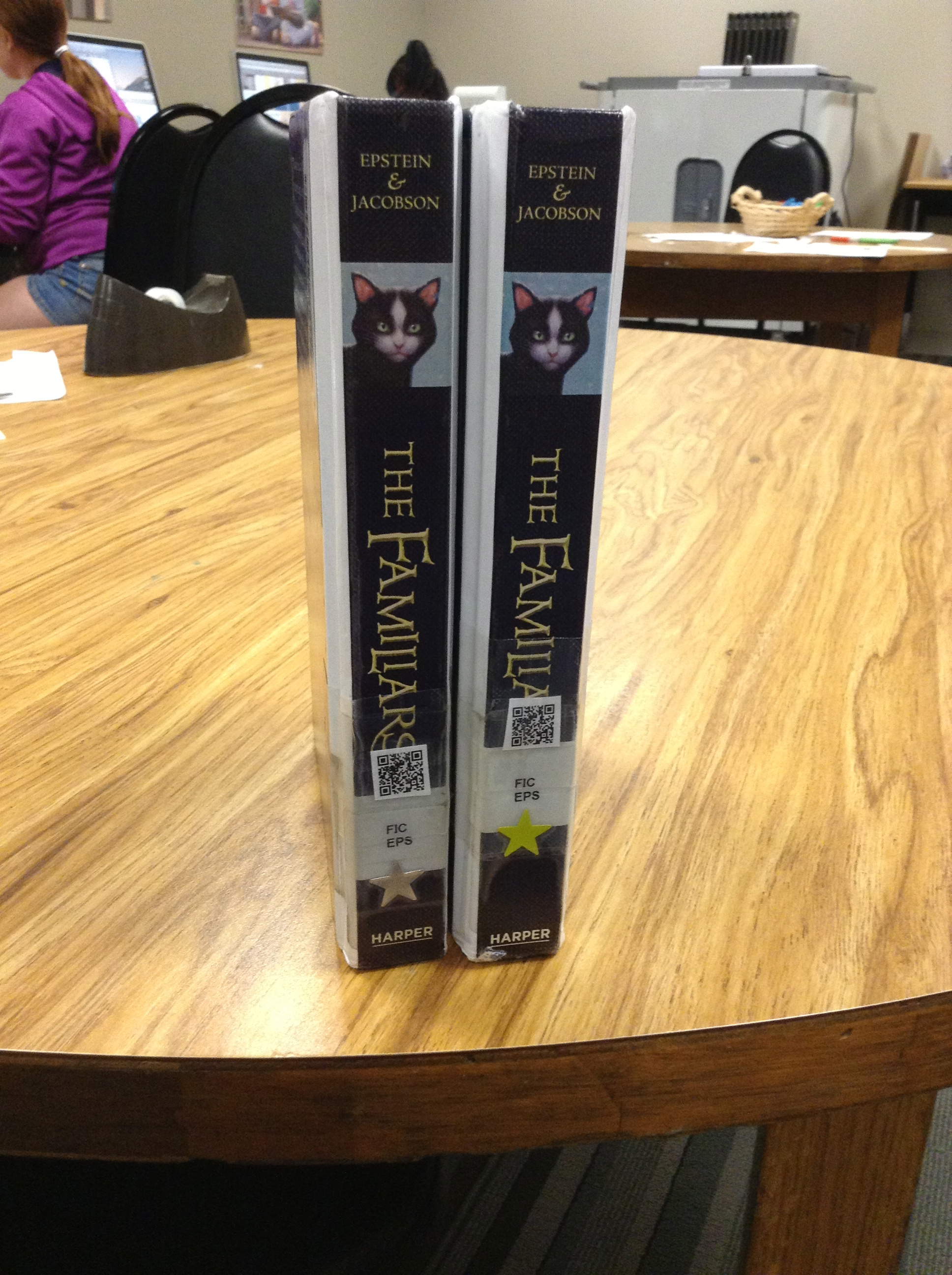
I was having a conversation with our librarian, Mrs. Meihaus, about my idea for wanting to learn about  book trailers (and at that point I didn’t really have a direction I wanted to go in, or anything more than a desire to do it), and she told me about an idea she’d just learned about from our Scholastic rep–just the day before!  Talk about good timing.  This idea she’d found out about involved creating cards on the shelves that link QR codes to book talks, to help readers as they make decisions in the library.  Seemed like a perfect fit!

So we just dove right in and started making movies the next day, right? Nope.

We had a TON of work to do first.  And what was great was that my kids knew what that work was without me even telling them.  I just asked the question “What do we need to know before we can start our book trailer project?” and this is what they said:

It's messy because we used it as our checklist to make sure we had done all of the prep work before we go to our movies.  What a great example of kids creating a project--they led us where we needed to go!

It’s messy because we used it as our checklist to make sure we had done all of the prep work before we go to our movies. What a great example of kids creating a project–they led us where we needed to go!

We spent many days together reading book reviews, and learning what was supposed to be included in one.  We read examples of them, and practiced writing our own on books we’d read together and individually.  We watched several examples (both good and bad) of book trailers and kept notes about what made them successful, i.e. which ones made us actually want to read the featured book and why.

About that same time, I came upon a Twitter chat where the topic was book trailers and several teachers were sharing ideas for how they make these productive with their students.  I LOVED the idea that Jenn Fountain (@jennann516) was sharing about how she managed student made book trailers.  The way she used storyboards to help students thoughtfully plan the pictures and the text they wanted to include was the missing piece of the puzzle, and seemed to be just what we needed!

IMG_0849

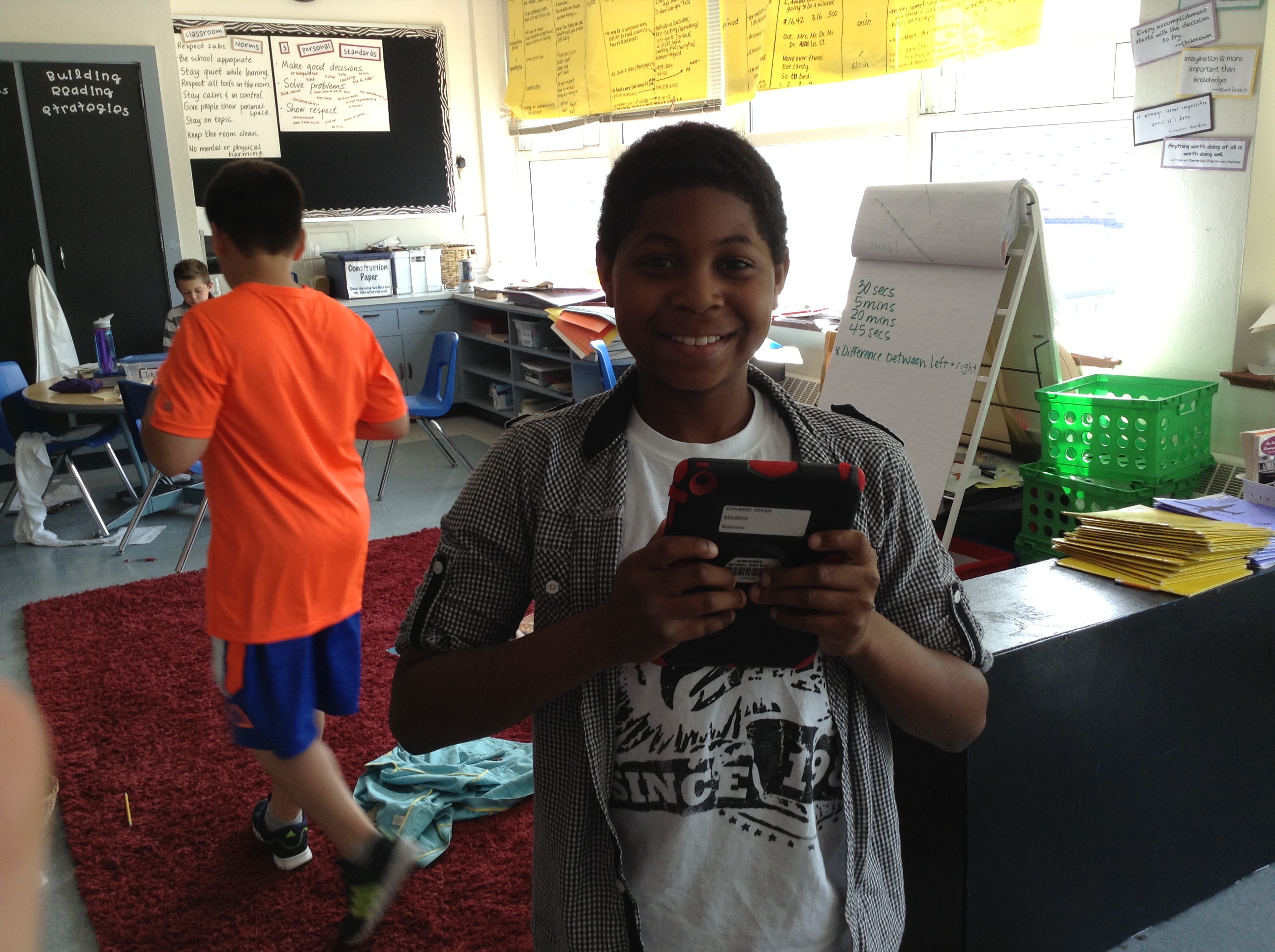
Devan loved this project!

IMG_0850

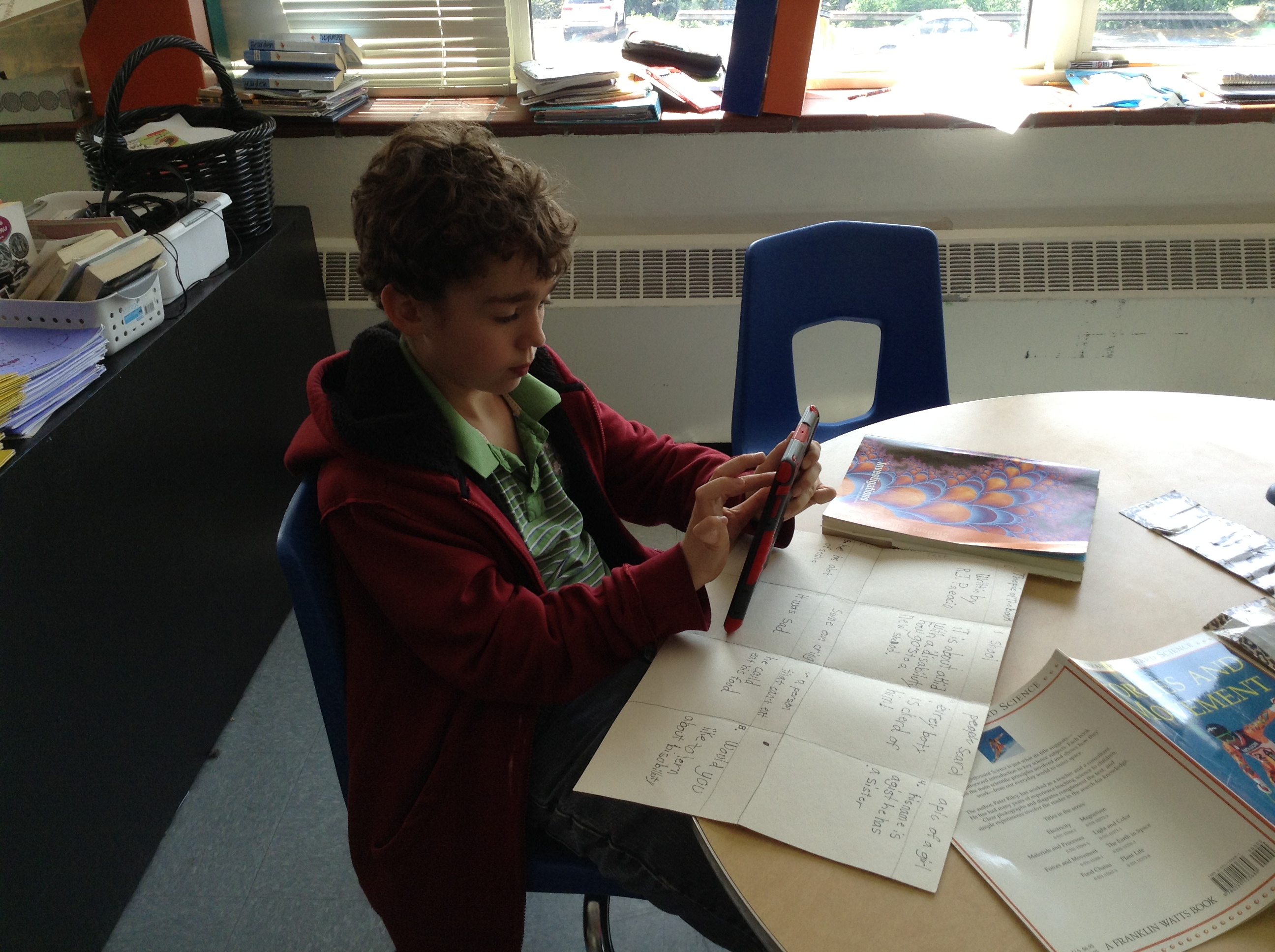
Remember Jack, the iMovie expert? He’s hard at work on his storyboard and book trailer about the book Wonder by R.J. Palacio–a class favorite this year!

IMG_0851

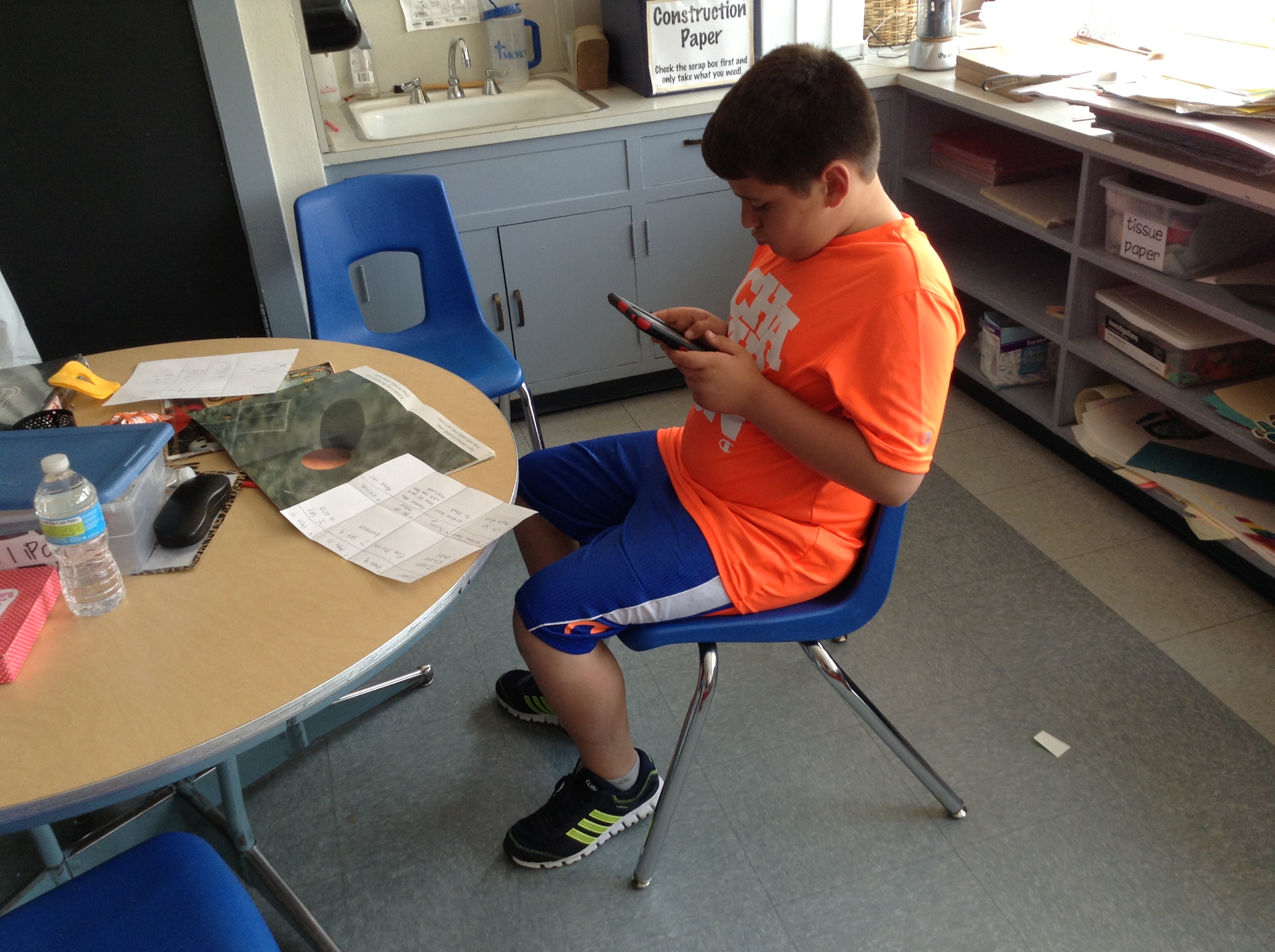
Aiden (another in house expert) decides which pictures from The Kissing Hand to include in his video.

IMG_0852

Damonte is hard at work on his book trailer for a text about Lamborghinis. Another place we got ideas for books was from Ms. Dale, one of our kindergarten teachers. We made several for some favorites that we knew some of our newest friends at Robinson would want to read in the fall!

IMG_0853

Don’s using his storyboard as he creates each scene of his iMovie.

IMG_0854

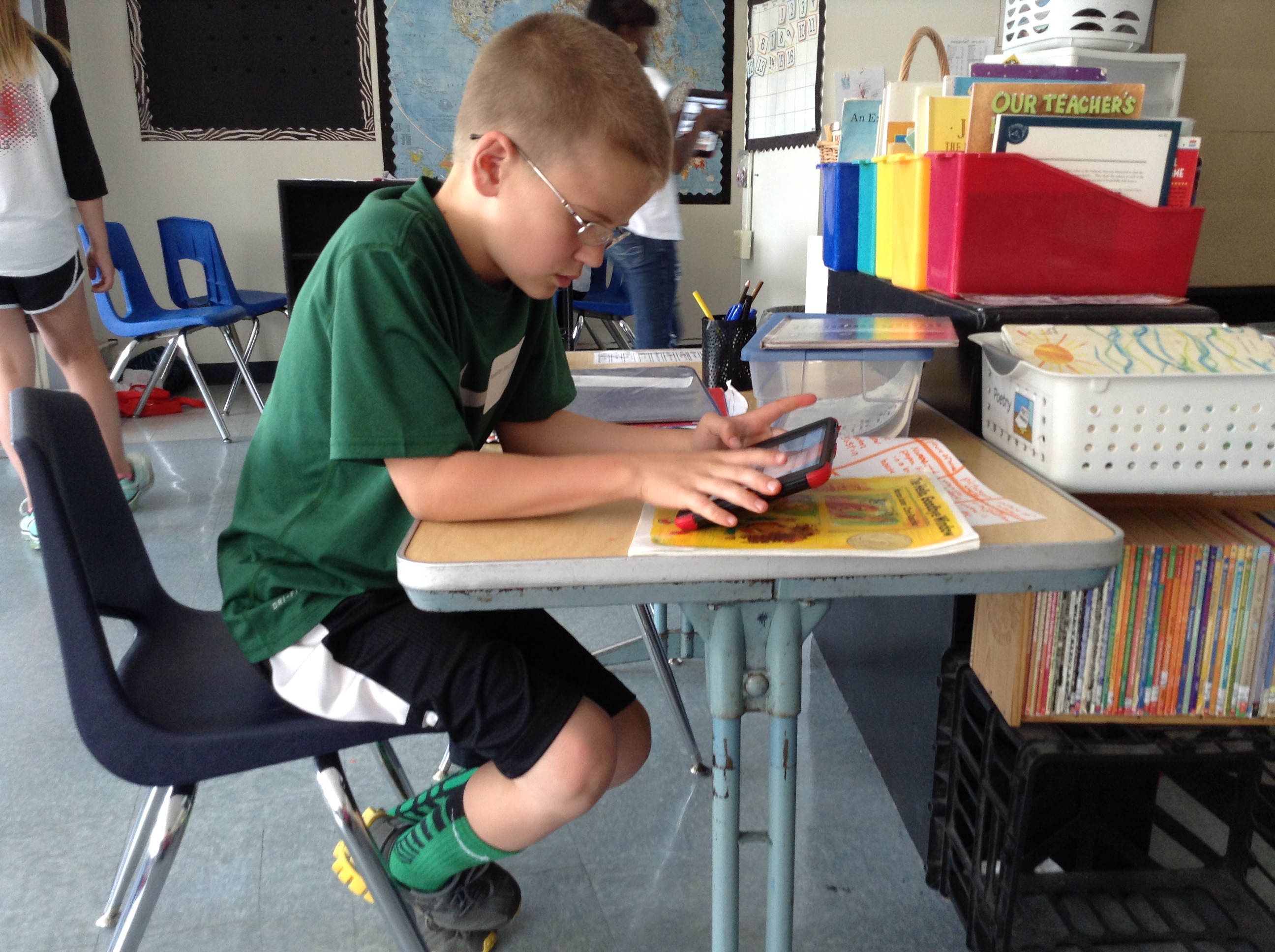
One of Keelan’s videos was from that kindergarten pile–The Hello, Goodbye Window.

IMG_0855

Anna K. (on the left) was a wiz at iMovie! I love how kids taught other kids how to do things and answered questions when we needed to troubleshoot why something wasn’t working. Here she helped Sammy figure out how to fix a problem she was having with a picture.

IMG_0857

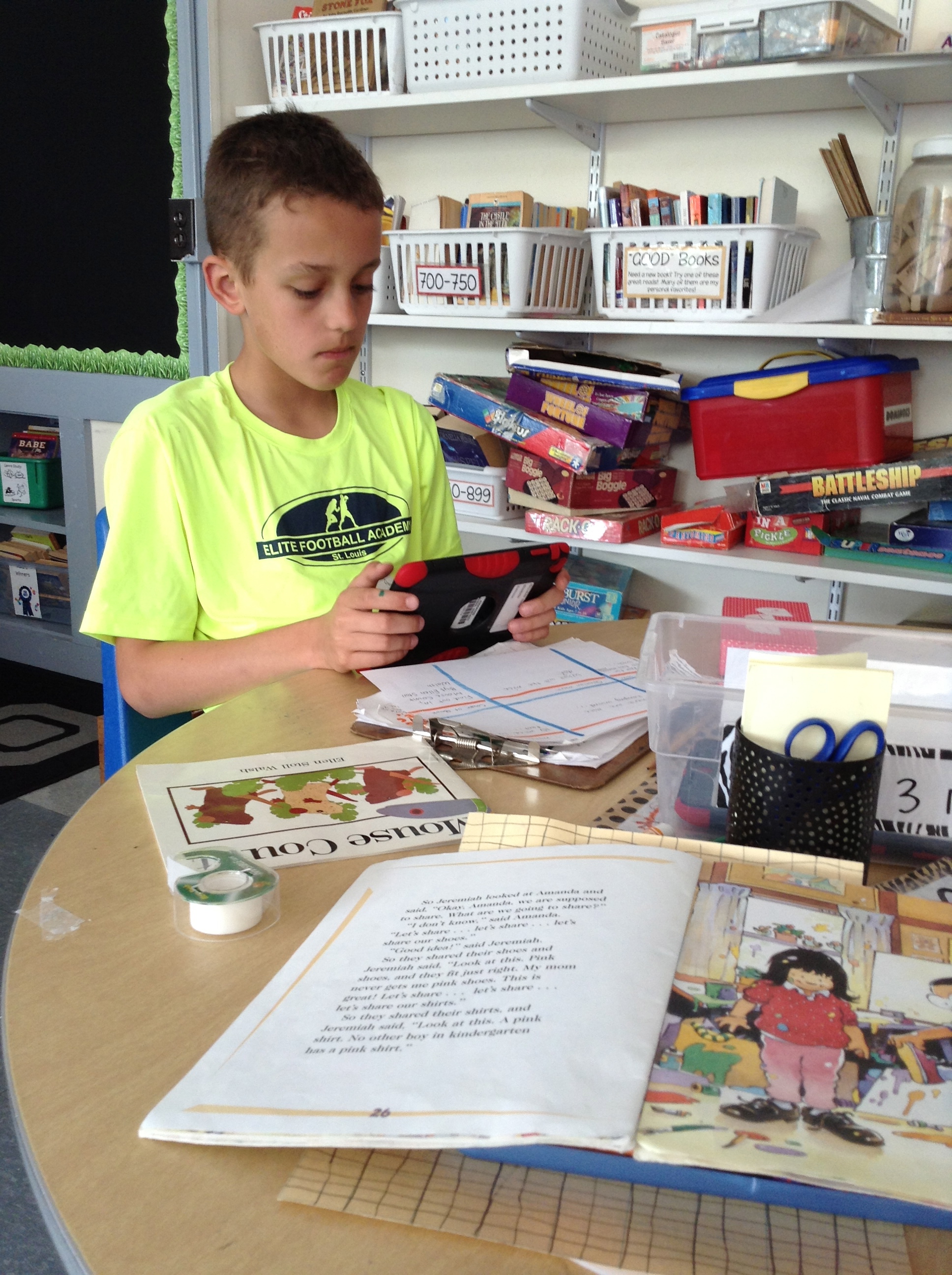
Owen working on a book trailer for Mouse Counts.

IMG_0859

Sophia and Jernandra worked together, too. Jernandra’s book trailer was about Super Fudge.

IMG_0860

Sometimes the pictures we added were from the internet, and sometimes they were ones we took ourselves.  IMG_0863 IMG_0865See?

So, kids chose books (we started with our favorites, but also brainstormed other ways of choosing like book award lists for the upcoming year, book award lists from previous years, books that are frequently checked out from our library, etc.) and began to create our storyboards.  Once they had an approved storyboard, they went to work in iMovie, which we worked together to figure out—remember those experts I mentioned in the beginning?  They helped lead small groups to coach kids on what to do–and Jack even taught me how to do it!  What a great app, by the way, and on the iPad it’s SUPER SIMPLE to use.  I highly recommend using it if you aren’t already.

But just because our book trailers were finished, that didn’t mean our project was done.  We wanted to then link all of those trailers to QR codes that kiddos in our Robinson library can scan and learn more about the book as they are shopping for books to check out.  That meant we had to answer the “where do we put them when we’re finished making them” question from our original chart.  Many suggested we put them on our blogs, and we already a class YouTube channel, but we had to make sure it was some place that would be able to get through our internet filters at school (so kids could actually watch the videos we were creating!), that would be able to hold a large amount of data, AND that would be online (otherwise we wouldn’t end up with a QR code!).  I decided that SchoolTube was probably our best bet.

It was really great when we finally got to the end of the project and we were working in the library to finally attach all of our QR codes.  (Even this part of the project was kid-led, too, as someone suggested it would be a better idea to attach the code to the actual book, rather than the shelf.  Genius!)  We were super excited to be able to call in Mrs. Sisul, our principal, who supports all of the crazy and fabulous things we want to try with technology, and show her how they work.

Don and Owen showing Mrs. Sisul how to scan our QR codes to get to our videos on School Tube.  She was so excited for us!

Don and Owen showing Mrs. Sisul how to scan our QR codes to get to our videos on School Tube. She was so excited for us!

So at the end of it all, we ended up with over 50 TITLES that now have book trailers, and each copy of each book in our library has a QR code attached to the spine or the cover (depending on where it would fit)!

IMG_0872 IMG_0871

I wish that I would have had time to do the last reflection piece after this project, to have my kiddos tell you all that they’d learned throughout the process, but alas, we worked right up to the very last minute–and then it was summer!  So I ask now, to all of my 5th grade friends who worked on this big service-learning project with me: What did you learn from this experience?  What do you know now that you didn’t know when we started? What was your favorite thing?

And now it’s your turn to check out all of our fabulous work!  While I’d love to individually post every trailer here for you to watch, it makes more sense to direct you to our Robinson School Tube channel so you can check them out there! Happy watching and thanks for leaving us your comments about what you think!  We worked so hard and are so proud of what we accomplished!


iPad Scout Reflections Week 3 (and 4): Getting in a Groove

I knew it would happen eventually, and I think during week 3 it happened: we got into an iPad groove.  So in some ways that makes this week’s reflection really fabulous, and in some other ways it might make it really boring.

After the first week of highs and lows, and the second week‘s videos, I was excited to see what Week 3 would bring us.  I was hoping that it would bring some sort of “normalcy,” where we wouldn’t have our noses constantly in our iPads and were somehow thinking of them as tools instead of toys.  And to some extent that’s what happened.

The most exciting part of the week for me, I guess, was how my kids are starting to come up with really great ways to use our iPads to enhance our learning.  We’d already been using Educreations for annotating videos explaining our learning, using Notability to mark up text we were reading and taking pictures to help us save documents we could use later easily in another place.  And up to that point, much of what I was asking them to do with their new tools (outside of the iMovies they’re making for fun, blog posts they write for themselves and some other stuff like Edmodo) had been my idea.  Then we started talking about poetry.

As like with every other unit, they were to publish their pieces, self-evaulate using our writing rubric, and then turn in their work (not rocket-science, I know).  And ZB had a great idea of how to do it.  Just like we had been doing in Educreations to explain our thinking in math, ZB had an idea of how we could do the same thing for writing.

First we published our poems using Pages (the app on our iPads instead of the program on our laptops), which we could now save in our Dropbox folders.  Also in the Dropbox was the rubric, which I could easily share for each kiddo to upload.  Then came ZB’s idea: maybe we could put pictures of them both on a page in Educreations and then explain why we scored ourselves that way.  GENIUS–especially since the “4” on most of our rubrics is to “explain the reasons behind your choices.”    So they took a screen shot of their poem, and laid a screen shot of the rubric right next to it:
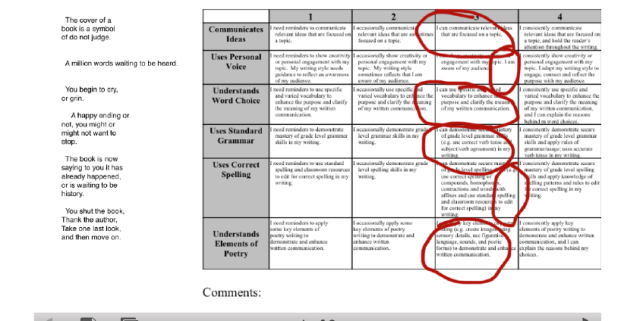
Screen Shot 2013-04-26 at 9.11.23 PM And as they scored themselves on the rubric, they could explain to me why they thought their poem showed that, and could make connections to the text of their poem at the same time.  This type of thing, before we had our iPads, was possible, but would take FOREVER because I’d have to have a separate conversation with each writer in order to gain the information about their thinking.  Great idea, ZB!

Now, I must take a minute to insert a short story of a frustrating “apportunity” we had related to these videos.  It’s related to the fact that Educreations is a GREAT place to create videos, but not such a great app to use if you want to do anything with those videos.  And of course I didn’t know this until after we’d done all kinds of work with it.  As I struggled to find a way for my kids to be able to share their work with me, I found this FAQ on the Educreations website that helped me find an answer to my problem.  A negative answer.

Screen Shot 2013-04-26 at 9.29.44 PM

Lame, right?  Yeah…great information I wish I’d had before we started.  And so this meant that what I had thought were great opportunities for my students to share their thinking with me were now just stuck on their iPads.  Well, unless I wanted to lug them all home.  Which was kind of not the point of going 1:1 and being electronic and such, you know?

Well, since then, I have learned a couple of things that solved our problems:

1.  You can get around the exporting problem if you sign up for an Educreations account.  That way you have the option of emailing your video to someone or copying the URL link of to post or use.   I found out I can also give my students a course code that will allow me to have access to their videos via the website.  They don’t even have to send them to me now; I can just click on each students’ file from one screen at the same time.

2. Notability also works in a similar way, and can be more easily shared or saved in Dropbox, Evernote, or a variety of other ways.

3. Explain Everything is a great app that combines all of the things that both Educreations and Notability can do, and has many other great options that will grow with your students as they get older and/or learn to do new things with their devices.  Downside?  It costs $2.99, but does offer a volume discount if you buy in bulk.  We’re considering this one as an option to Educreations.    Doodlecast Pro could do the same thing, and might be great for younger students (it’s also $2.99). 

Screen Shot 2013-04-26 at 9.43.11 PM               Screen Shot 2013-04-26 at 9.44.08 PM


So this past week was technically Week 4, but with MAP testing taking up much of our time and energy, there is not a lot of iPad news to share.  The one thing I will mention, though, which I guess fits in the “high” category, came from our class meeting today.

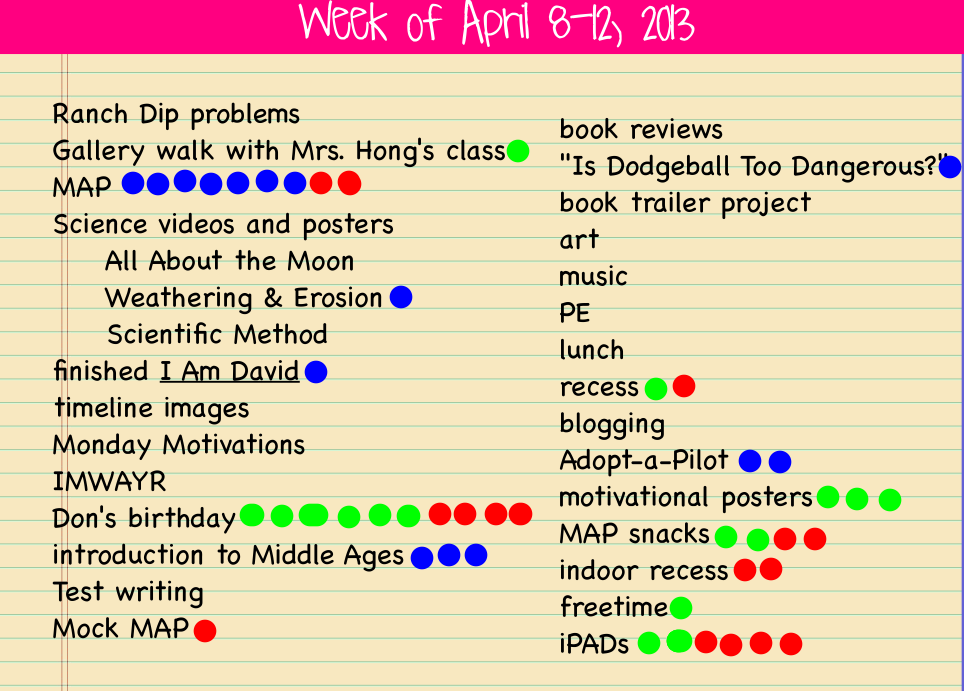
As always, the last question we answered before we started our discussion was “What do you want to talk about from the week?”  As you can see, man people had the same idea:
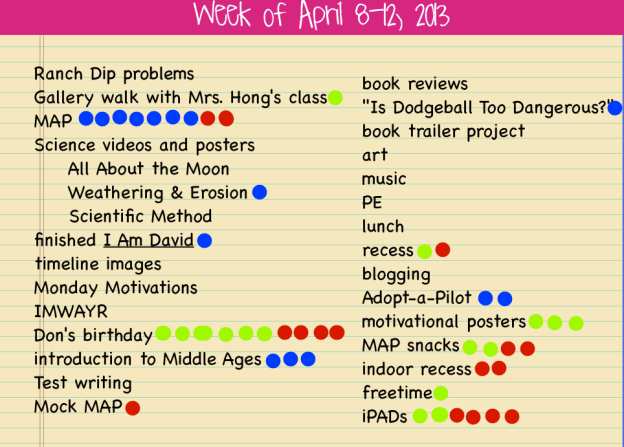
The red dots mention are what kiddos wanted to talk about.  Their conversations could be positive or negative, but these are the pressing issues of the week.

The red dots mention are what kiddos wanted to talk about. Their conversations could be positive or negative, but these are the pressing issues of the week.

Ok, so I know Don’s birthday was a big topic of conversation (because many people wanted to wish him well and tell him how awesome he is), but they also wanted to talk about iPads.  What I loved was that unlike past weeks conversations when there was a lot of discussion about what NOT to do, today they wanted to talk about how great it’s going!  The discussion was about how we’ve all figured out how to do things, aren’t playing around so much anymore, and how they’re helping us as learners.  Of course I was interested in hearing more about that last thing, so I dug for evidence.  They mentioned things like being able to get and send documents to me electronically instead of having to always get papers, as well as how easily they can look up answers to things they’re wondering about and just how much more interesting doing their work on the iPads has been.  And I’ve been excited at how much more collaboration there has been in spite of everyone being 1:1; many people worry that kids will be “plugged in” constantly and not interact with other students.  I’m happy to see that this hasn’t been the case in our room so far.  We’re just finding better ways to collaborate, communicate and curate.

IMG_0784

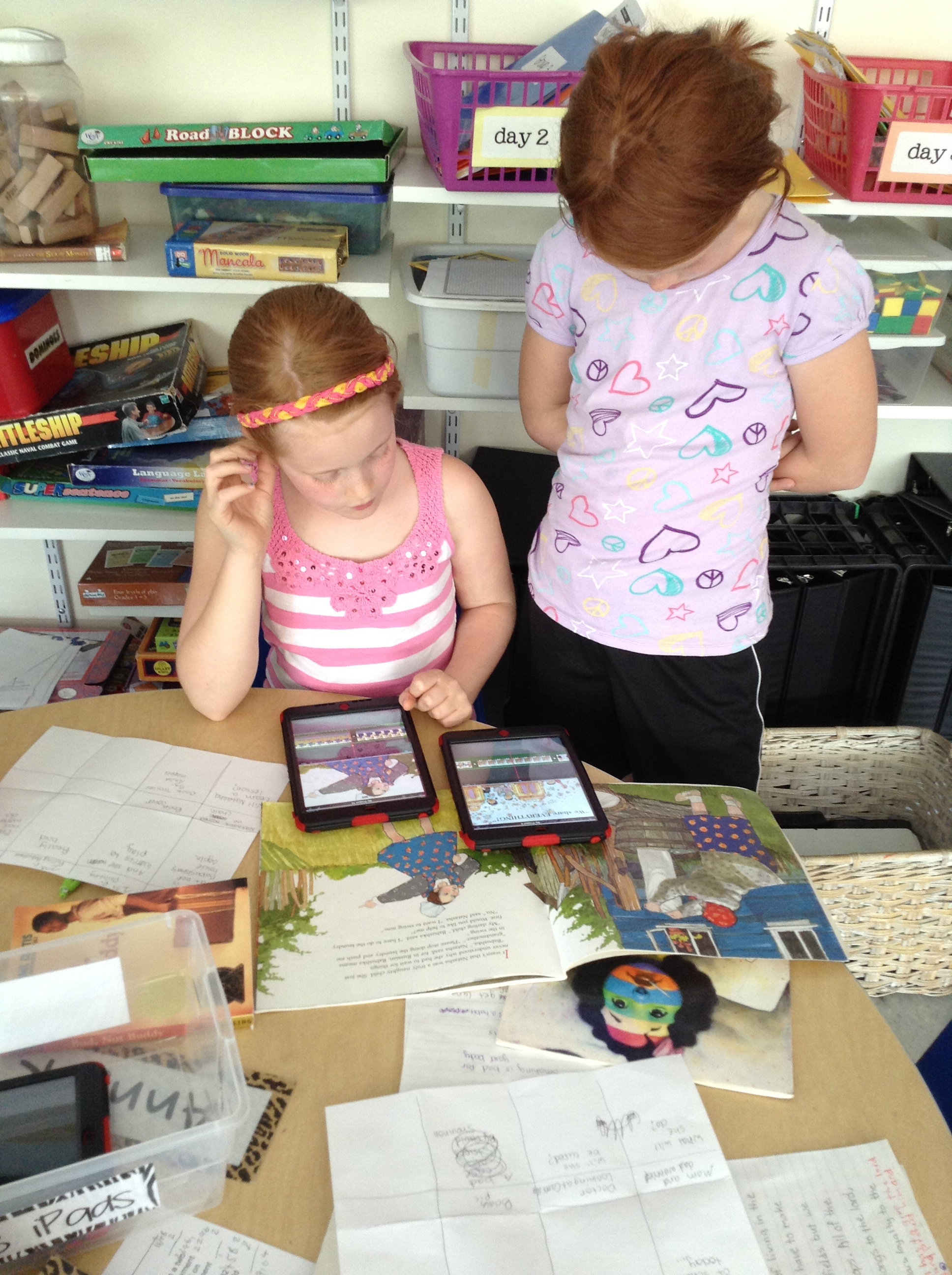
Don and Ames look at a common text on Educreations as we practice editing together.

IMG_0785

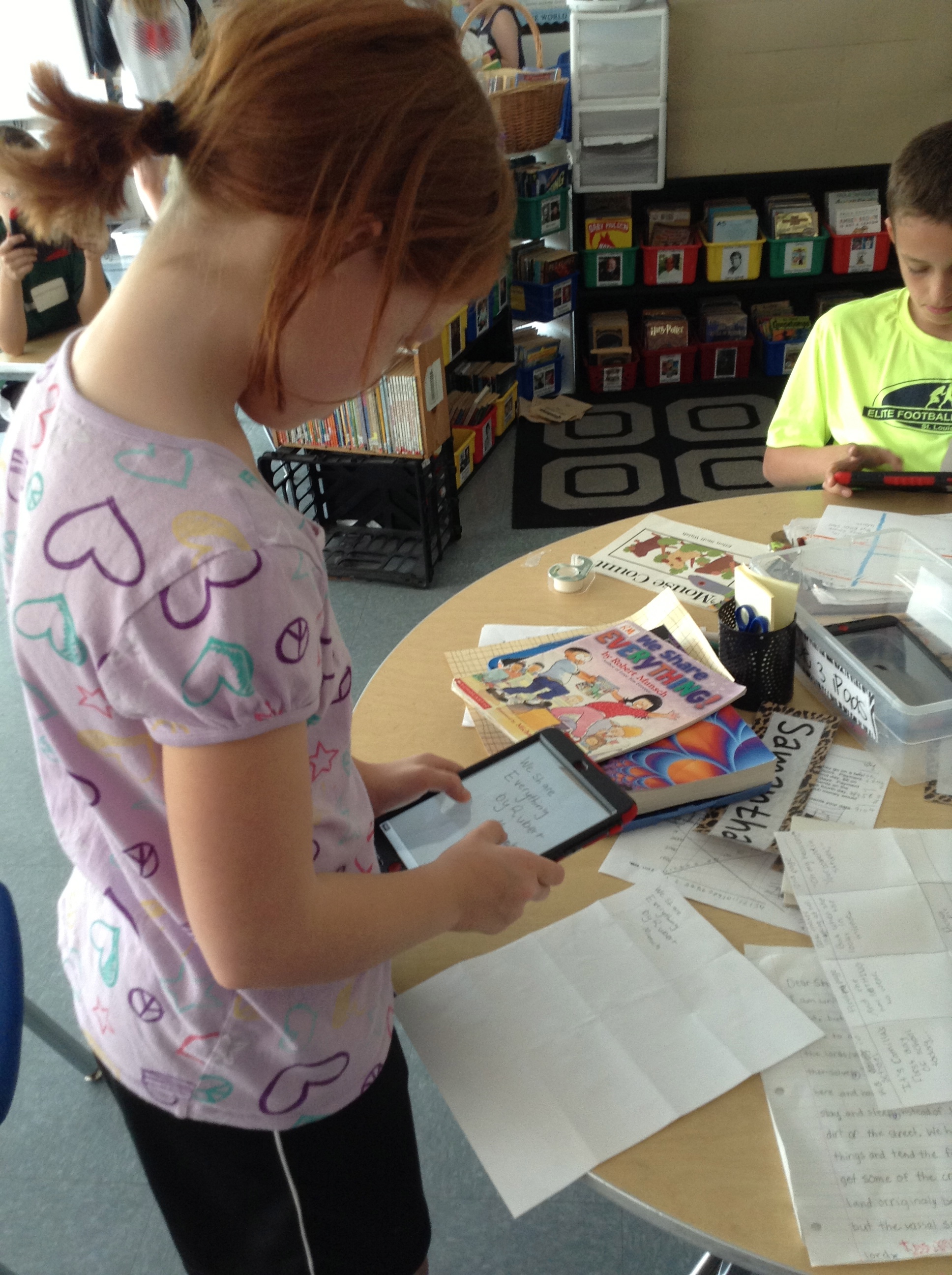
Anna and Fiona can look at the same text on their separate devices as they discuss how they’d improve the paragraph to make it easier for the reader to understand.  Since they’d uploaded the picture into Educreations, they can mark on the text right on their iPads and then save their thoughts to come back to later.
IMG_0786

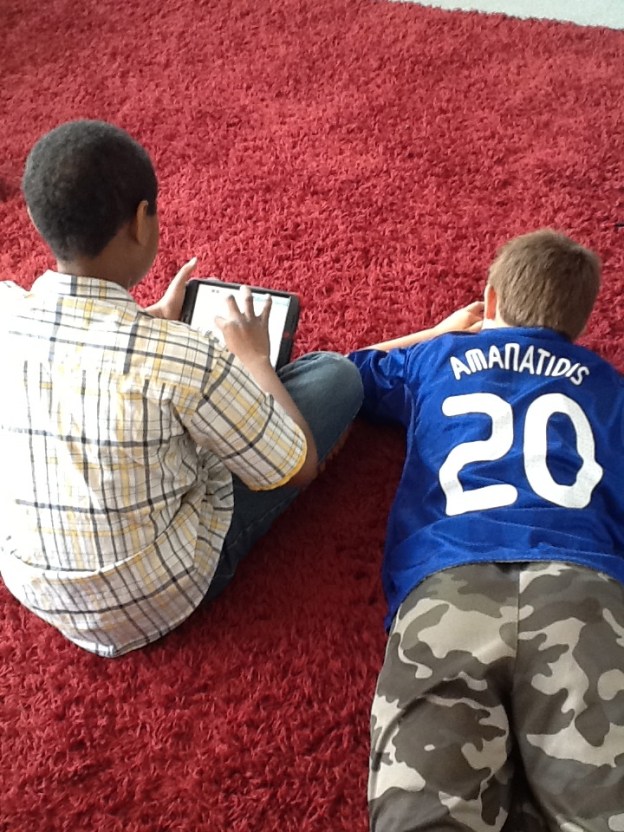
Devan and Peter work to edit punctuation and capitalization in a text uploaded from our shared Dropbox folder.
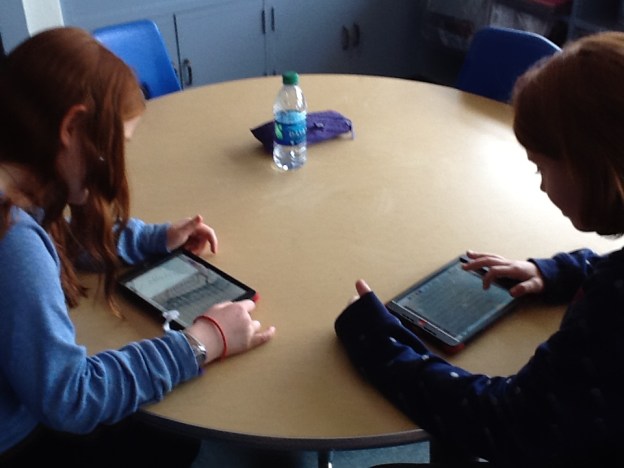
IMG_0791

iPad minis make it easy to have everyone look at the same text at the same time, but then interact with it in whatever way works for them as a learner.
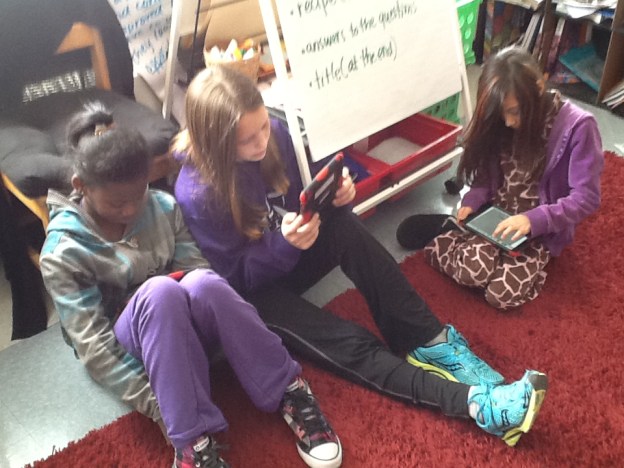
IMG_0792

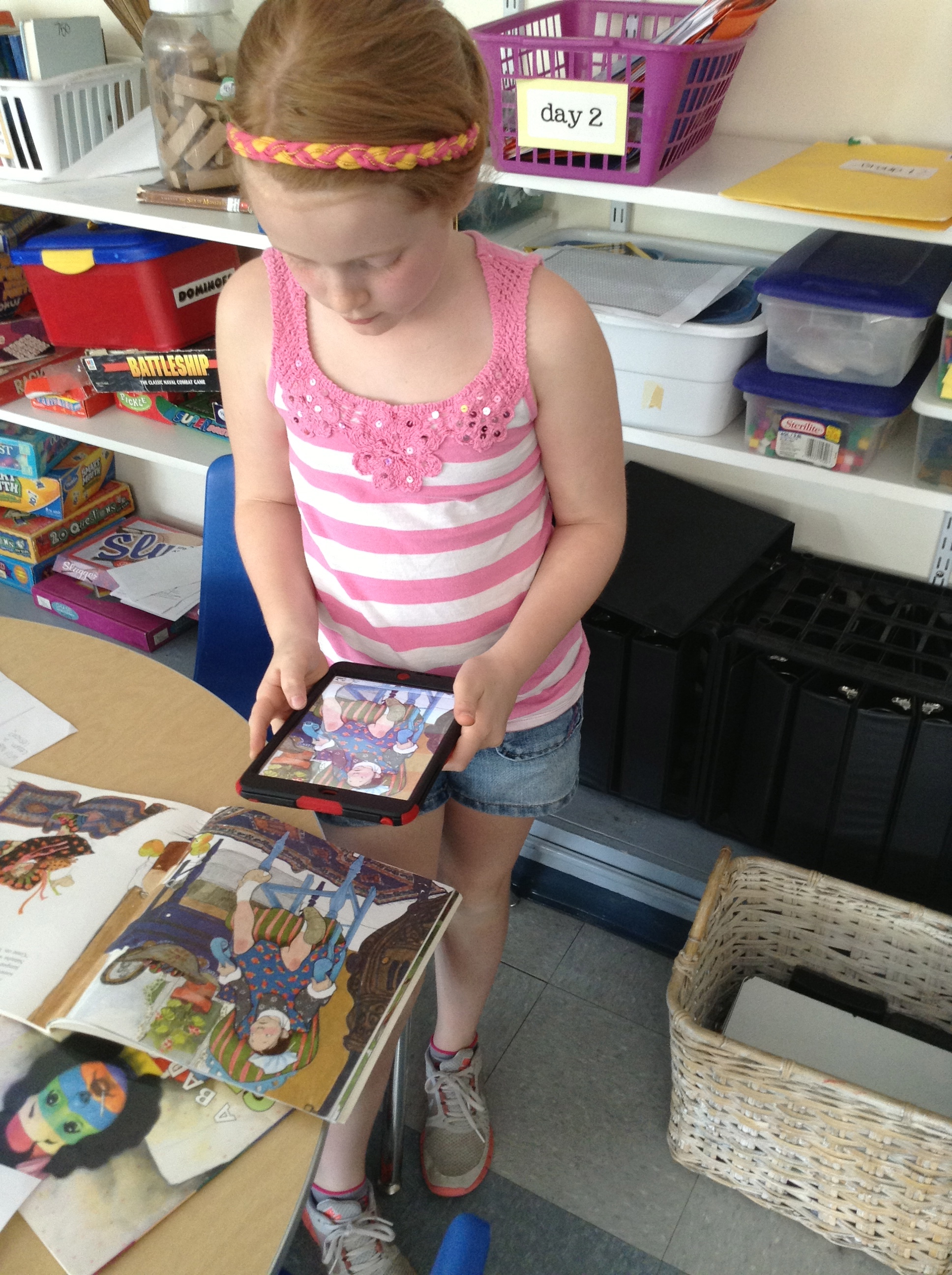
And they’re portable and small, making them easy to go anywhere–even the rug–unlike when we were only using our laptops for these kinds of things.


So we’re about halfway home.  4 weeks in and 4 weeks to go in the Scout.  And with MAP finishing up this next week, we’ll have some more time in our schedule to explore what our iPads will help us do.  Stay tuned for more on the book trailer project we’re in the middle of.  That is definitely something that would have been inconceivable before we were 1:1.  Exciting times ahead!

Just like always, it’s your turn now.  Thoughts? Suggestions? We’d love your feedback on what’s going on in our room! 🙂


Another (Writing) Celebration!

I’ve written before about how we use the Writing Cycle in our classroom, and how important celebrating our work is once we’re all finished.

Recently we had another one–this time with Expository Nonfiction Writing that we had done!

Our nonfiction pieces were all based on the structure of introduction, 3 paragraphs on specific topics, and conclusion.  They were written in many different forms, but all followed that same structure.

Our nonfiction pieces were all based on the structure of introduction, 3 paragraphs on specific topics, and conclusion. They were written in many different forms, but all followed that same structure.  Rebekah’s final piece was handwritten on paper.

Many students wrote their essays as feature articles using Pages templates.  All they had to do was replace what was there with their info and voila!

Many students wrote their essays as feature articles using Pages templates. All they had to do was replace what was there with their info and voila! I was impressed with the variety of topics: Sophia wrote about Artemis, Anna C. wrote a piece about tennis player Althea Gibson, ZB202 wrote about poodles and Natalie wrote about the evolution of the telephone.

IMG144

Some essays were made with a flier template, and Keelan wrote his as a brochure.

IMG146

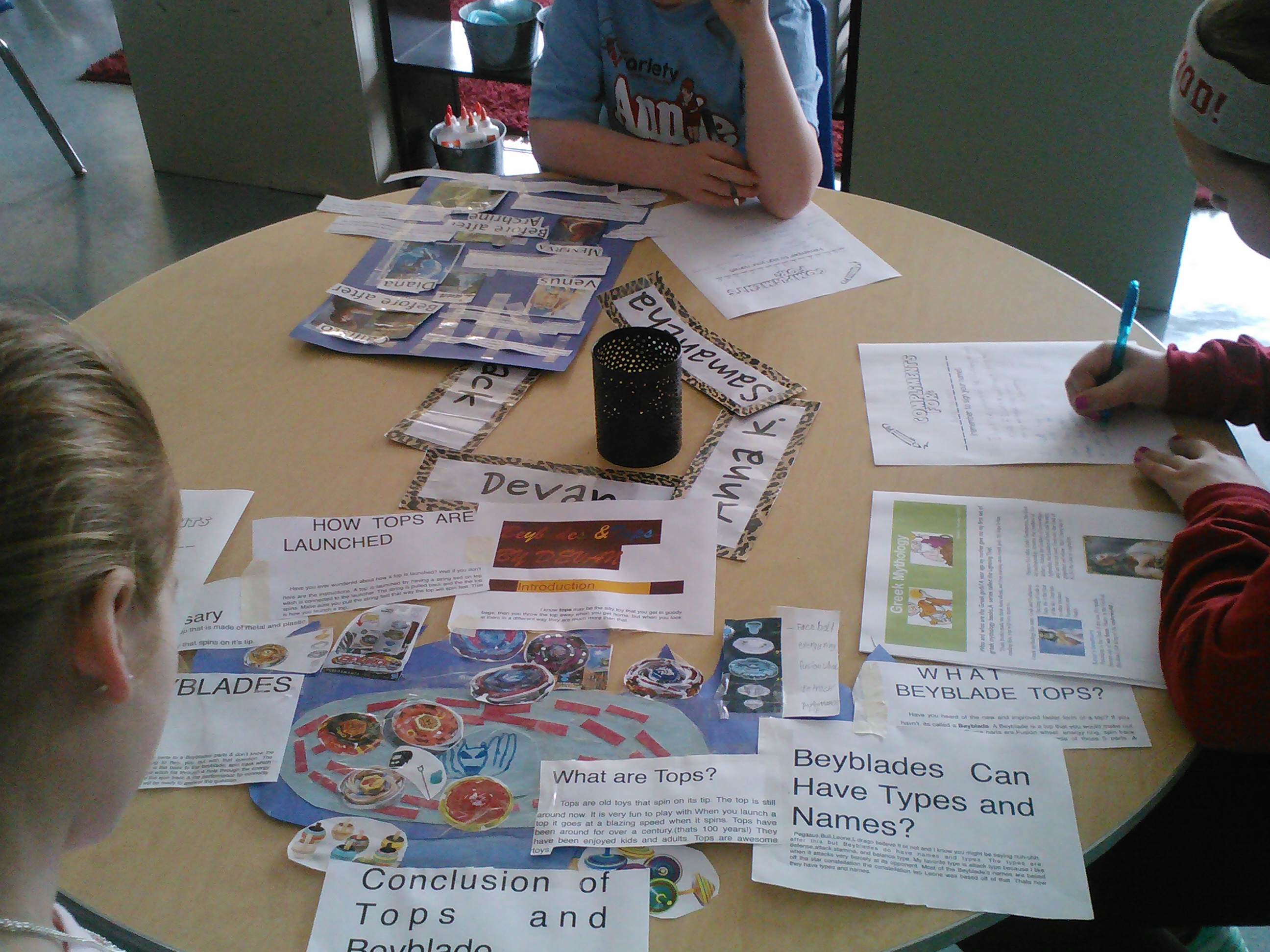
Here’s a great picture of the different end products: Anna K. used Pages to write about Greek Mythology, Devan made a poster that was SHAPED like his topic of tops, and Sammy made a poster about mythology, too.

Some posters were small, like Jernandra's about lions...

Some posters were small, like Jernandra’s about lions, Don’s about bulldogs,

IMG143

and Aiden’s about diamonds…

...and some were big, like Seamus' about Paul Revere,

…and some were big, like Seamus’ about Paul Revere,

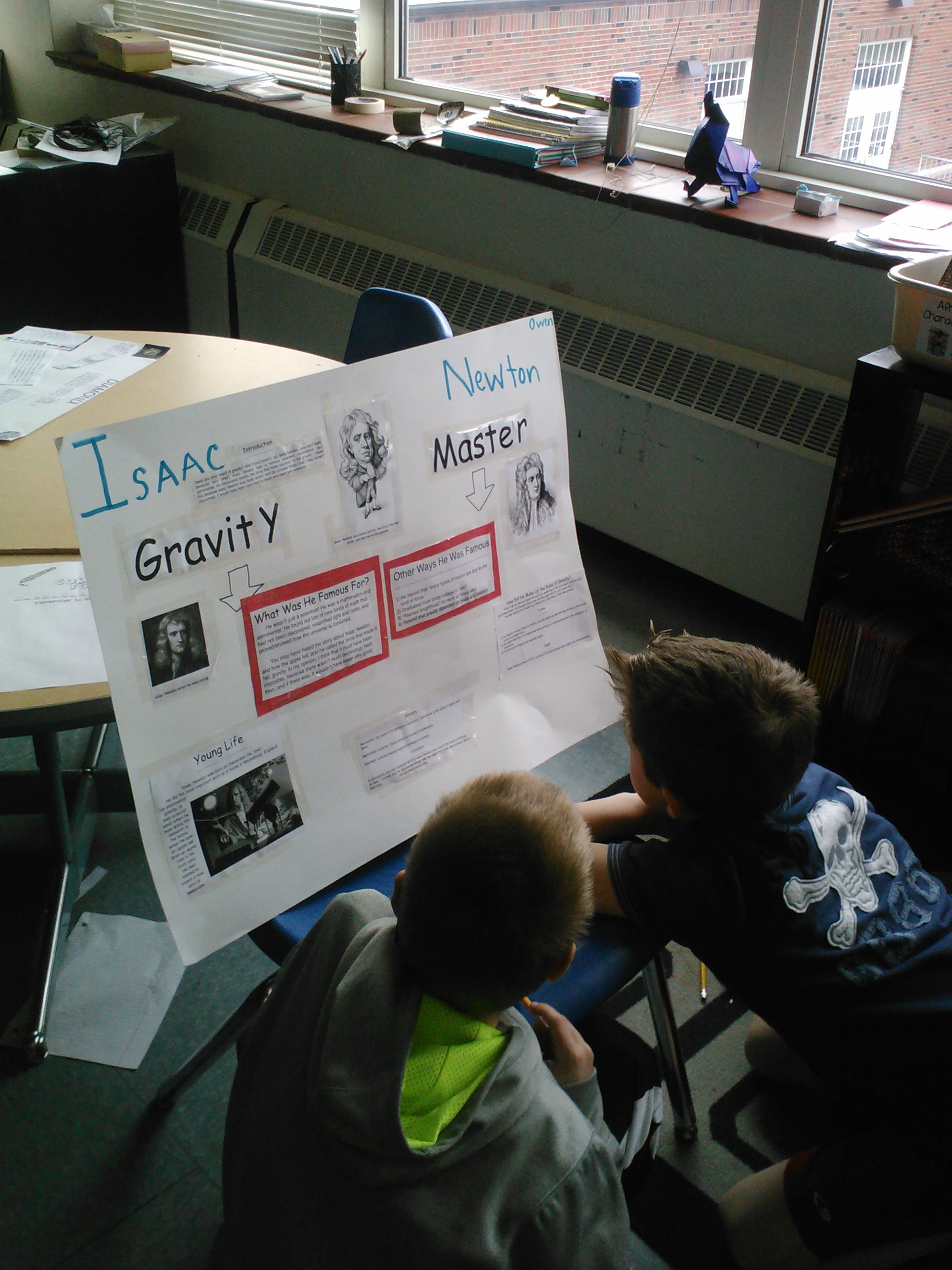
Owen's about Gravity Master Isaac Newton,

Owen’s about Gravity Master Isaac Newton,

and Fiona's about Queen Elizabeth II.

and Fiona’s about Queen Elizabeth II.

IMG149

And thee were even some Keynotes created about nonfiction topics, like Ames’ slide show about fossils,

IMG145

and Peter’s about Ray Lewis. What a great example of how we can all accomplish the same thing in whatever way makes sense to us!

What do you do to celebrate your writing?  How do you “send your writing out into the world?” Tell us what you think!