Skype!

Remember how I told you about how lucky we were to be able to Adopt-a-Pilot?

Well, since that first visit, he’s come back two other times, teaching us all sorts of awesome things about geography and flight, as well as life-lessons related to doing our best and working to achieve our goals.

During this second-to-last visit with Mr. Smith, we got to Skype with him while he was out-of-town!  We got to guess “Where in the USA was Mr. Smith?” using clues he gave us.  We used our big map to mark where we thought he might be:

Molli guessed on the FIRST CLUE that it was Birmingham!  Way to go, kiddo!

Check out a clip of our Skype session:

This was only the second time I’d ever Skype’d (and the first was the end of Adopt-a-Pilot last year!), and it was so great!  I know lots of teachers use it in really creative ways in their classrooms for mystery read-alouds, conversations with authors and for class-to-class chats.  I can’t wait to see what else is out there that I might try next year!

How do you use Skype? I’d love to hear about it! 🙂

The Cat’s Away

So I’m home with a sick baby again today.  I HATE to be gone, but sometimes I just have to be a mom, you know?

So today’s absence reminded me of an idea I learned about recently.  I was out a couple of weeks ago, and I used a great idea from a couple of teachers I met when I attended an EdCamp St. Louis conference earlier this month.  They both teach middle school, and are out of the classroom periodically for activities with their school, and so need to leave plans for a substitute.  Rather than just leaving written ones, they record videos to leave for their classes, often teaching the lesson from their couch and giving directions for what they want their students to do.

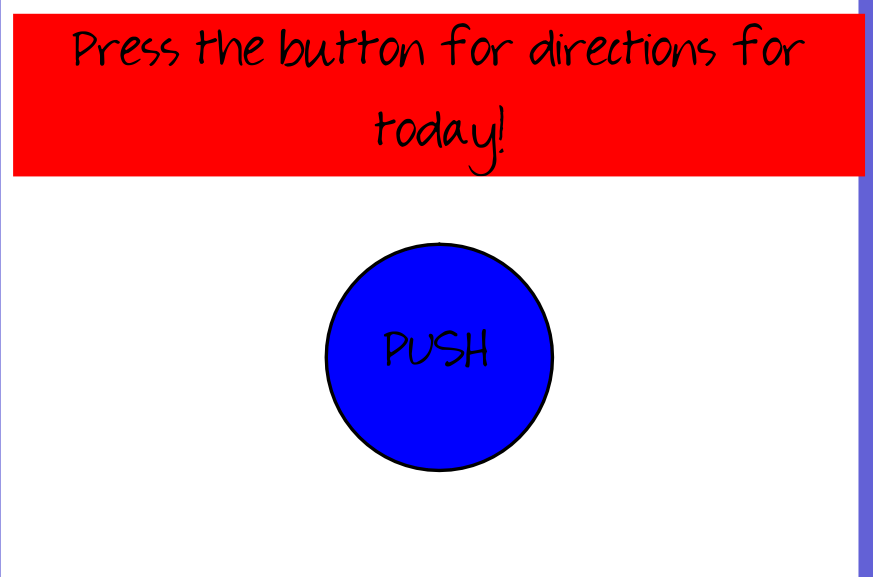
Last time I was out, I knew ahead of time, since her fever popped up in teh evening.  So with my MacBook, my plans and my couch, I set to work putting together what I hoped would be a great day of learning for my kiddos, even in my absence.  Here’s what I left as a welcome to the day, along with our normal morning routine screen on the ActivBoard:

After they went off to specials, it was time for Writer’s Workshop in our room:

That big blue button sent them here to this video:

Next in our day was Math Workshop.  This video was a little different, but hopefully just as helpful.

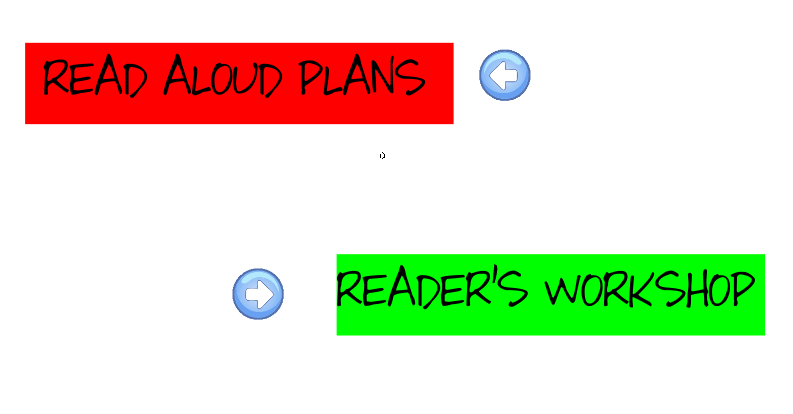
Off to lunch and recess they went, and then back into the room for Read Aloud and then Reader’s Workshop.  Again, a flipchart welcomed them with directions:

Ok, well at least it had a place to send them for directions.  Those were here:

And here:

Social Studies followed Reader’s Workshop, as it normally does, and the lesson that they worked on that day was about the Natural Features of Europe:

Unfortunately this was the last day of the week, since we had a Professional Development Day the following day on Friday. We were also going to be out on Monday, too, since it was President’s Day! That meant I wouldn’t see them for what seemed like FOREVER, so I sent them off to their long weekend with this Goodbye and Good Weekend video:

Ok, so if you’re a frequent visitor to our blog, you know that I can’t write anything without ending with my thoughts and reflections.  And of course the topic of this post means that those thoughts and reflections are definitely doosies! (Is that how you spell that?  There was no choice for it in the dictionary. 🙂 )

(Now would be a great time to take a break and grab a snack if you want one!  I know I didn’t warn you that last part would take so long.  Sorry.  It’s ok, I’ll wait for you.)

Thoughts and reflections from using video sub plans:

Ease: The only reason I tried this whole thing originally is because I knew at around 6:00 the night before that I would be gone.  Since that was the case, I had lots of prep time to get it all ready.  This would not have been possible had I woken up and been surprised with an absence (like today, for example!).  Also, this was for an absence for a sick kid, not a sick teacher.  Had I been the one that was ill, this would have been almost an impossibility.  I hope, though, that since I’ve done it once now, and figured out all the logistics, the next time it won’t take me quite so long to put it all together.  And no, I don’t really want to admit how long it took me.  Ask your kiddo if you want.  I told them. 🙂  The other idea I had just now, though, is to prepare a generic “sub plan video” that could be used at any time if I had to suddenly be out.  It could then be added to my normal sub folder or uploaded to the portal that we use online to secure our subs.  Who knows, maybe I’ll start working on that one.

Logistics: I know this is partly related to the “ease” subject I just mentioned, but what I mean with this one is that there are a lot of logistical things on the school end that have to happen in order for my video plans to work like I had hoped they would.  The substitute has to know how to use the ActivBoard flipcharts I made, they have to know how to log on to my YouTube channel so the videos all play, and they have to be willing to follow the directions I gave in my videos.   So, in a perfect world, this would have been a great way for me to be at school with my students even though I wasn’t able to be there in person.

Impact: While the original reason I decided to try it was because it sounded like a great idea, incorporated technology and was something I hadn’t done before (which is often very motivating for me), I decided as I went through my planning, that maybe just seeing my face would be a subconscious reminder to follow the rules.  You know, unfortunately some kiddos tend to move into a different state of mind when they see a substitute at the front of the room instead of their normal teacher. I was also hoping that having me “teach” the normal lesson they were going to have for that day would help as they tried to keep the learning day as predictable and productive as possible.  I wanted to get the most bang for my buck.  I know that the day is never the same without me as when I’m there, but this was my way of trying to do what I could to help make it as normal as possible.

What experience do you have with using video sub plans?  What suggestions do you have for me? If you’re a parent, what do you think?  If you’re a substitute, have you used video sub plans in a classroom you’ve been in?  I’d love to know your thoughts!  Leave a comment for me. 🙂

New Technology!

Wait–it’s not new to the world, or new to the school, but new to us!

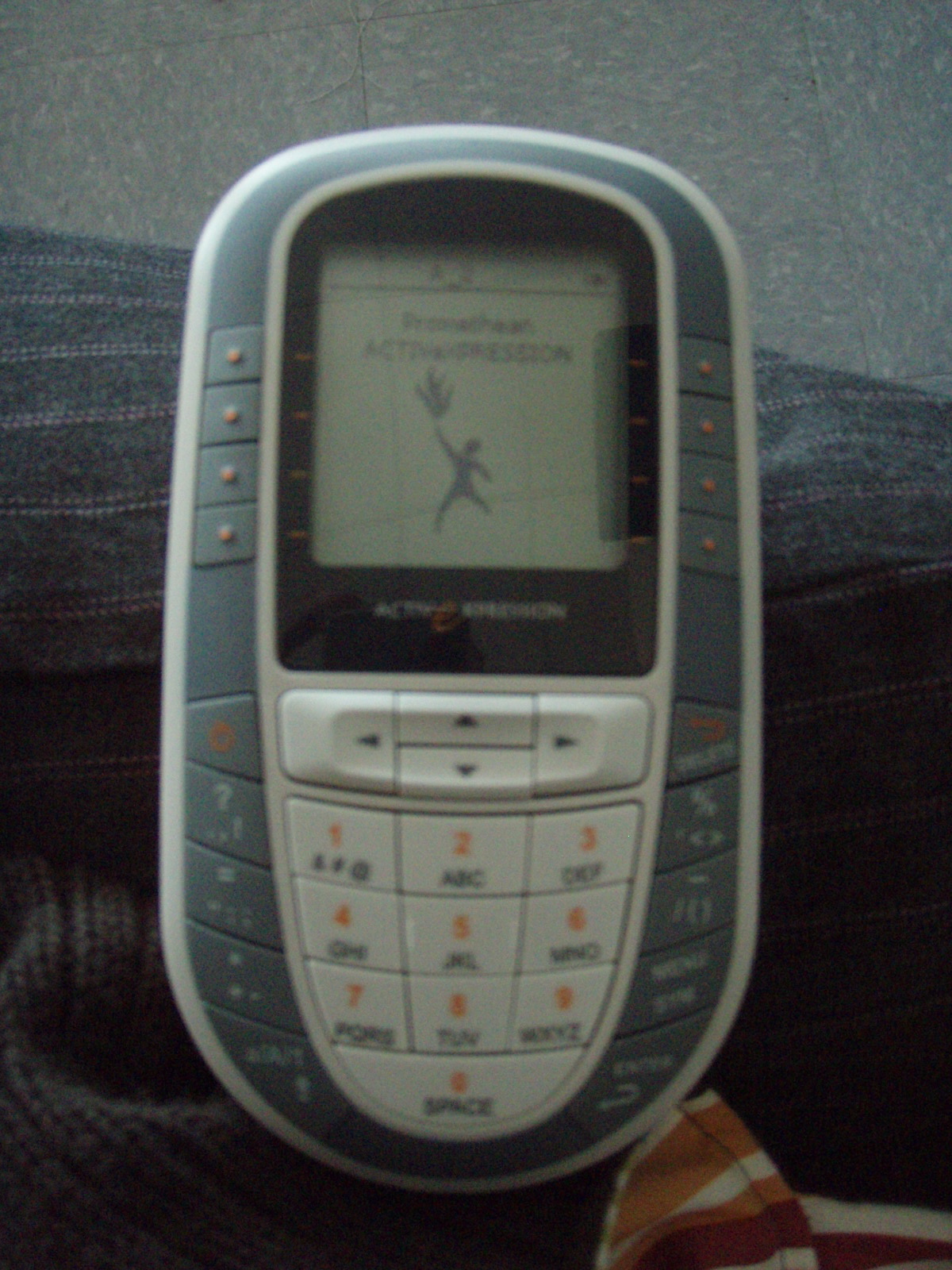
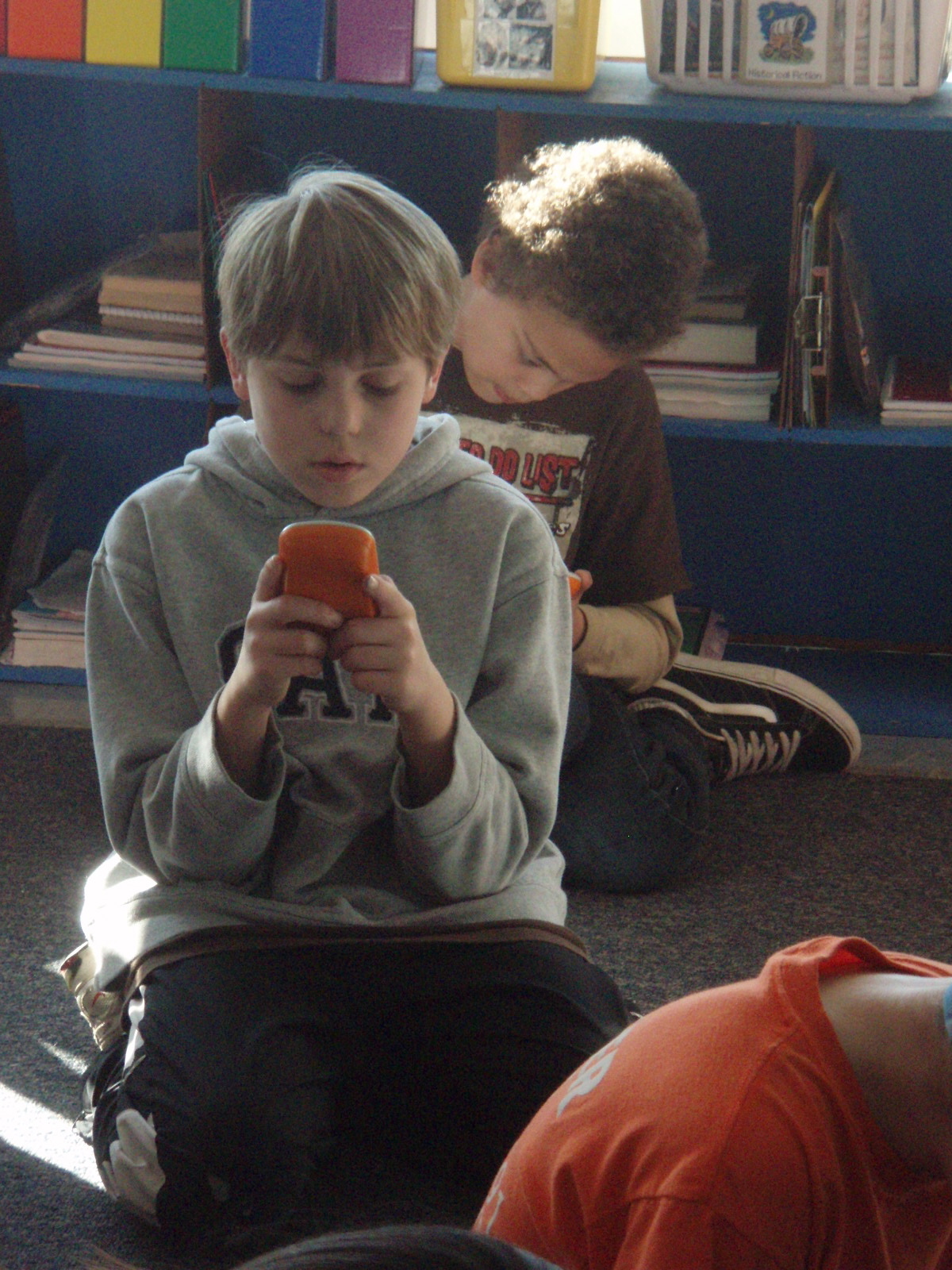
Today we used ActivExpressions for the first time.  Don’t know what I mean?  Check out this picture:

Ok, sorry for the quality of that pic, but hopefully you get the idea.  It looks alot like a cell phone, but is connected to our ActivBoard, and can be used to answer questions (using multiple choice format), or you can even text in your answer to a constructed response question!

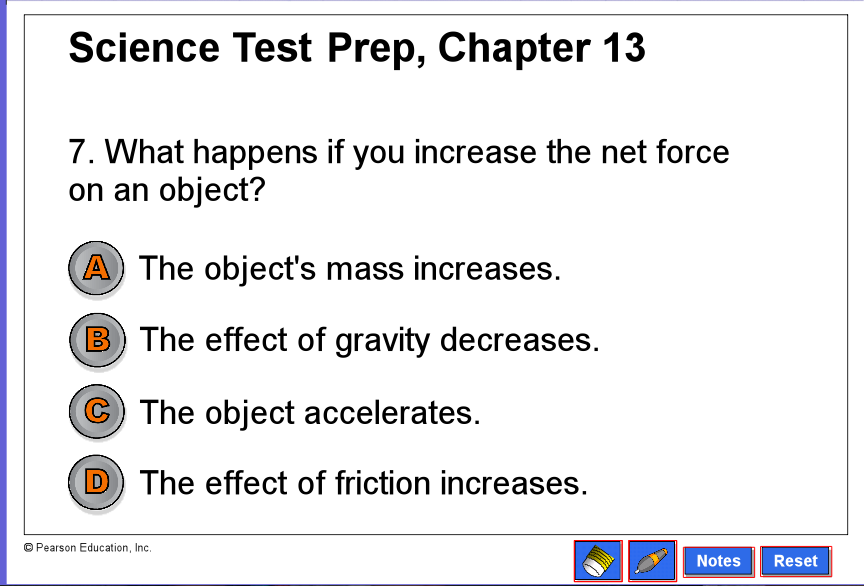
We are getting ready to take a test at the end of our Force and Motion unit in science, and so were ready to review today.  Instead of playing a game, or just answering questions out of the book, we used a flipchart on the ActivBoard that had questions we could answer using the ActivExpressions.  Here’s a random page from the flipchart we were using, to give you a better idea of what we were doing:

There were a couple of questions where the kiddos had to text in their answer, and they TOTALLY LOVED that part of our science review:


I loved how I kept hearing them say that, “This is so fun!”  My class loves science and socials studies (well they love everything we do, really), but you gotta love how a little change in the format, and an addition of a gadget and you’ve got their attention.   We will definitely we using these again soon.  Well, tomorrow, actually, because we didn’t finish today. 🙂

Links I Like

I’ve been meaning to write this post for a long while now.  Mostly because my kiddos are amazing bloggers now, and many of them have started their own personal blogs at home, inspired by what we’re learning in school.  So here’s a list of blogs (some kid-created, some from teachers and some that are just inspiring to me) that I follow.  Please feel free to check them out, read a bit, and leave a comment or two!

  1. Mrs. Bearden’s Class kidblogs–We’re online!  Check us out. 🙂
  2. www.ixl.com–Great math games organized by grade level
  3. www.hoodamath.com–My kids love this one!  They even do it at home (even when I don’t tell them to!)
  4. Robinson Elementary School–Ever wonder about the amazing place where I work?
  5. Jim and Blue Guy  –Story of a cartoon character and his crazy life (Jared’s personal blog)
  6. Bill the Banana –Follow Bill the Banana on his crazy adventures (Colby’s personal blog)
  7. Hooked on Life —Find knitting patterns to make and love (Abigail’s personal blog)
  8. Cartoon and More–Crochet love (Kathryn’s personal blog)
  9. Calling all Clemson Fans–Biggest clemson fan ever! (Evan’s personal blog)
  10. Make It and Love It–I get so much inspiration here.  I’ve tried so many of these great projects!
  11. Daily Daisy (and Caleb, Too!)–My friend Carrie shares pics of her amazingly cute kids
  12. Weelicious–Have a kid to feed?  Or are you hungry for something wholesome and healthy?  You’ll find something wonderful here.  Believe me–I’ve tried it all!)
  13. Blogging Through the Fourth Dimension–I gotten so many great ideas and most of my blogging inspiration from Mrs. Ripp on her blog
  14. Picky Palate–Found some yummy, yummy stuff here.  Haven’t tried much yet, but have it in my plan soon!
  15. A Math Dictionary–We use this all the time for math help.  So organized and useful.
  16. I Heart Organizing–Just found this one the other day, but am so excited to read it and start organizing!
  17. Open the Door to B4–Our New Zealand friend, Mrs. McKenzie’s, blog in Reefton, NZ

Now as I get this far down my list I realize the thing I hate about making lists like this: I will inevitably leave someone out.  So I’ll save those for the next list.  When I remember the ones I forgot.  🙂

What links do you like?  What websites or blogs to do you follow that you find useful and helpful, either in your personal life or your classroom?  Share them with us!

Entering the Blogosphere

If you would have asked me last school year if I’d ever have a blog, I’d have said you were nuts.  I knew what they were, but didn’t see myself as a blogger; I didn’t have a story that anyone wanted to hear.  I wasn’t really sure what I’d write about–up to that point I’d only written for myself as the audience in my notebook.  So then if your next question would have been if my kids would be bloggers, then I’d have considered you certifiable.

So I guess you’re all crazy–and I am, too!–because my class has a blog, and my kids started their blogging journey this week, too!

Before I go any further, I have to give a shout-out and a thanks to Pernille Ripp (@pernilleripp) and Karen McMillan (@mcteach) for providing many useful blogging resources to teachers like me who have a great idea but don’t really know where to start.  Their assistance via Twitter and their own blogs has been unbelievable!

Now for the story:

I have been talking up blogging since pretty much day one.  I started the class blog that you’re reading in July, after talking alot with my brother, who teaches high school math and just finished his Masters in Educational Technology (or something like that–sorry if I got the title wrong, Chuck!).  I have been writing for a long while now, but I needed another outlet.  At this same time, I also joined Twitter, and have been learning much from my “tweeps” ever since.  That’s actually where I got the idea for blogging with kids.

I was noticing that so many people were tweeting about updated posts by their kids, and so I started reading.  I soon learned that there a tons of kids out there who are learning super important lessons about writing and internet safety (and too many more to name) because they are blogging.  Even kindergarteners.  Yep, 5 and 6 year olds.  So the more I read, and the more I thought about it, the more I knew I wanted my kids to join them.  And so I began planning on how my 5th graders would enter the blogosphere.

We started on Wednesday, with a lesson that I called “Blogging 101.”  It was funny that I had to explain the “101” part to my kids–they had never heard of that before.  We talked about what background knowledge they had for the word LOG, and discussed how a log is a place where someone (like a pilot or ship captain) writes down important things that happen, organized by dates.  They were able to then transfer that idea to web-log, or blog, and we were in business.

They already have experience with this blog that I write, because we read it together almost everyday, and many of them have been following and commenting for months now.  I showed them several of the other blogs I follow, like Make It and Love It, the Candy Blog (that one is one of my hubby’s favorites, actually), Bake at 350 and Daily Daisy (and Caleb, too!).  We talked about what we noticed about both the appearance and theme of each one.  At this point they were chomping at the bit to get going–but there was another very important thing we had to talk about next: safety.

Thanks to an idea I found from Pernille Ripp again, we talked about why internet safety is like the mall.  While my students, who are 10-11-year-olds, don’t spend a lot of time at the mall or other places by themselves yet, they knew some really smart things to do and not do: not talk to strangers, not share their personal information with random people, only go where you tell your parents you’re going and stay there the whole time, and so on.  I was really pleased, because I knew I was going to be talking about how the very same things would keep them safe while they were on the internet on their own.  We talked through an internet safety plan, that they were to take home to share with their parents and have signed.

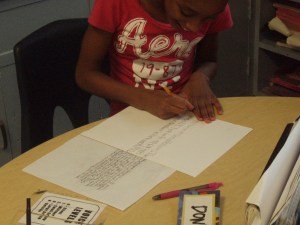
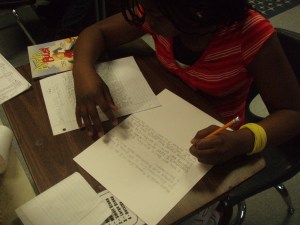
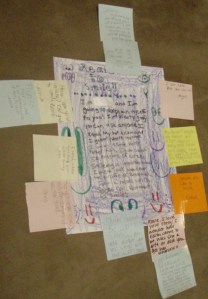
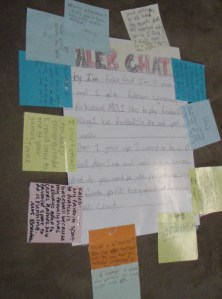
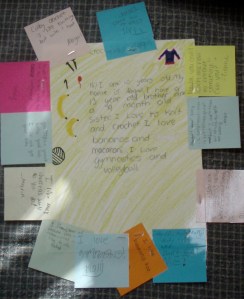
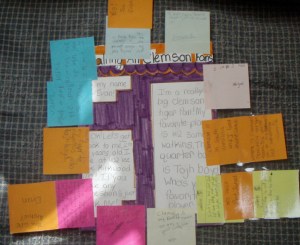
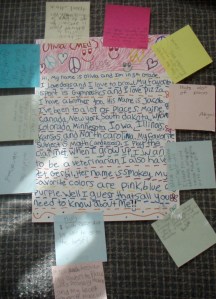
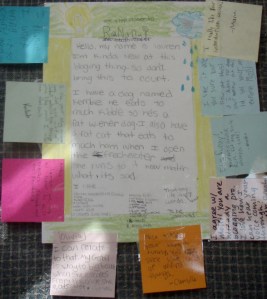
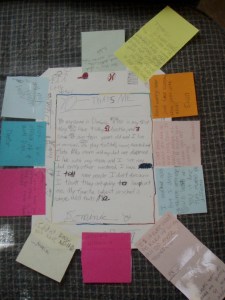
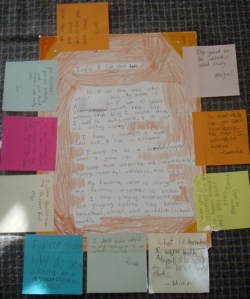
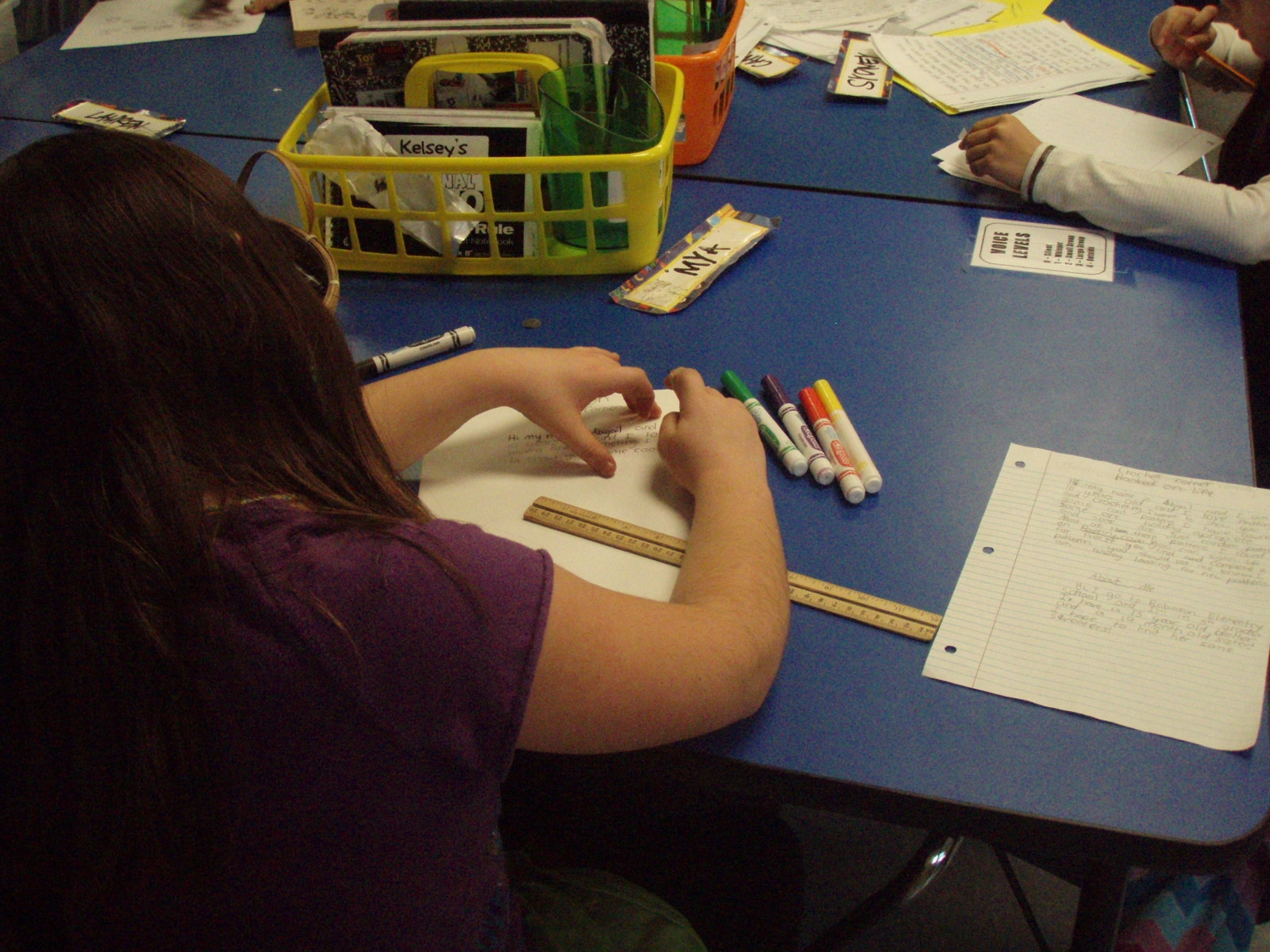
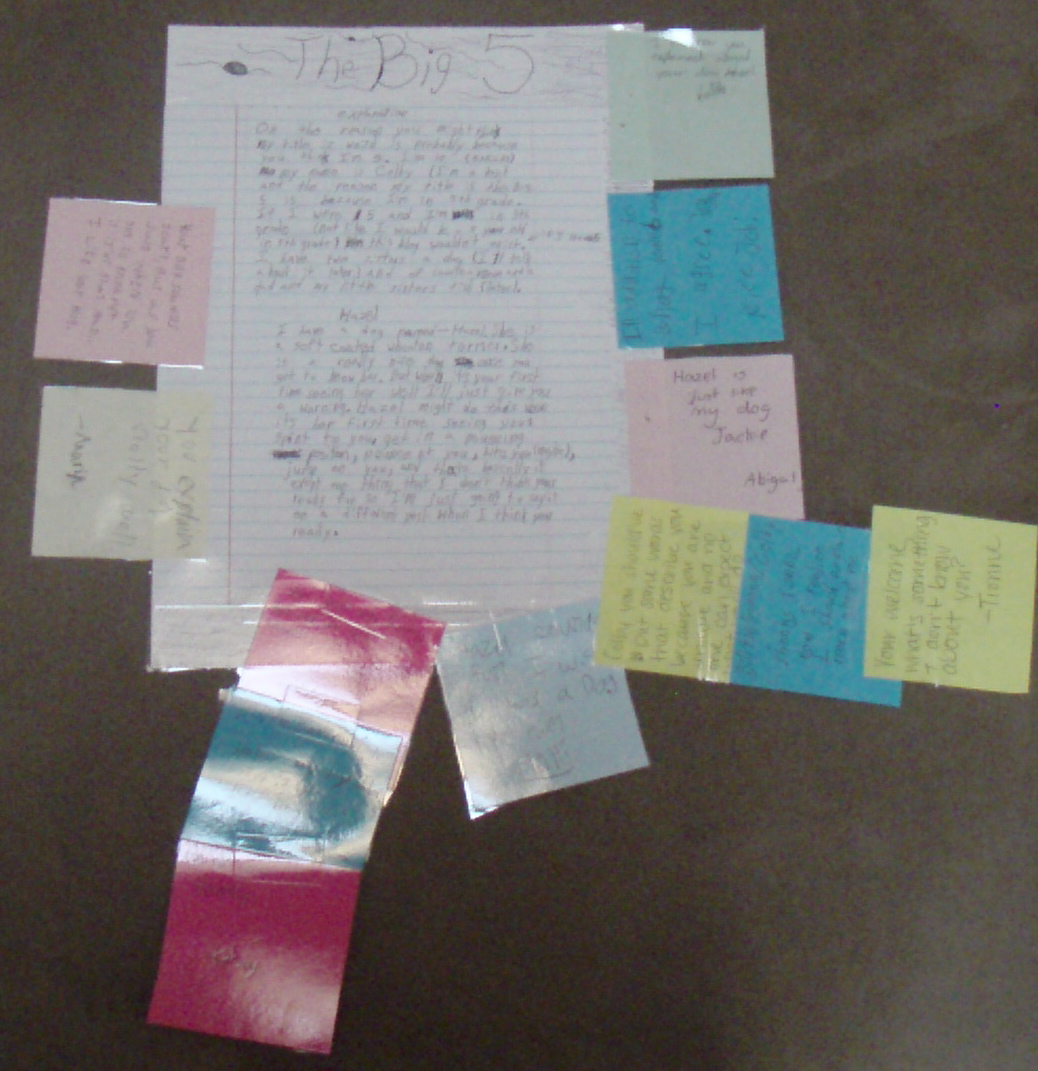
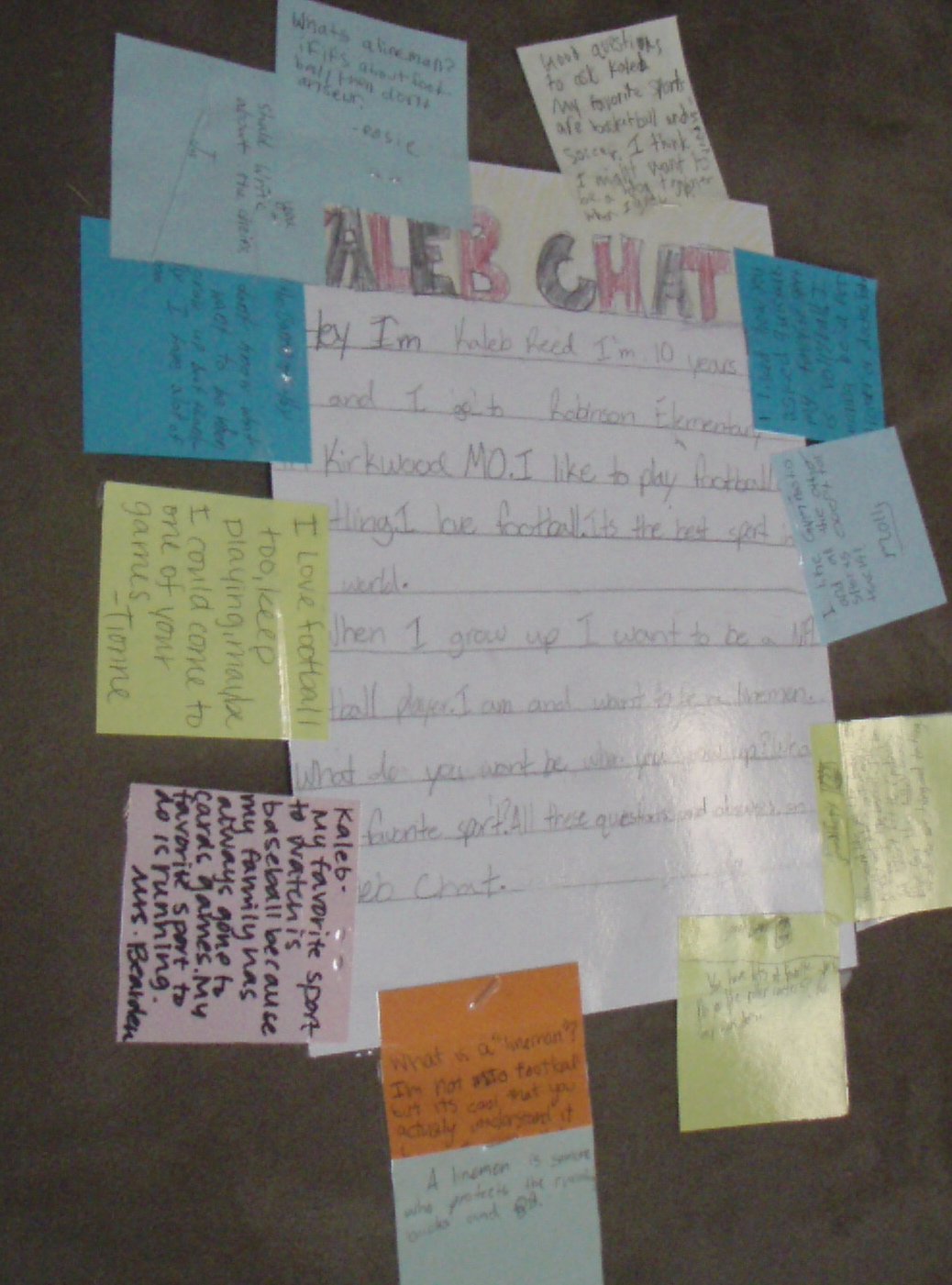
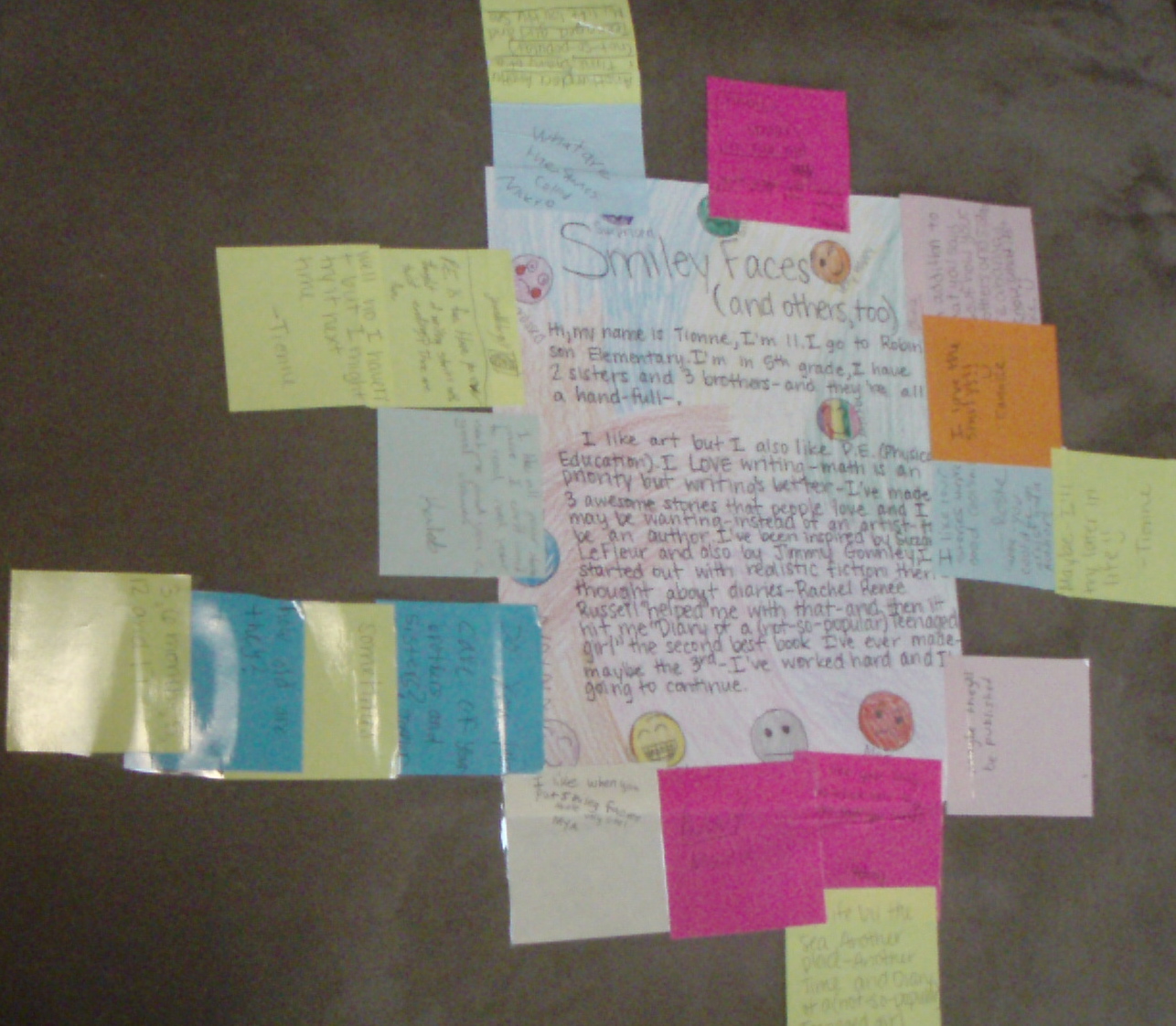
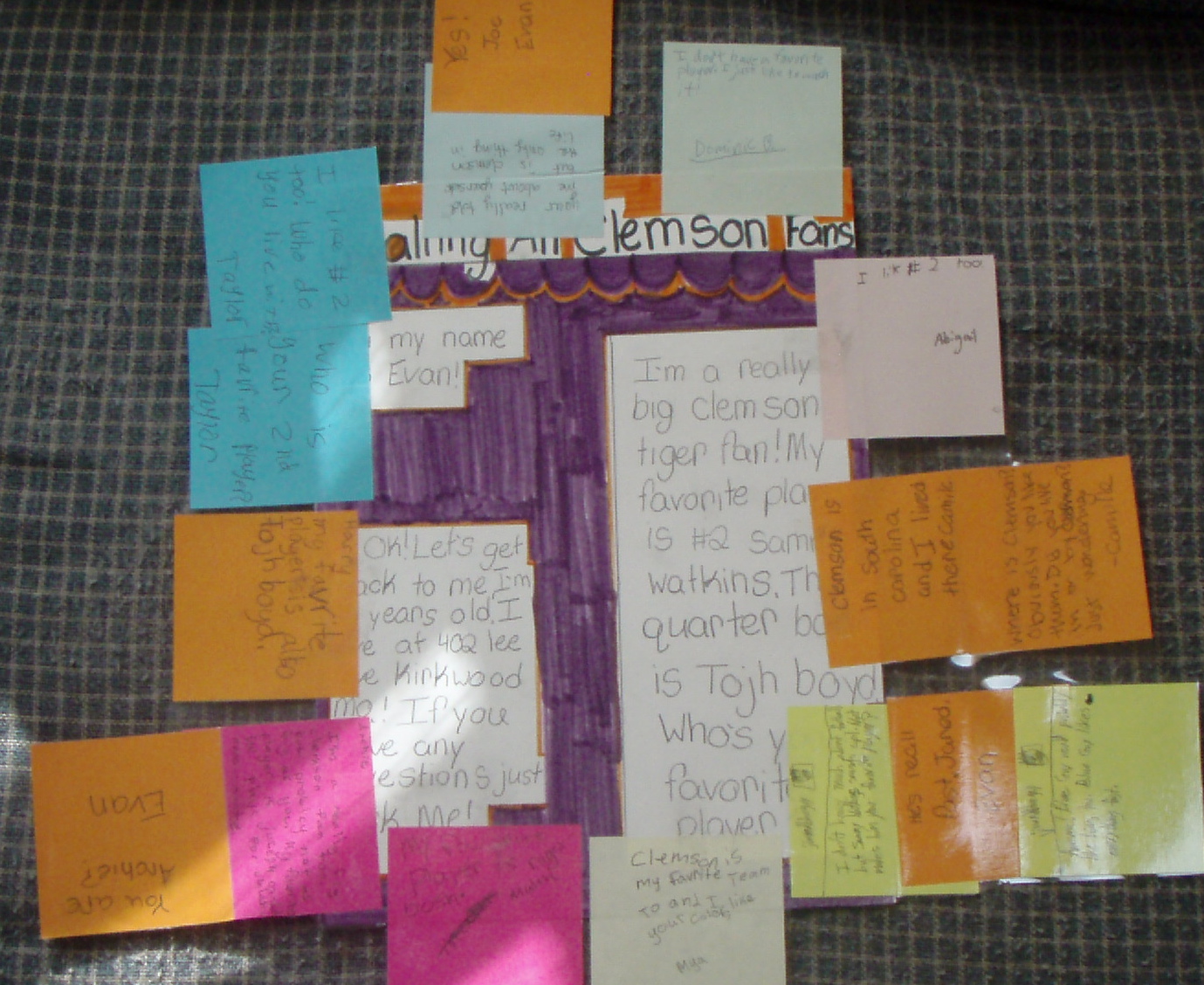
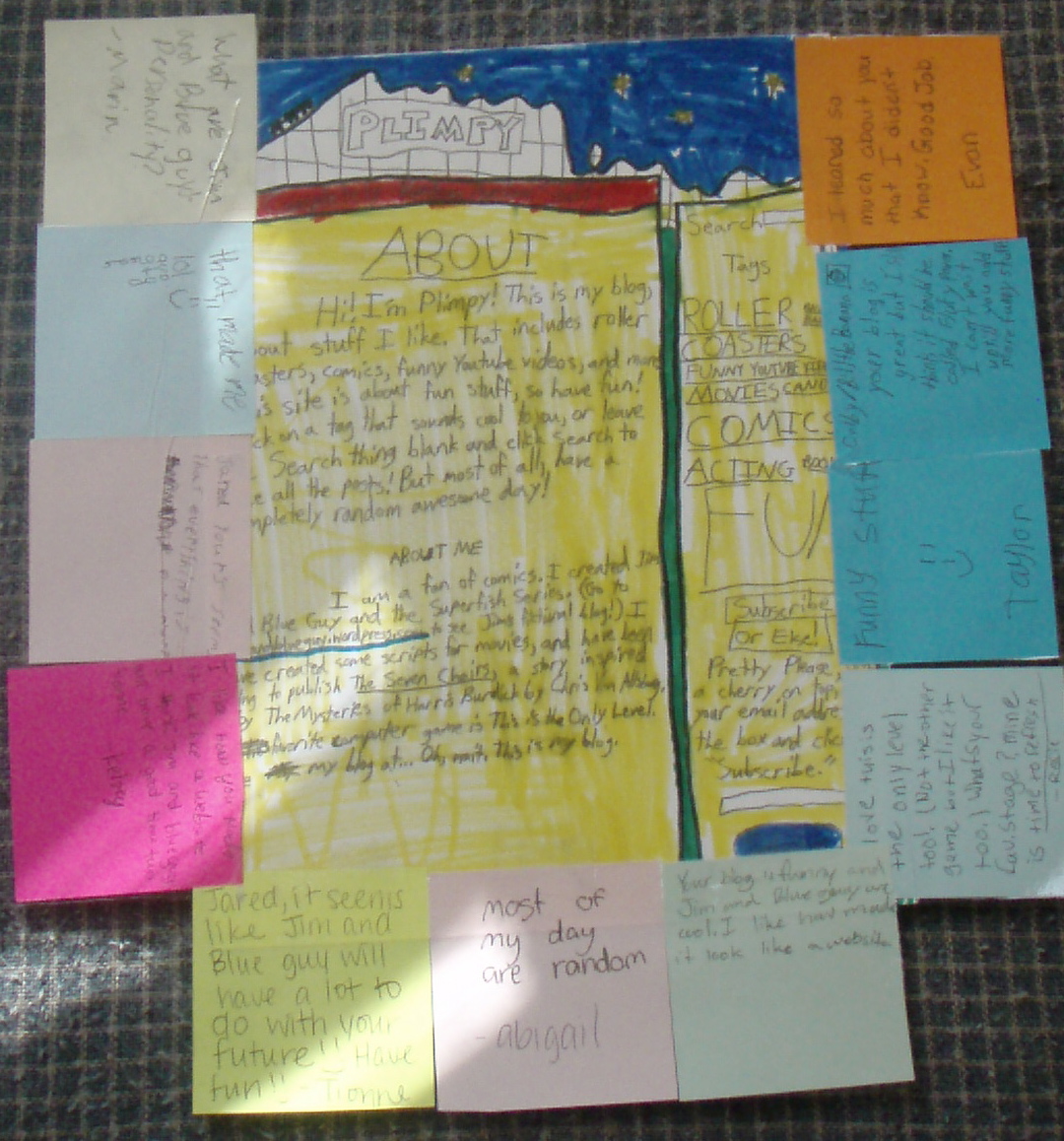
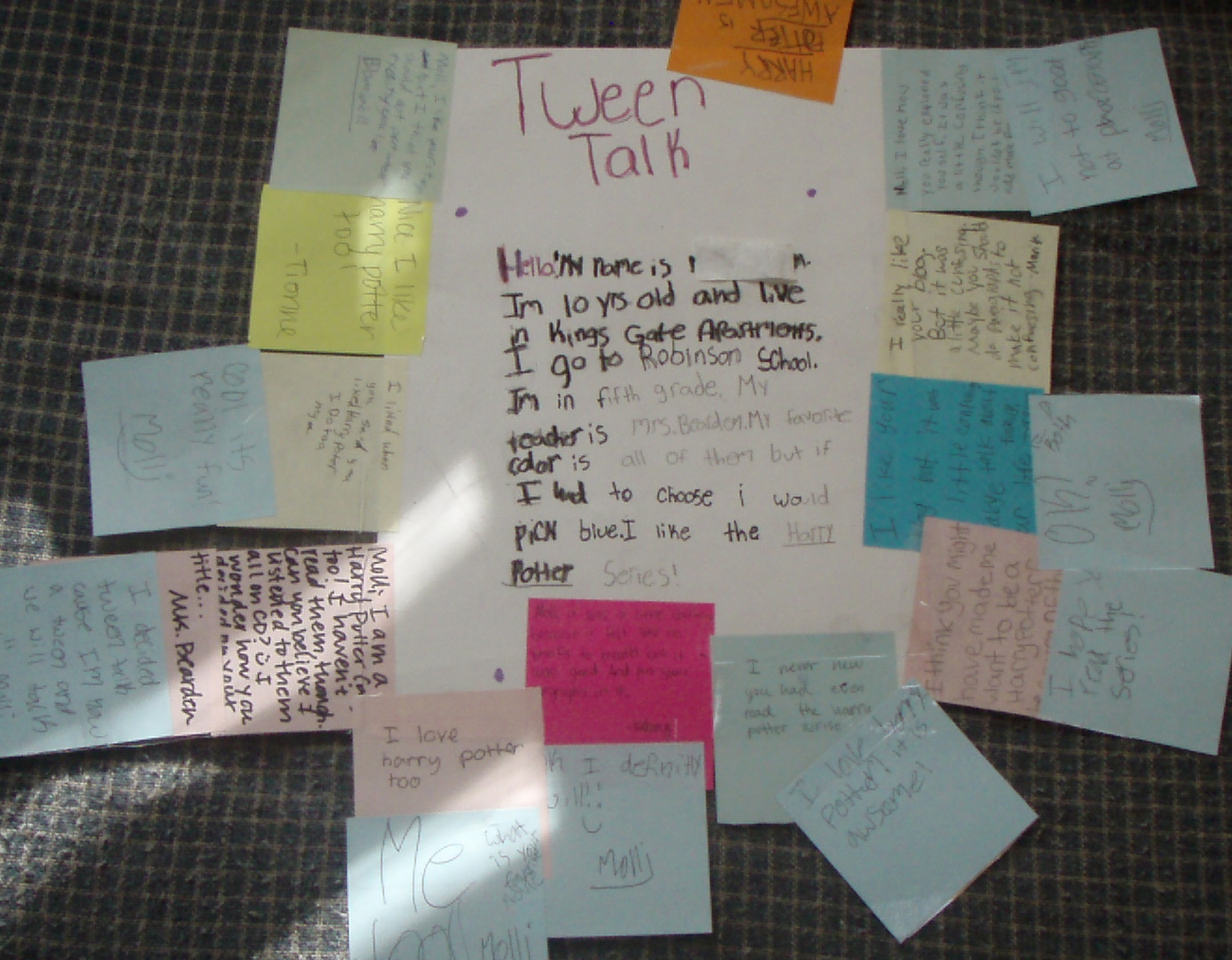
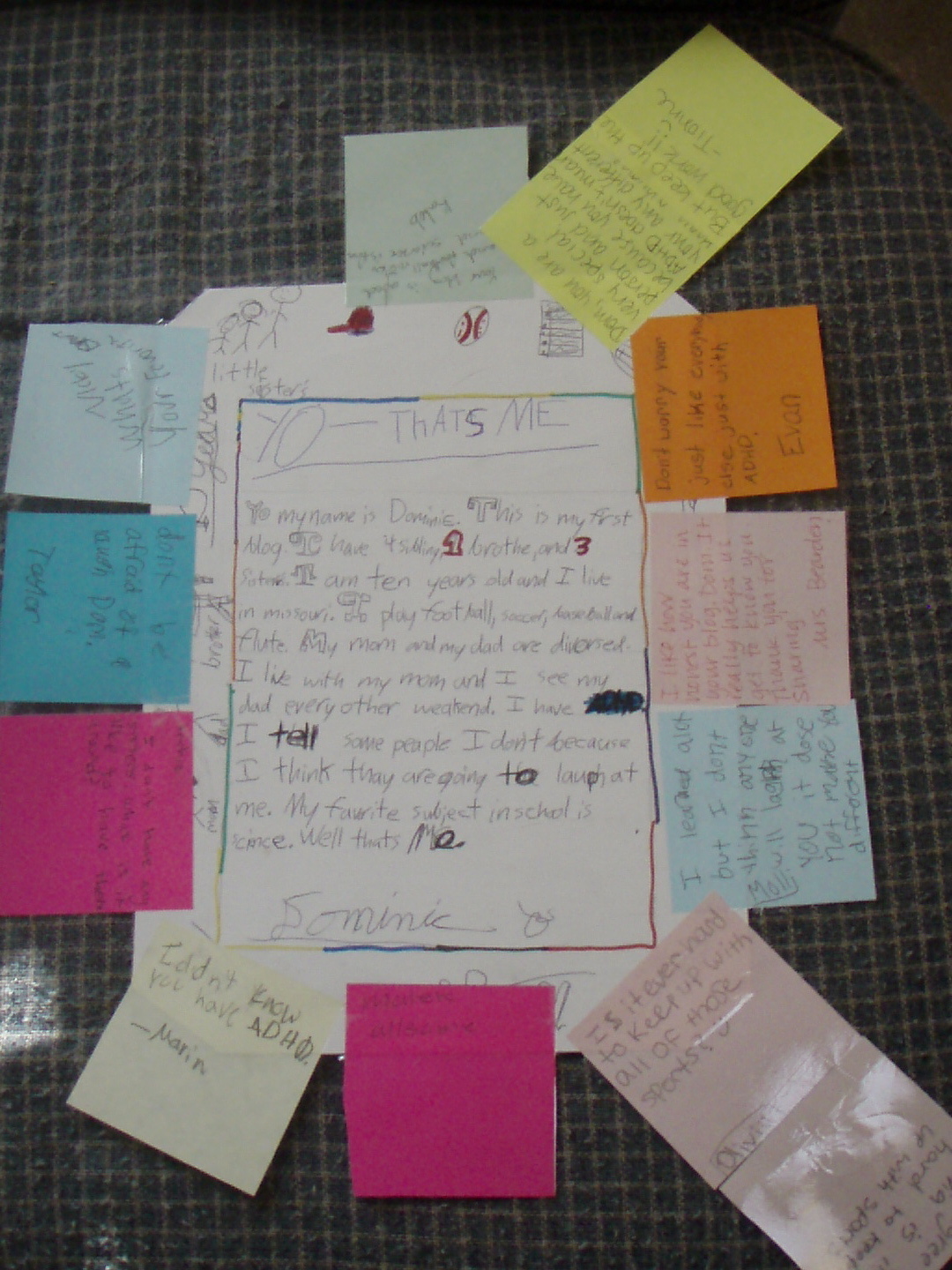
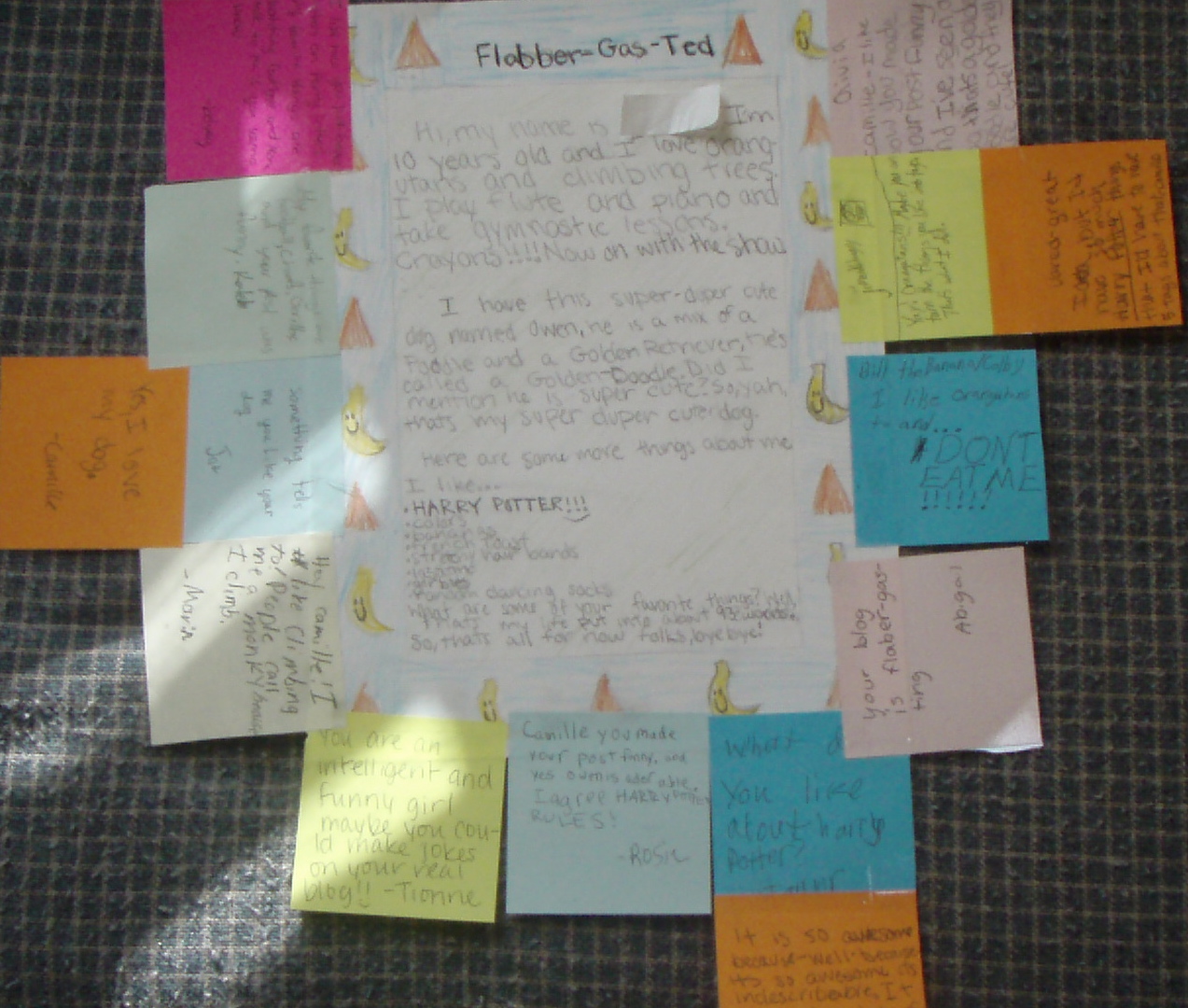
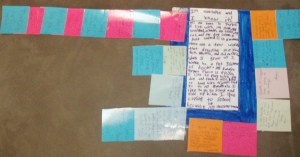
Next step: first blog post.  But not online, on paper.  They created a rough draft to tell about themselves, then edited and made a final draft on 9X12 oak tag.  This was serious business in our room.
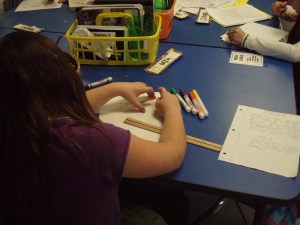


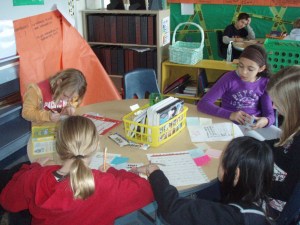
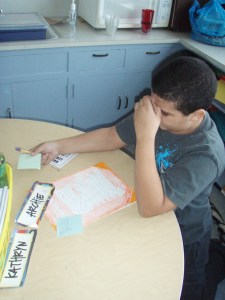
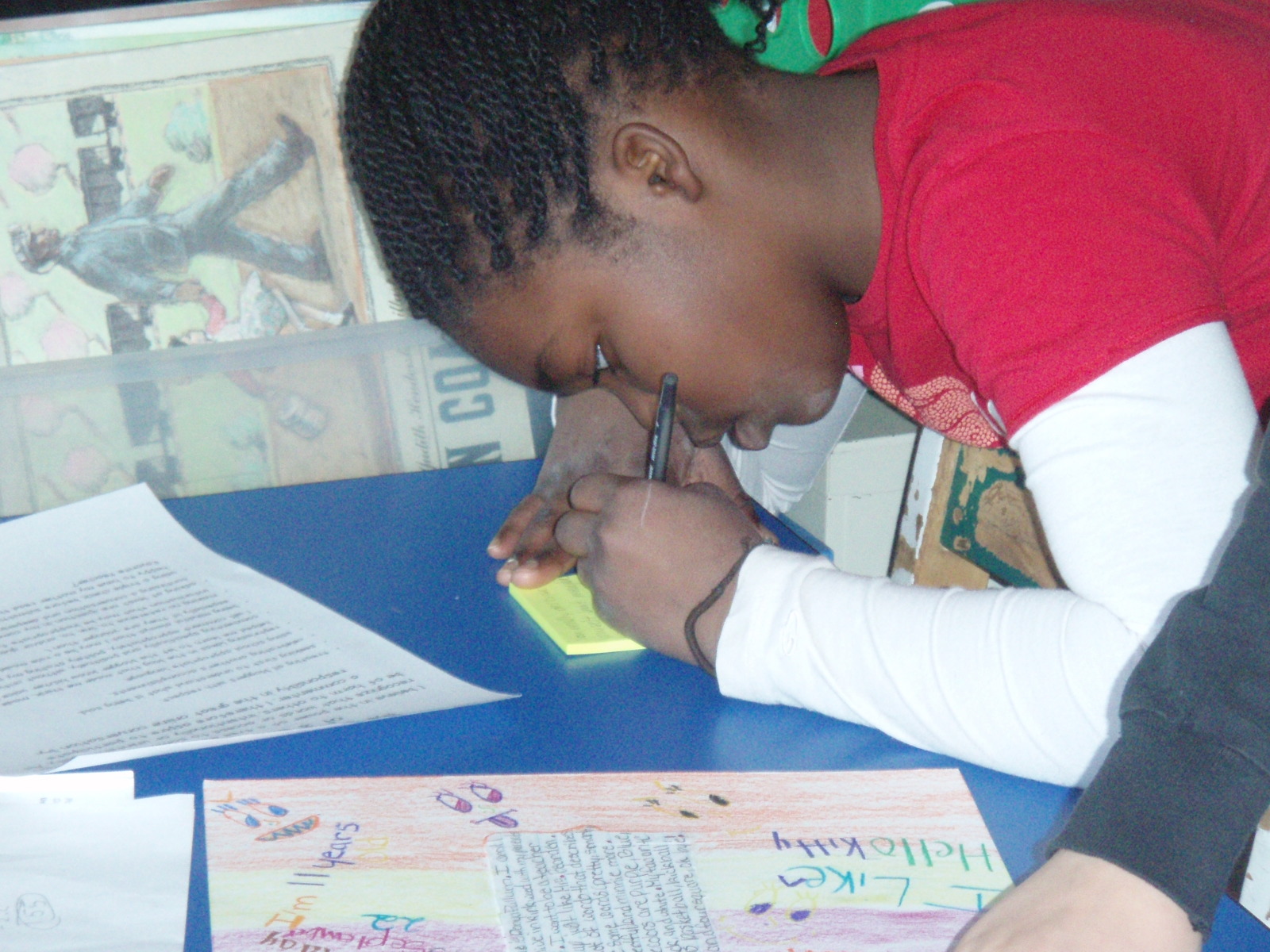
After two days’ worth of work, we had finished paper blog posts and we were ready to learn about what makes blogging interesting: commenting.  I shared some guidelines, and we talked about what they were thinking.  I gave them some ideas for comment starters (shared by Karen McMillan on her blog Notes from McTeach), and my kiddos were great to connect some conversation prompts we already use in our classroom to this new learning.  Each student was given a pad of sticky notes, and the were off.  I turned on some quiet music, and they went to work.  They read, they thought, they commented.  For almost 45 minutes!  Yes, you heard right–45 minutes of silence and students focused on sharing their thoughts with their friends.
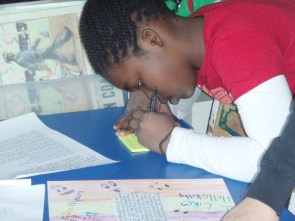
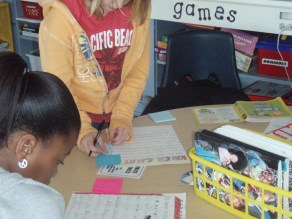


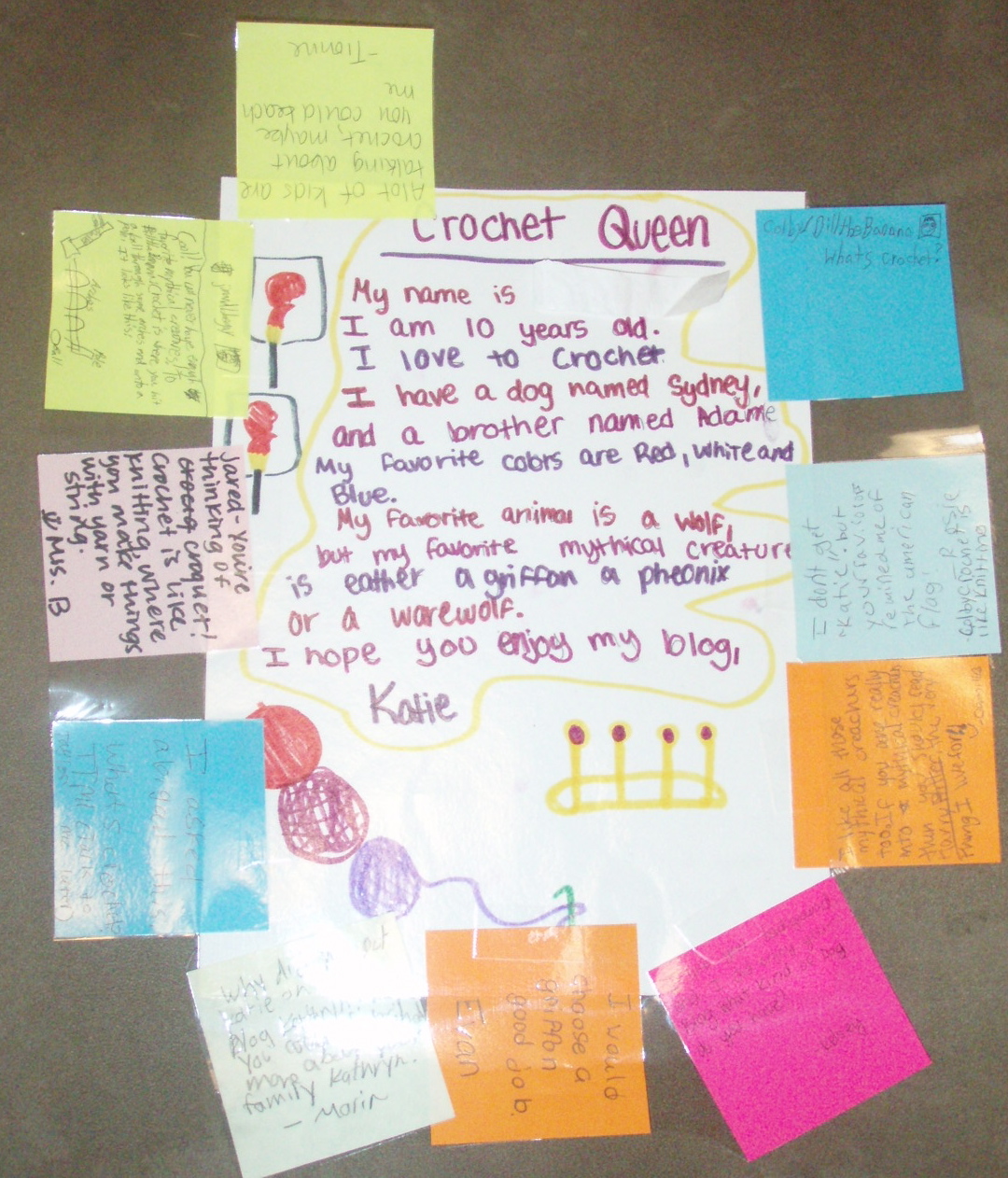
After a while, everyone’s blogs started to become a beautiful rainbow of colored post-its, each containing kind and constructive words from their classmates.
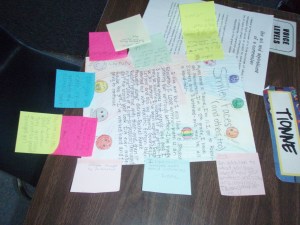
Once everyone had had a chance to comment on blogs (and comment on other comments), we took some time to read what others had written, and then sat down to debrief and celebrate.  As we gathered in a circle on our carpet, I asked them to share with each other whatever they were thinking about what we had just done.  Here were some of their words:

I liked it.  I think this was a good experience for knowing what we’re going to do on our “real” blog.

I think it’s cool because we were talking with paper–kind of like having a conversation, but definitely different.

I think that it was really fun.

It was fun because you got to pass notes and you don’t get to do that in class normally.

It’s great that we got to learn something new while we were having fun together.

This reminded me of Harry Potter–like passing owls–we got to come back and reply to a note that someone wrote.  I really felt like someone was noticing me.

I was excited when Kelsey was replying to my answers, I had to reply back!

So we’re on to the internet on Monday, to be introduced to our kidblog.org blogs.  We hope to have our first “real” posts up by Wednesday.  I have to say I’m impressed.  I am amazed.  I knew it would be good, but it went even better than I anticipated.  It was so cool how engaged they were, how eager they were to share their thoughts and read the thoughts of their classmates, how kind and generous they were with their words.  I didn’t have to censor anyone’s comments; they were completely honest and gracious as they told each other how much they liked what they had read, asked questions to dig deeper and to encourage future work, and to make connections to what the blogger had written.  They commented on each others’ comments, too, and we even ended up with one long string of sticky notes that was about 10 long!  I was so proud of my students once this was completed, and am so excited to see what they do next.  I know it will be amazing.  Because they are amazing. 🙂

Enjoy our first finished projects:


Wordles in Math

We’ve been busy this week.  We’re always busy, but I think for some reason we’ve crammed more than usual into the last fives days.  And it seems that a lot of what we did was new.  And very cool.  And involved technology.

We tried making Wordles again on Monday.  It was the start of a new unit on 2D geometry in math, so I needed to get a feel for what they remember from 4th grade.  Rather than do a pencil/paper pre-assessment, I had them create a Wordle to show me their background knowledge for this unit.  We brainstormed some words we might use and explain in our Wordles, and then got to work.

I should stop saying I’m amazed with their final products–by this point they’ve shown me countless times that they can do amazing work.  But that’s what I was: amazed.  And I learned much about what they already knew.

Enjoy!
This slideshow requires JavaScript.

Wordles!

I mentioned last week how we had a great day in Social Studies on Monday.  Then on Tuesday, we discussed how to make the change stick during our class meeting.    So on Wednesday, it was really cool when we had another amazing SS time.  Not cool because I didn’t expect it, but cool because I did expect it to go well and then it did! (If you’re a teacher you know what I mean–a well-laid plan doesn’t always work out the way it’s supposed to!)

I had taken some advice from my friends as I planned Wednesday’s lesson: choosing their partners/groups, working together with them first, and doing the reading part of the job in Reader’s Workshop.  We proceeded much like we had the previous two days, but with the focus being Songhai (or Songhay) rather than Mali (remember: we’re studying kingdoms of Ancient West Africa).  But I added one thing: a new piece of technology that my kids didn’t know.  We made Wordles!

If you haven’t heard of a Wordle before, you’re not alone.  I hadn’t heard of one until I read about it from someone I follow on Twitter over the summer.  (Yes, I’m on Twitter.  More about that later.)  In a few words, it’s a word cloud that you create about whatever topic or concept you want.  I’ve seen them used for spelling words or other subjects, as well as to describe yourself.  The size of the words is determined by how many times you enter that word in the box, and then the bigger size implies bigger importance.

This is a wordle I made about me:

So fast forward to our Social Studies application of Wordle.  Each group met with me again during group time in Reader’s Workshop to read, discuss and pull out important information that they could use on their Wordle.  They had a plan, and then worked with their group to create a word cloud showing the important facts related to Songhai and their specific discipline (history, civics, economics, culture, geography).  Just like on Monday, they were busy, they were quiet, they were engaged.  (I know it sounds like my class is never any of those things.  That’s totally not true!  They really are an amazing bunch of kiddos!)

I have gotten such great feedback from my kids on this day!  They loved learning something new–both about Africa and about how to create a Wordle.  They’ve already asked when we can do it again, made suggestions for other places in our day we could try it, and want to try it at home on their own time.  Love, love, love what’s happening in this unit now. 🙂

(Ok, I realize I didn’t post pictures of the actual Wordles they made, but that’s because I just realized their on my computer at school and I didn’t want til Monday to post this!  I’ll add them later, I promise!)