First Grade Bloggers!: Part 5–Teaching the BIG kids!

Alright….one more time…here are the links to the first four parts of the story.  And this one is probably the biggest and best: this part of the story is about how 20 super smart first grade bloggers taught their FIFTH GRADE BUDDIES about how to blog.  Yup–you heard me right: the little kids taught the BIG KIDS something.  Before I even tell you what happened, I feel like I should start with my some of my kiddos’ words about how it felt.  Wait—maybe that will tell the story better than anything else I could say. 🙂

Evan—“It felt spectacular. I felt good teaching a 5th and I’m only a 1st grader. It was hard. He kept on asking me questions and I wasn’t sure how to answer.”

Peyton—”It made me feel happy. It filled up my bucket to be a good teacher to a 5th grader.”

Lauren—“I felt happy because I got to see my buddy and there were words that were popping up that were funny.” (I think this is about the auto-correct feature on their iPads 🙂 ).

Ella Marie—“It felt awesome. I got to make blogs and I like blogs! I saw something new and I told my buddy about it.”

Sara—“I felt happy because we could make a blog together.”

Charlie—“I felt like I was the most important teacher in the world! I like that my buddies are funny!”

Diego—“I felt so happy because usually big kids but usually little kids were the teachers!” (Doesn’t this one just say it all?!)

Kylie—“I felt good because we got to experience new things that I didn’t know about, then I figured out I did know about it.”

Emily—”It felt good because I felt like a teacher and also it felt good to teach a 5th grader!! Little kids usually get taught by bigger ones.” (Again–what an authentic audience!)

Thomas—“I was really excited because it was my first time writing with a 5th grader. It opened up my grit.”

Amelia—“I felt really happy because I didn’t know how to spell a word, and my LB helped me. It filled up my bucket!”

The assessment we used to tell us we did a SUPER JOB of explaining blogs to our buddies?  Their questions to their teacher as they left our room: “Dr. Grayson, can we have our own blogs, too?”  What more could we ask for??  🙂

First Grade Bloggers!: Part 4–GOING LIVE!

Yep, there were three parts before this one that gave more details of this exciting journey into the blogosphere!  (Part 1  Part 2  Part 3)

After we had done days and days of prerequisite work (including teaching our friends in Rm. 203 about how to comment on blogs and having them join us for a day of practice), we were ready to give it a try (plus, we had to be ready for when we’d teach our 5th grade buddies all we knew about blogging–more on that later!).  Needless to say, the excitement in the room was CRAZY!!

This slideshow requires JavaScript.

These pics are from our share session with our neighbors, but they really could show what it looked like as we started our blogs, too.  I mean, I guess there’s no real way to show the process of writing a new blog except maybe to share the blogs with you!  As you read our new Kid Blogs, imagine the big smiles on our faces as we made them!  Being a blogger is SERIOUS BUSINESS when you’re 6!  Check it out! 

First Grade Bloggers!: Part 3

If you haven’t read part 1 and part 2 of our blogging journey yet, you can check them out here and here. 🙂

After we had a chance to try out commenting for ourselves on our friends’ paper blogs, it was time to get down to the REAL business of REAL commenting on REAL blogs with REAL people!  This was one of those places where I added in some extra lessons to the version of Blogging 101 I have done with 5th graders.  I just felt like my little bloggers needed more opportunities to practice before they graduated to their own blogspace.

With many things we are learning and practicing for the first time, turn-and-talk or partner conversations are a good way to work through concepts with a friend.  This allows for each to teach and learn (based on what they know), and also to help ensure that everyone is on the same (or at least a similar) page before we move on to doing things independently.

As we gathered for Writers’ Workshop, I had kiddos sit with their elbow partners and explained that I was going to give them a “blog” to read and that they were then supposed to turn-and-talk with their partner about how they would respond to that “post.”  I made sure to write examples that they could relate to, and encouraged them to remember to include what they had learned about how to leave a good comment:  respond to the writing, say more to give details or reasons, and to ask a question to keep the conversation going.  Together with their partners, everyone had a chance to role-play with at least 5 or 6 of these scenarios:

Screen Shot 2015-02-18 at 7.49.04 PM Screen Shot 2015-02-18 at 7.48.54 PM Screen Shot 2015-02-18 at 7.48.47 PM Screen Shot 2015-02-18 at 7.48.13 PM Screen Shot 2015-02-18 at 7.48.03 PM Screen Shot 2015-02-18 at 7.47.53 PM Screen Shot 2015-02-18 at 7.47.42 PM Screen Shot 2015-02-18 at 7.47.32 PM Screen Shot 2015-02-18 at 7.47.22 PM Screen Shot 2015-02-18 at 7.47.13 PM

I tried to write posts that seemed real and relevant to first graders (like ones that they might read on others’ blogs and that they would eventually write on their own!), as well as ones that had examples of the parts of a blog post that we would talk about soon after this.

As a check-in to assess how kiddos had been doing, and to give those that might need more support some ideas, we went through each “post” and shared out some examples of responses.  Together we “graded” the responses by giving thumbs-up if all of the components were there.  Like I said before, this was a new step to my blogging process, but I’m really pleased with how it went and how excited they were about learning it!

The next day I gave them their first go at trying these newly acquired skills on someone else’s blogs.  Together with their partner (the same one as the previous day), they read blog posts and commented.  This day also add a separated but related lesson of its own: QR codes!  Since I knew that this would be a quick and easy way to get websites and other links to my kiddos, but since I also knew they hadn’t heard of them before, I introduced the concept as the way to get to the blogs we would be visiting.  Yep, a two-birds-one-stone situation. 🙂  They learned how to use the QR reader, how to find the site they were looking for and then also how to manipulate the interface of KidBlog.org itself (which would soon come into play as they saw their own KidBlog site!).

They had a great time and did a great job practicing their new commenting skills.  The downside?  The only links I could find to 1st Grade KidBlogs (at the time) were archived ones from classes that were not able to respond to the comments we left. 😦  Oh well, we got to practice on our end anyway, right?  🙂

First Grade Math Warm-Ups: Week of February 9-12, 2015

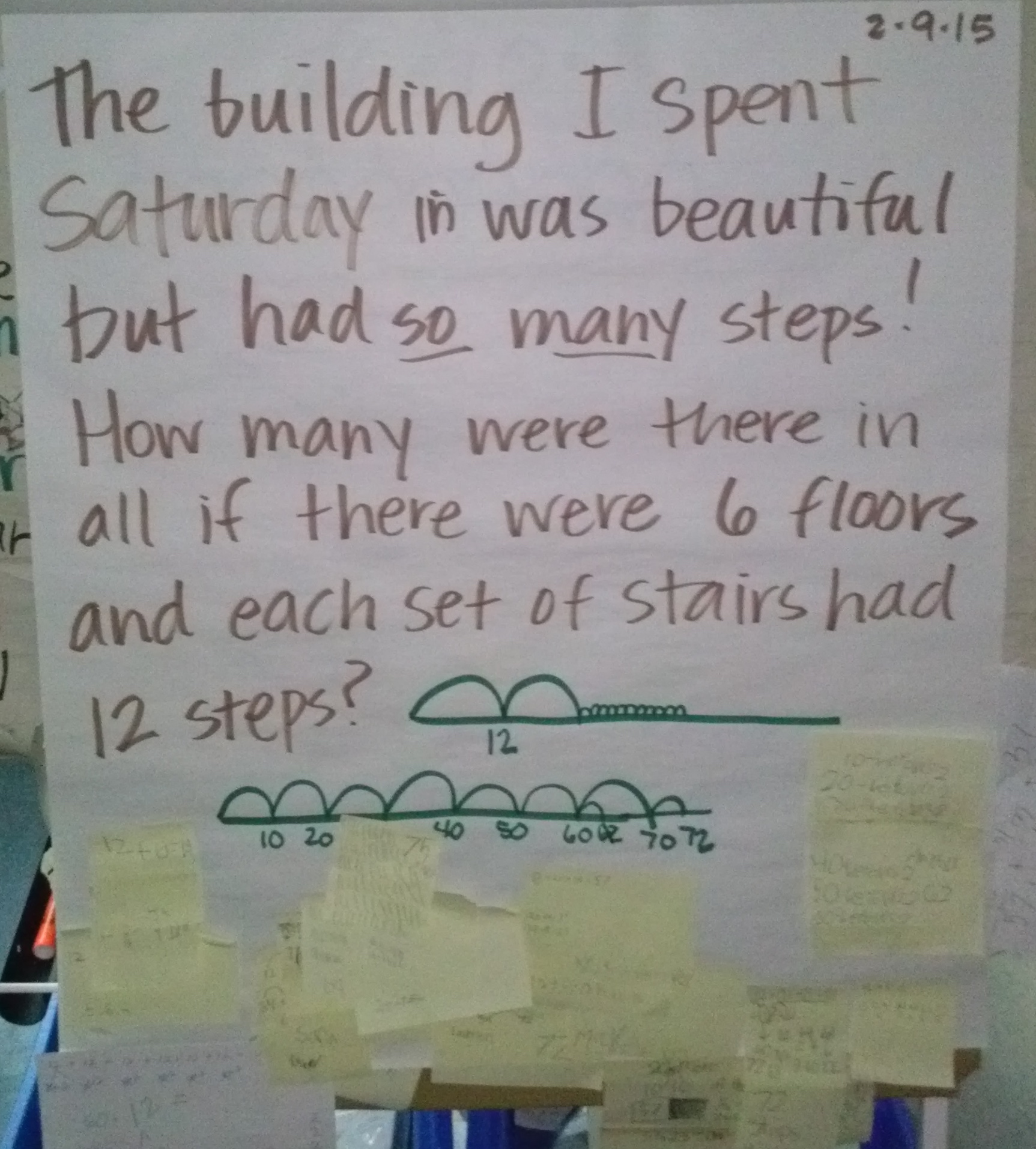
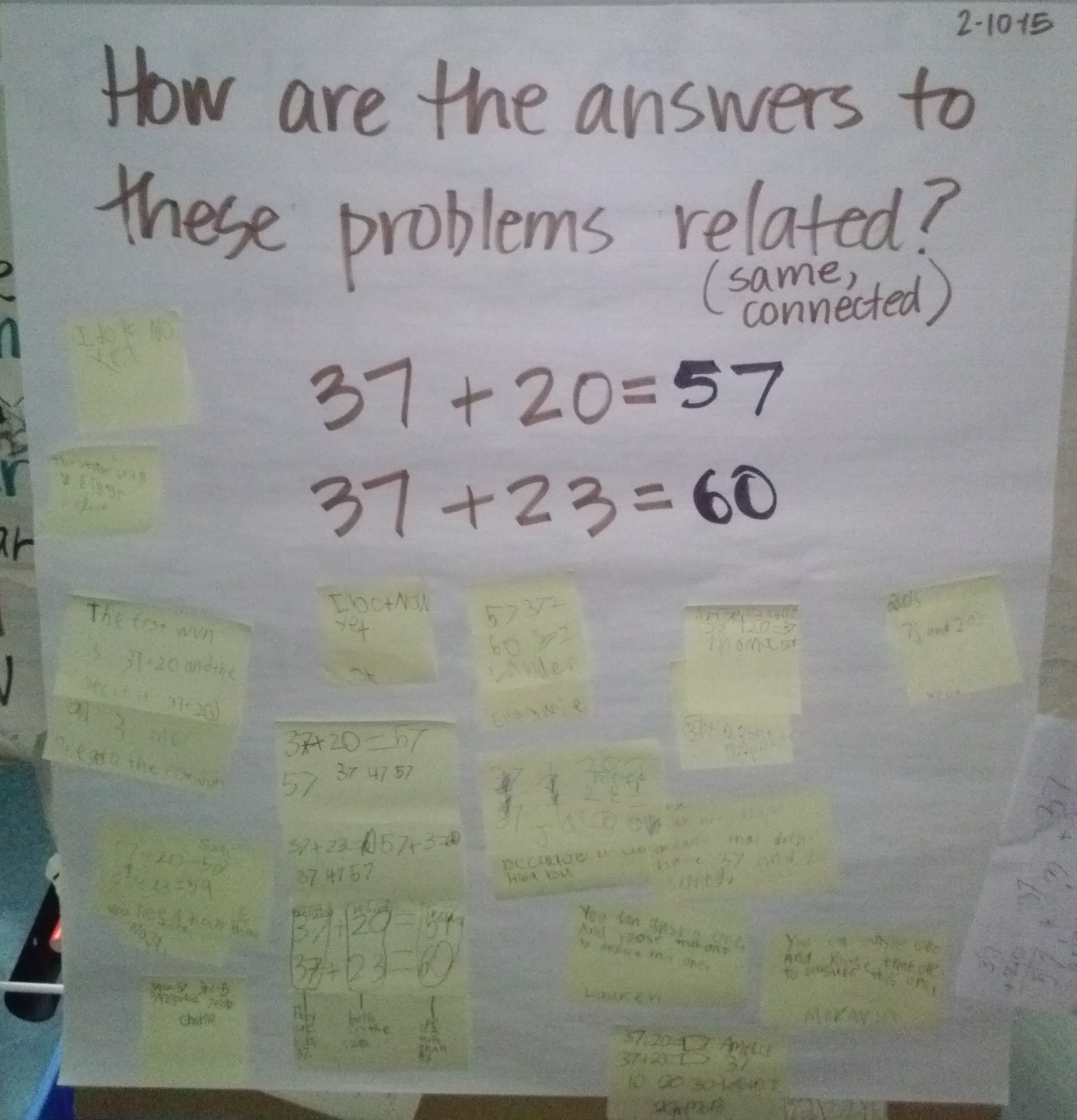
Is there ever a week in January or February when we have all 5 days?  This was another short one (and one filled with a party), so there are only 3 warm-ups this week.  As I’ve mentioned previously, we’re continuing to work on addition within 100, grouping around place value and making sense with our explanations.  Enjoy!

Monday

CAM01615

Tuesday

CAM01614

Wednesday

CAM01601

Valentines’ Day Makerspace

I mentioned last time about how amazed I was by the Makerspace I saw at GCAA during EdCampSTL.  Well, as I have done in years’ past (mostly because of the timing), we took advantage of the need to create Valentines’ boxes and did so Makerspace style in Rm. 202!

First I had kiddos plan what they wanted their box (or container, since many where NOT shaped like boxes!) to look like.  Then they wrote down a list of materials they’d need (somethings came from home and many were materials we already had in our classroom).  We collected items for a couple of days, and then we were busy building!

It was fun, but BOY WAS IT MESSY!  But hey, learning is messy, right? Check it out!

This slideshow requires JavaScript.

After built our creations, we spent some time on Thursday writing about some details about them.  Together we decided that our readers would need to know: 1) what is it (and what it’s called if it has a name), 2) how you thought of it, 3) how it works, 4) materials you used to make it, and 5) how you made it.  Kiddos used the Notability app on our iPads to work on their paragraphs, and uploaded a picture of their creation to add to their words.  We were able to use our chart from our punctuation study, as well as other writing pieces we’ve made together that are hanging around the room, to make sure we’d gotten our punctuation added correctly so our readers could understand our message.  Like with other things we do as first grade readers and writers, we used each other (as well as the word wall) as spelling resources, and reread our words often to make sure it sounded right.  Once kiddos were finished, they learned how to take a screen shot, then uploaded their paragraph to their blog to share with our blog readers.  Such hard, focused work happened in Rm. 202 on Thursday, friends!

We’re not all finished yet, but we’d love to have you visit our blogs to check out our final products! Leave a comment if you can. 🙂  You can find some Valentines’ Day posts here.  Thank you!

Punctuation Study–First Grade Version

If you’ve been around here for a while, you have read about the punctuation studies I have done in 4th and 5th grades.   And if you’ve read much this year on this blog, then you know that one of my goals (or hopes at least!) for this year was to bring some of the things I did in 5th grade with me and try them in a first grade version.  So far, these kiddos are ROCKING it, and really impressing me with how quickly they catch on and then run with things I show them.  The punctuation study was another protocol that I brought with me and another one that they took and ran with!  Let me tell you more. 🙂

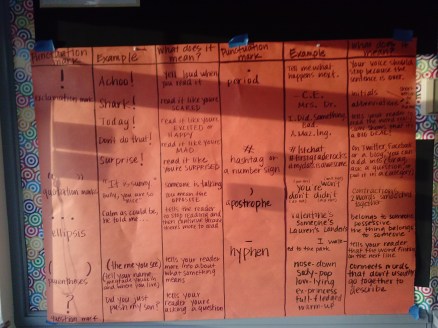
As with other classes, we started with a conversation about how punctuation carries MEANING, and is not just a bunch of rules that you follow (as a reader or writer) because someone tells you to.  This was pretty easy for them to start thinking about because they could tell you what the meaning of a period, question mark and exclamation marks are already.  Then, as with other years, their job was to find as many other punctuation marks as they could and figure out what they mean.  So with a partner and a pile of books, kiddos went to work investigating the work of other authors.  They filled in a chart together where they recorded the mark, an example and their thoughts about what it means for a writer to use it (and a reader to read it!).

After a day or two of gathering info and doing some thinking, we started recording our findings together on a class chart:
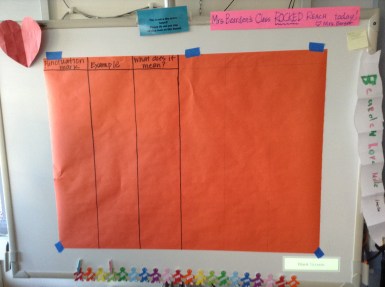
IMG_4236

Our chart started like this when it was empty, similar to the sheets they filled out with their partners.

Now, what happened after that was super cool.  No really–check out what the first part of our chart looked like when they started putting their smart first grade punctuation thinking on it:

I was a little surprised that they didn't start with periods.  Instead, they started to tell me about what they knew about exclamation points.

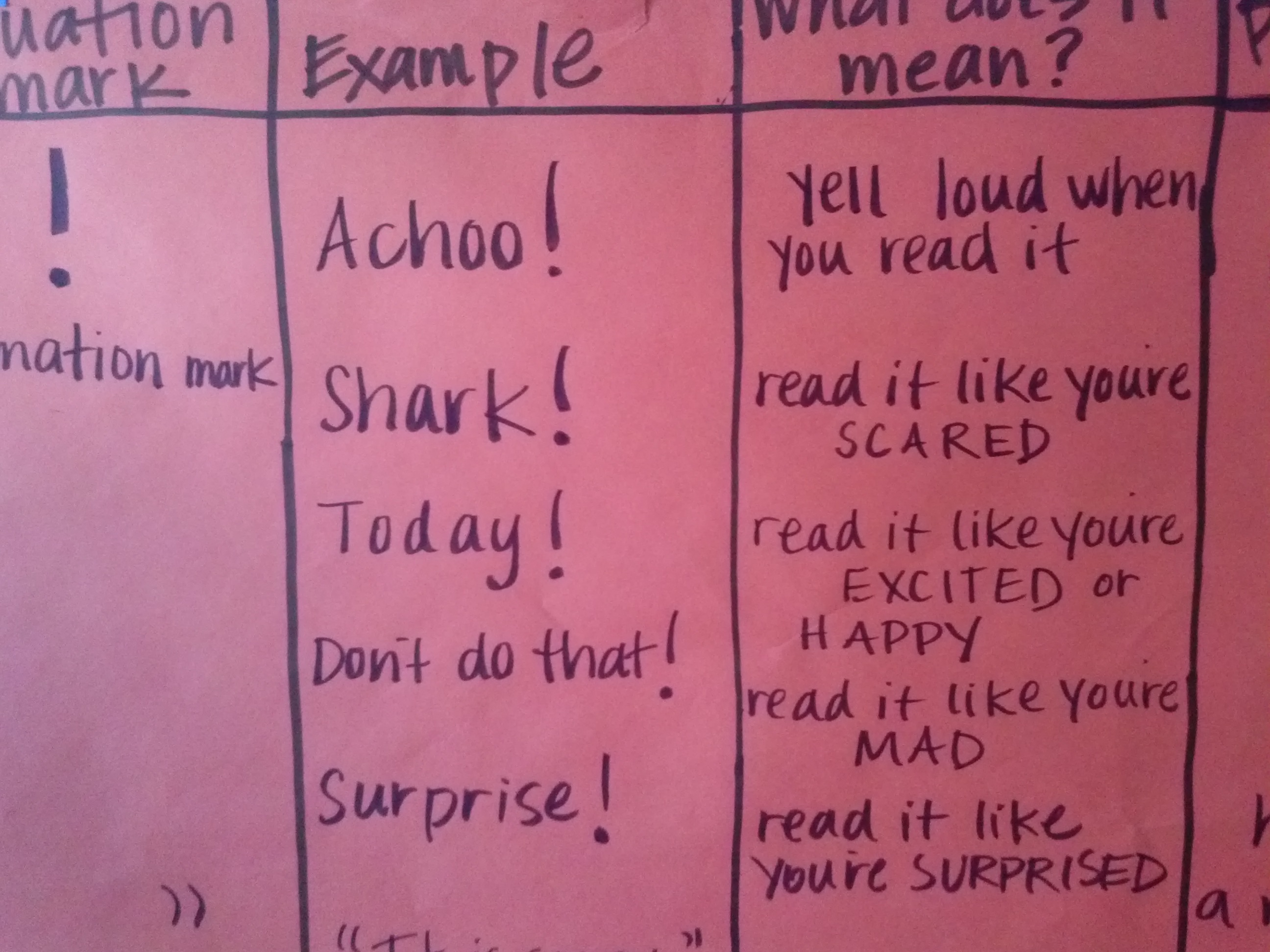
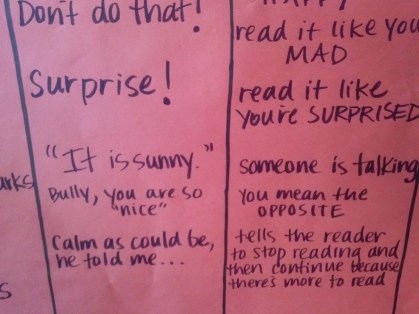
I was a little surprised that they didn’t start with periods. Instead, they started to tell me about what they knew about exclamation points.  But then look, instead of just finding one way to use an exclamation point (like 5th graders usually do), these super smart writers found 5 WAYS to use one. AMAZING!

We kept going, adding quotation marks, an ellipsis (which is always a fun one to learn the name for!) and parentheses (I mean come on–are these really first graders??).
CAM01485

Eventually we did get to talking about periods, but even with that one they were able to find 3 different meanings, including how sometimes people use them exaggerate how a. maz. ing. something is! 🙂  Then they blew my mind again and added a hashtag (do you sense a theme here?).  Now I don’t know if it’s just because we’d been talking about Twitter lately, or what the reason was, but my “big” kids never put a hashtag on their charts.  First graders love it when you tell them that, too, by the way. 🙂
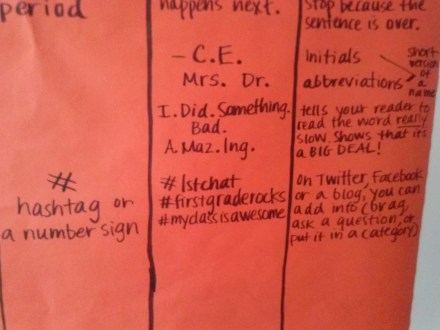
CAM01487We had a little big of paper left (although I have a whole new blank one waiting for us to fill up!) and so we started talking about “that little mark that is a line.”  Now, what I knew (but they didn’t yet) is that they could have been either talking about a hyphen or a dash, and that those are actually not little marks at all.  So we did some more work to dig into the meaning.  We started with a hyphen (although at that point they still didn’t have a name for what the mark was).

Since we had just gotten our iPads, instead of writing down our examples, we got to work collecting some examples simply using the camera app.  Their directions were to look JUST for that little mark and to take a picture of any examples they find.  Then we would reflect those pictures on our ActivBoard to discuss together what they are used for.   What we quickly found were many examples of how hyphens are word-connectors.  They can be used to put two usually unrelated words together to make new words that describe other things (like full-fledged, top-rate and ex-princesses) or to break up a word when you don’t have enough space to finish the word on the line you’re writing.  They also found this part being used in a dedication page, as well as when I was making a list of our hyphenated words (and I did this without even knowing it–they were definitely paying attention!).   We aren’t even done yet, but our chart is filled up and now looks like this (SUPER sorry for the hard-to-read, end-of-the-day photo):
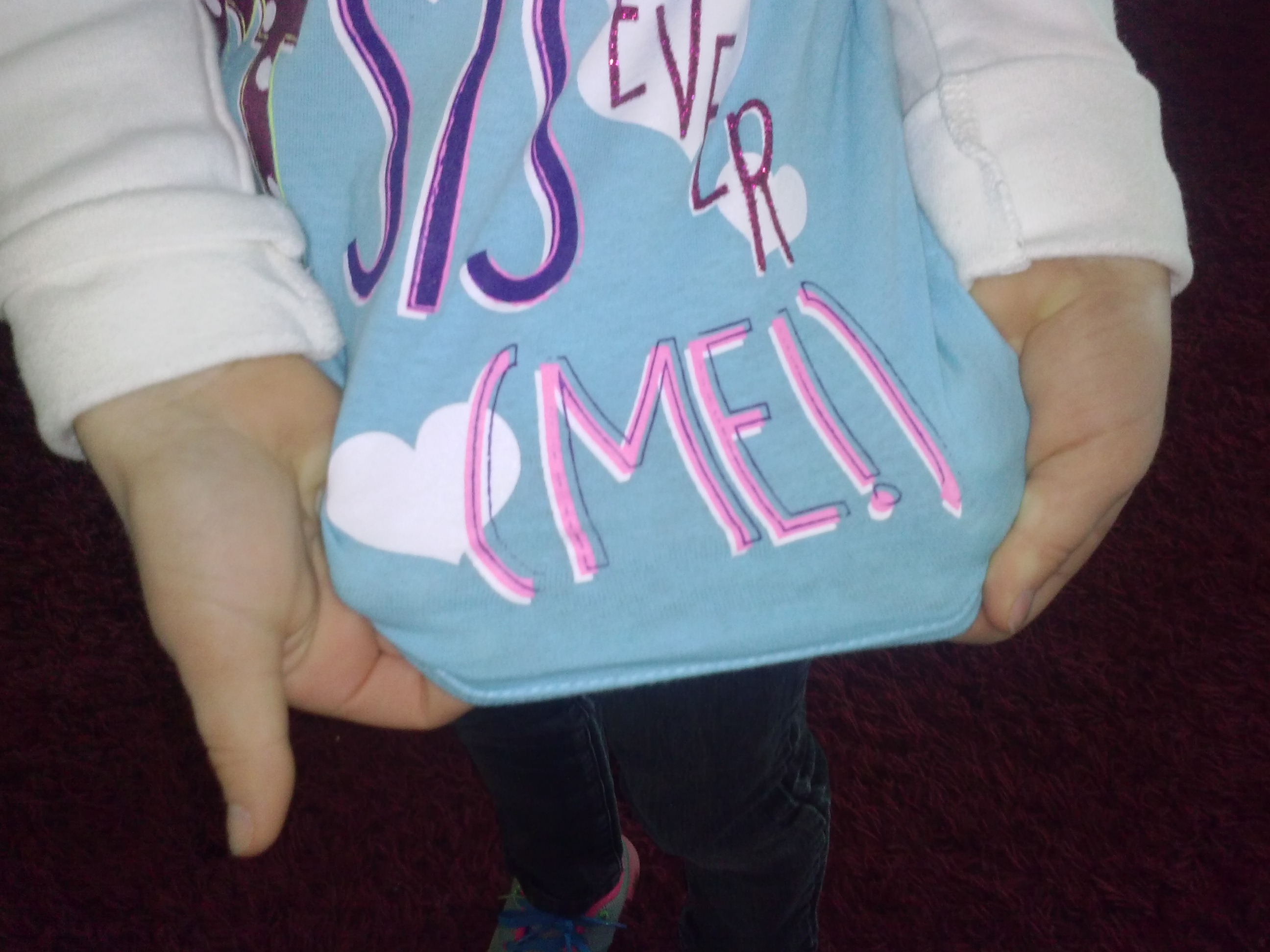
CAM01602The best part of this study is that our minds are now always thinking about (and noticing) who writers are using punctuation.  We even found it on our friends’ clothes!!

CAM01547  CAM01491

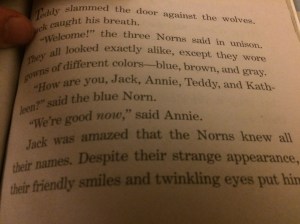
And just as I sat down to write this blog post, I got an email from Charlie’s mom about how he had found a hyphen in the book he was reading.
IMG_0599

Can you spot the hyphen? Do you see the dash, too? 🙂

Apparently he stopped in his tracks, made her take a picture and said, “I’m supposed to send this to my teacher!”  I. Love. This.  I mean, what more could I ask for?   Great job, Rm. 202 kiddos!   I’m impressed. 🙂

UPDATE!!:  We added more today…they are tickled that they have so many ways to use a comma, AND that they put a caret (which is yet another thing that 5th graders haven’t mentioned before but 1st graders did!)

CAM01612

Where in the World (Are You)? #wewanttofillupourmap

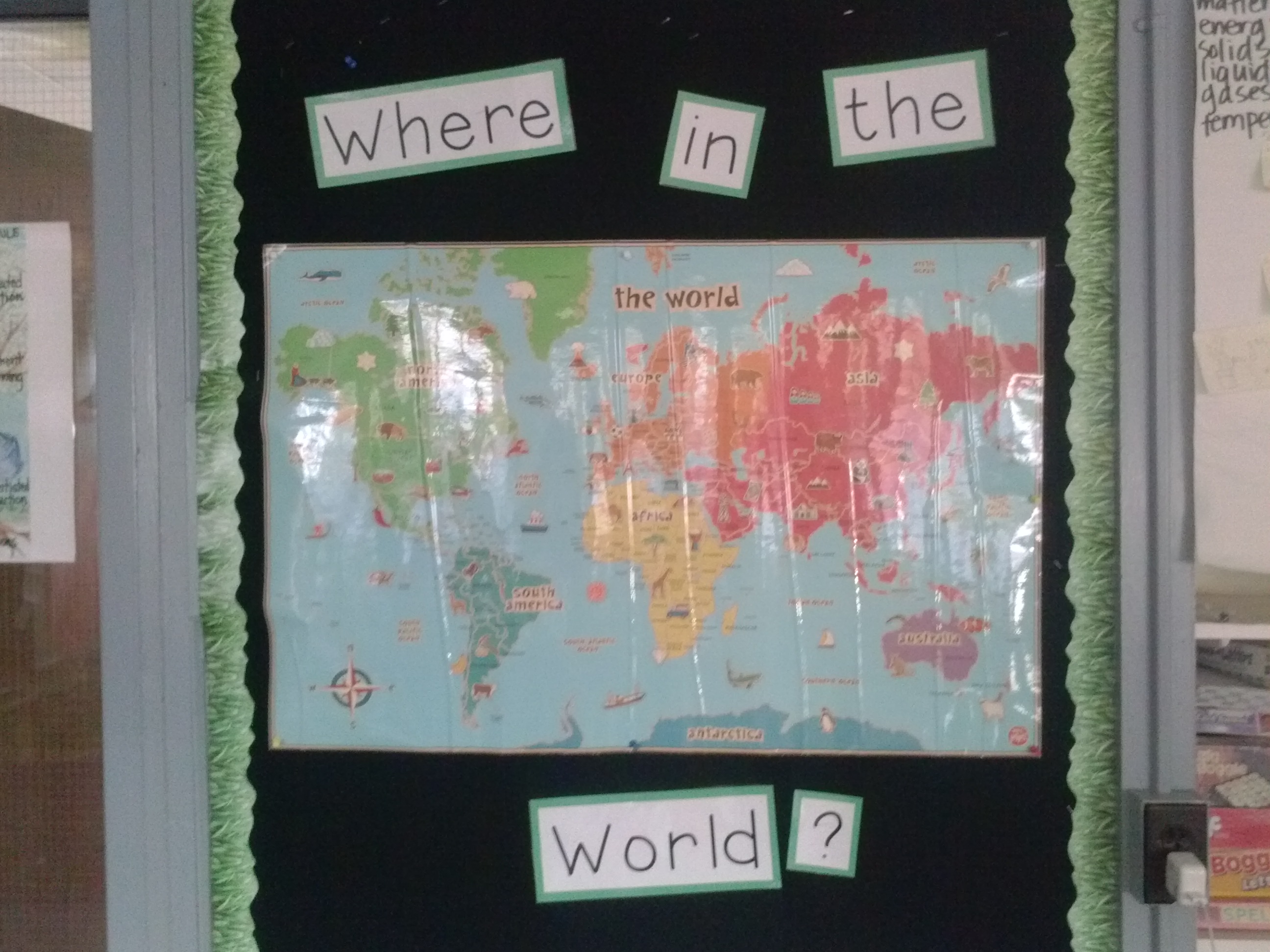
I have posted a picture much like this for the last several years:

CAM01471

In the past, it’s been a much bigger map on a different wall (that wall is now our word wall so we had to use a different space), but it serves the same purpose: showing kids all of the connections they’re making on their blogs, Twitter and our class blogs.  It’s an amazing feeling to have people you don’t even know read your words and find them interesting enough to talk about.  And somehow this seems even more important and amazing for younger learners.

So I need your help!  When you read our blog, talk to us on Twitter , or comment on our Kid Blogs, could you please tell us where you’re from so we can add you to our map?  We’re excited to start seeing the connections that can be made!

#edcampstl (2015)

This past Saturday I attended my 4th EdCamp.  It was, as expected, a great day of personalized, “me-led” learning.  I’ve written about EdCamp before, and this year was a similar experience.  The highlight for me this time around was getting to see the Makerspace that is present (and very well used!) in Grand Center Arts Academy.  At past Edcamps (last year even, I think), I learned more about how a Makerspace can be a great place for kids to problem-solve, challenge themselves and work on design thinking.  I have even tried it a little bit in my own classroom.  I took lots of pictures of the way GCAA used their space, as well as of the signage they have around their room.  Boring, I know, but this is a way for me to document their learning so that I can find a way to do the same in Rm. 202 (or maybe even some other place in Robinson School!).

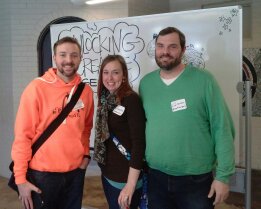
I wish there was a way to explain EdCamp in writing.  I am sure there probably is, but for me the best way for you to learn about it is to see for yourself.  The day is what you make of it: the sessions you present, the sessions you participate in, the people you talk to, the connections you make.  And if you’re lucky like me, you can do it all with people you love:

Smile!  This is my amazing brother, Chuck Baker, who is a math teacher extraordinaire and now helps plan EdCampSTL, and my awesome hubby, Grant, who teaches 5th grade and encourages me to do new things with kids.  EdCamp is great, but it's even better with friends!

Smile! This is my amazing brother, Chuck Baker, who is a math teacher extraordinaire and now helps plan EdCampSTL, and my awesome hubby, Grant, who teaches 5th grade and encourages me to do new things with kids. EdCamp is great, but it’s even better with friends!

Happy Valentines’ Day!

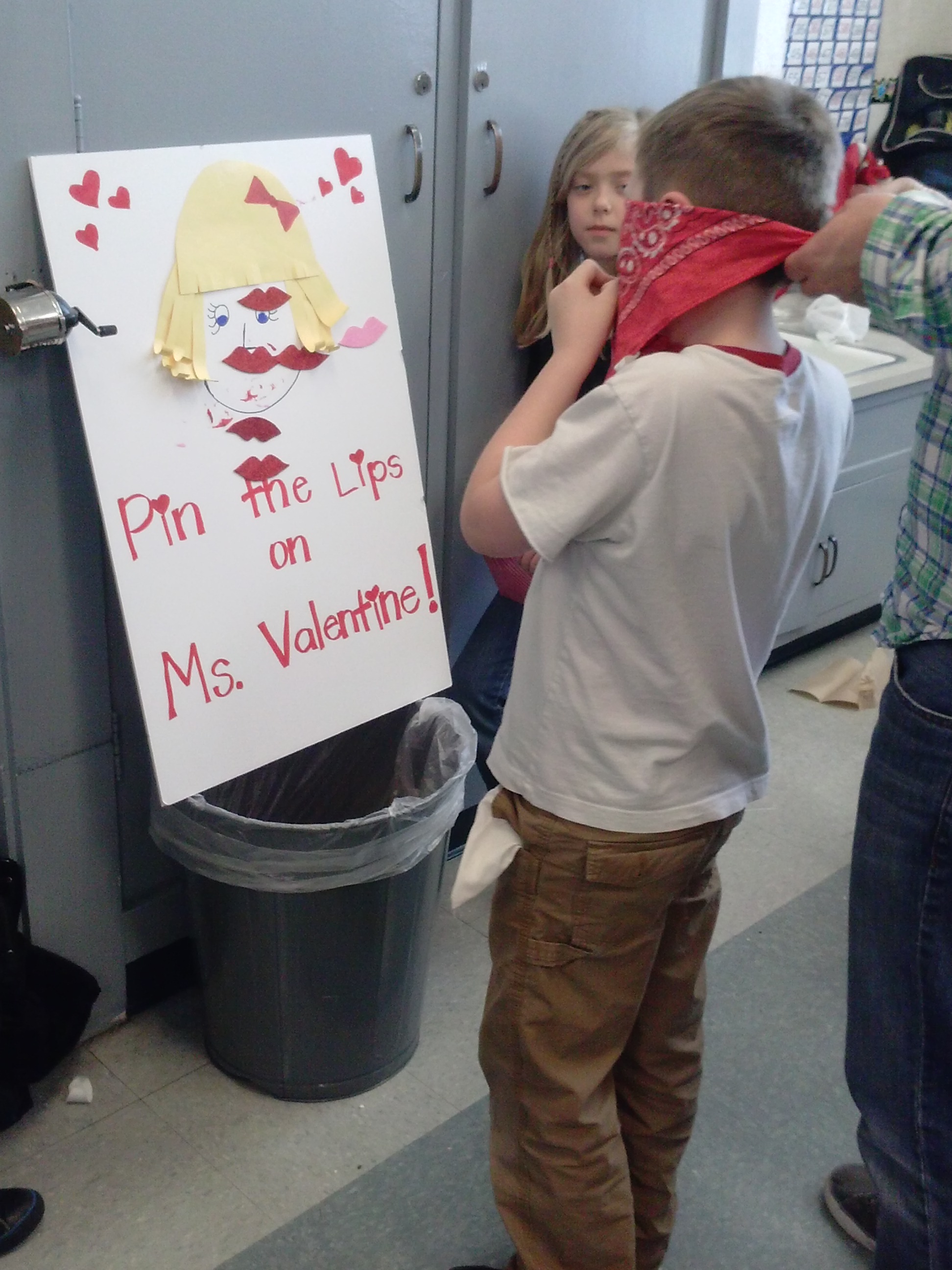
This special day brought another special reason to celebrate in Rm. 202!  Thanks to Ms. Ross (Millie’s mom) for coordinating and for the others who came to help us have so much fun!  We even got to meet Evan’s grandparents!  Check out some pictures from our party!

Looks like fun, huh?

I saved a couple more to highlight on their own….

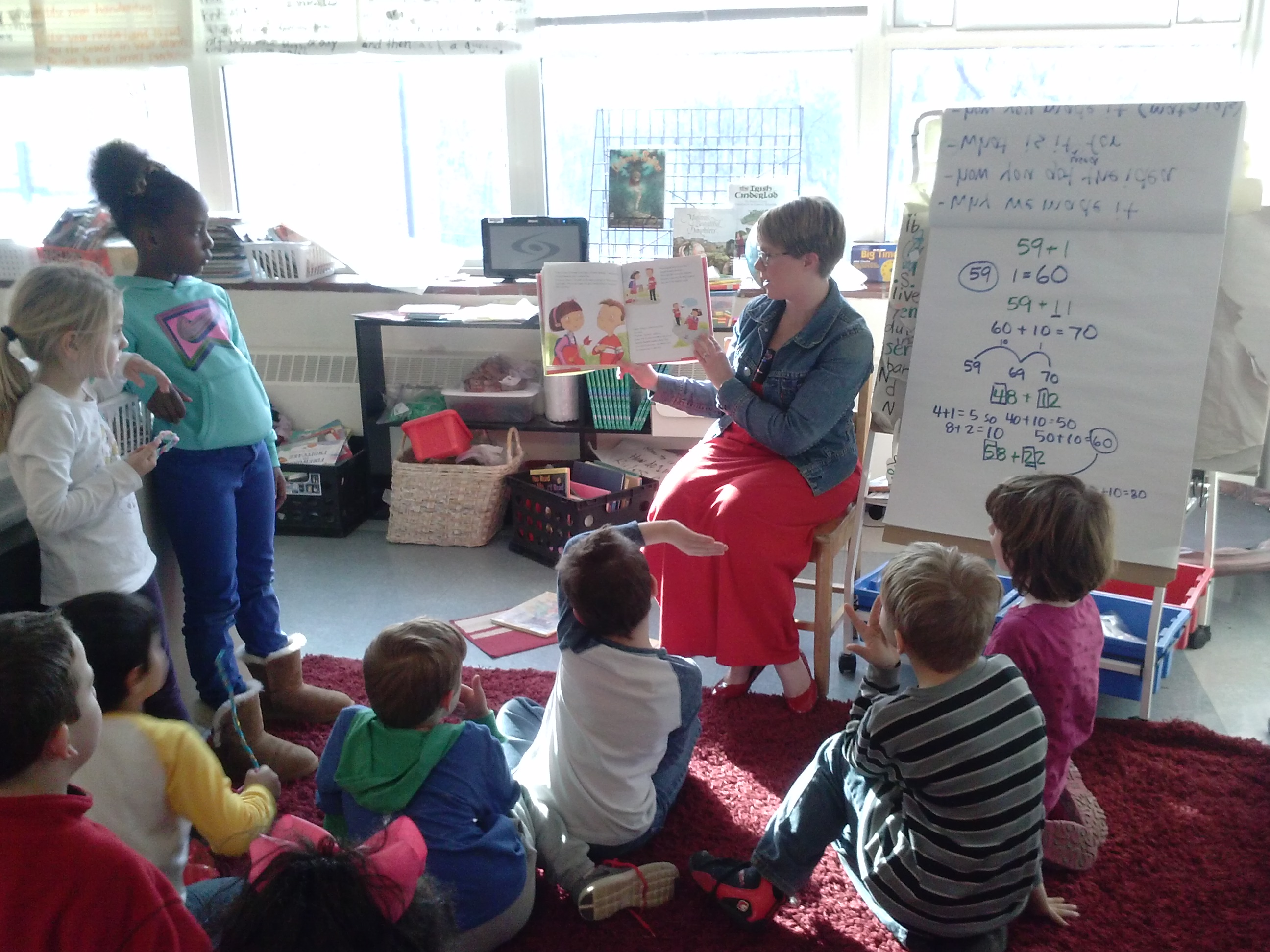
Ms. Ross came prepared with some Valentine stories to share at the end while we were waiting for dismissal.  Amelia Bedelia is a great choice for Valentines' Day!

Ms. Ross came prepared with some Valentine stories to share at the end while we were waiting for dismissal. Amelia Bedelia is a great choice for Valentines’ Day!

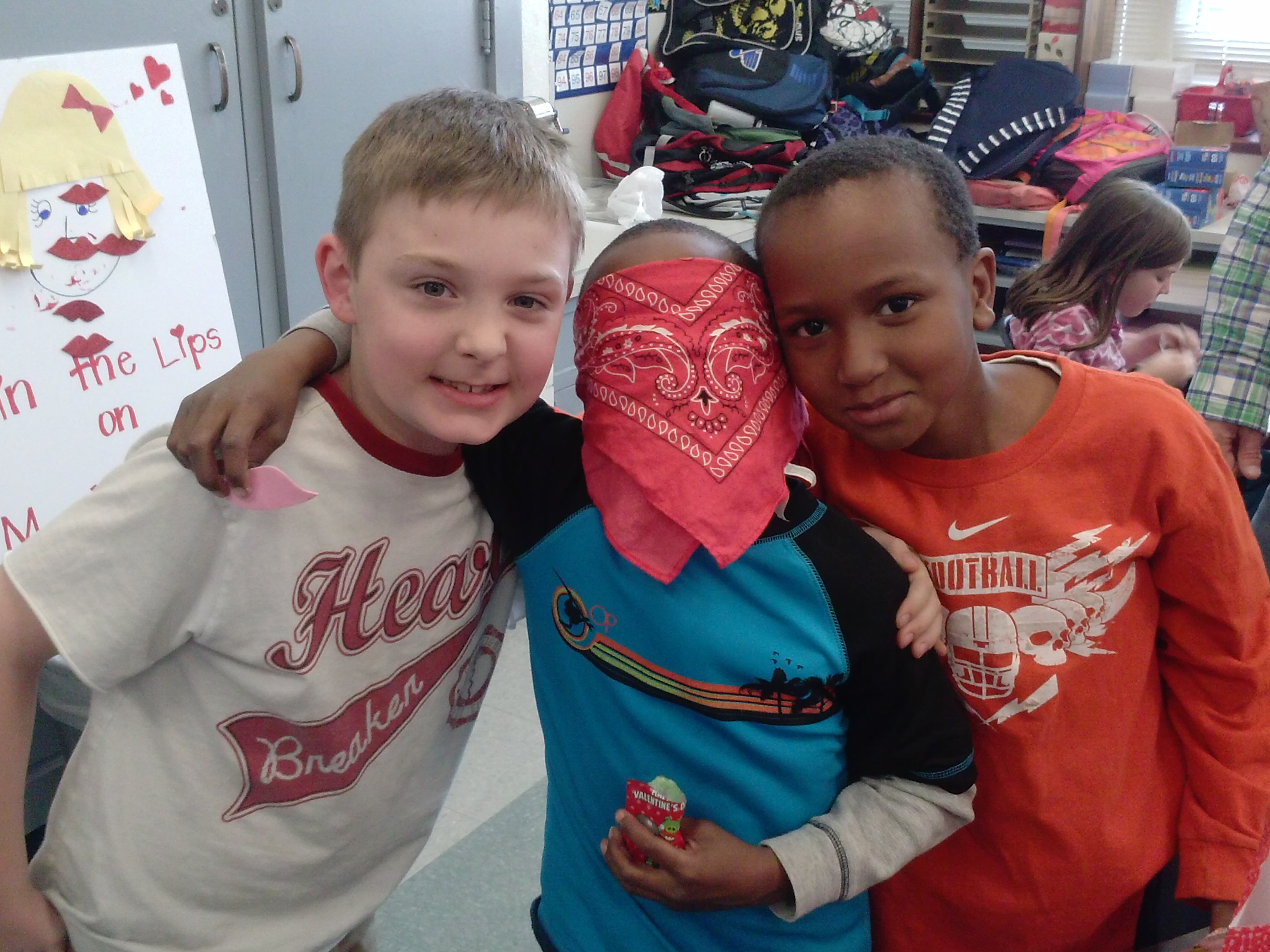
Ok, technically these pics have nothing to do with Rm. 202, but they were cute and fun to share.  Plus I kinda like the kid in the Heartbreaker shirt….

CAM01597              CAM01598