EDUC 573: Week 7–WebQuests, BYOD and Educational Equity

Yes, all those things have something in common.  Mainly that I learned about all of them this week. 🙂

One of the big projects for this class I’m taking is a WebQuest.  While the idea of a WebQuest is not a new one (the concept was created by Bernie Dodge in 1995), it’s a new one to me.  Somehow, I’ve gotten through all of my education thus far–including the teaching part–without having done one, using one or creating one.

One thing I wanted to make sure of was that I made a WebQuest that was actually applicable to my classroom and my students; this is hopefully true of all assignments in grad school, after all!   Eventually I landed on making it applicable to a science unit on animals we were about to begin, since it could be self-paced and open-ended like most of the other projects I assign in science.

Outside of the content piece of the project, there was also the process of using Google Sites to create the website housing the actual WebQuest.  The funny part to me while I was working was how much I had ragged on Google last week, and then how the usefulness of so many Google Apps became clear; if only my students had their Google Drives up and running so that they could download and save their papers to use later, or how they could better collaborate if they could use a Google Doc to record their research–at school or at home.  The whole hangup I had with it last week was that I couldn’t see the necessity of it or how it would work with elementary and all it took was one project where I needed it for it to all make sense!  That was the connection I was looking for, right there in front of me.

Another topic this week was the article Left to Their Own Devices by Jeff Weinstock (2010).  While the article was all about the rationale for BYOD, as well as the difficulties districts face in trying to figure it all out, I was touched by a completely different topic than that of the technology involved.  Rather than focusing on the money, time, or infrastructure involved in having students bring their own devices, I zeroed in on the educational equity piece of it all.

The article began:

At Empire High School in Vail, AZ, every student has a laptop, a fully loaded MacBook supplied free of
charge—to the student, at least—courtesy of the Vail School District. “We provide the entire experience,” says
Vail CIO Matt Federoff.
The 1-to-1 program is a cornerstone of Vail’s Beyond Textbooks
initiative, whose goal is an all-digital curriculum. So facing the decision on whether to expand the program to
another of its high schools, Cienega, the district made the obvious choice: No way.

Maybe I’m reading it wrong, but to me it seems that one school got the whole package of a 1:1 roll out and the other got nothing. While I completely agree that the definition of fair is not “same,” the scenario seems a little unfair to me.  What if I can’t bring my own device to school?  What if I don’t have one?  What if my phone only makes phone calls and isn’t “smart?”   Should I not be allowed to access the curriculum?

I agree that the whole topic of technology in schools and BYOD and 1:1 is not that simple, it’s not a black/white thing with easy answers.  Perhaps the school district was making a good decision in going 1:1 in one place and not another, there could be more to the story that I don’t know.  But isn’t one reason for going 1:1 in the first place to level the playing field?  To give all students an equal chance?

Ok, now I’m rambling….so I’ll ask you: what connection to you see between BYOD, 1:1 initiatives and educational equity?  Tell me your stories and share your thoughts. 🙂
Our Own Bill Nye

We love Bill Nye!  You know, the Science Guy?


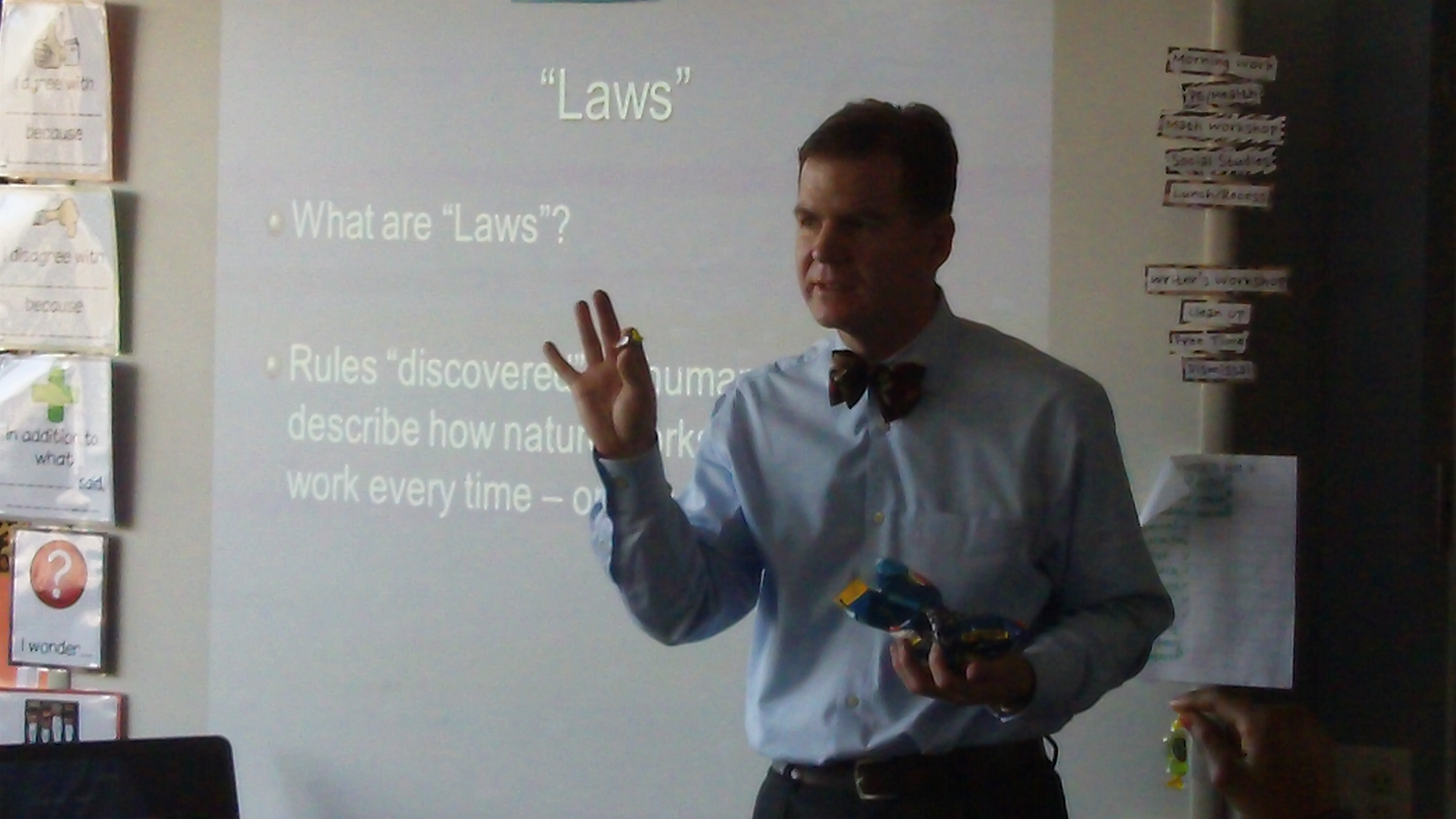
Well, we had a visit from our very own Bill Nye, who’s real name is Mr. Browning.  He LOVES physics and LOVES to talk about it, and we LOVE to learn, so it was a match made in heaven.  He came today to teach us about Newton’s Laws of Motion.


109_0049

One of the things we loved about Mr. Browning was his enthusiasm.  He was really excited about this, and that made us excited, too.  Plus he had props.  Lots of props.  Props that he used to guide us through activities that modeled what we were talking about.  He also shared some really interesting videos from the ESA that showed Newton’s Laws in the gravity-free environment of the International Space Station.  What a great day!


Newton’s First Law

An object at rest stays at rest and an object in motion stays in motion with the same speed and in the same direction unless acted upon by an unbalanced force.

Mr. Browning in action:

ESA video:


Newton’s Second Law

The acceleration of an object as produced by a net force is directly proportional to the magnitude of the net force, in the same direction as the net force, and inversely proportional to the mass of the object.

Mr. Browning (with Rosalee and Rebekah) in action:

ESA video:


Newton’s Third Law

For every action, there is an equal and opposite reaction.

Mr. Browning in action:

ESA video:


FOR SURE we will remember this day and Newton’s laws for a long time to come!  THANK YOU, Mr. Browning, for making science fun and exciting. 🙂

Now it’s your turn: what did you learn about Newton’s Laws of Motion? What else can you teach us about Newton?  What’s your favorite thing about science?  We’d love to hear from you!

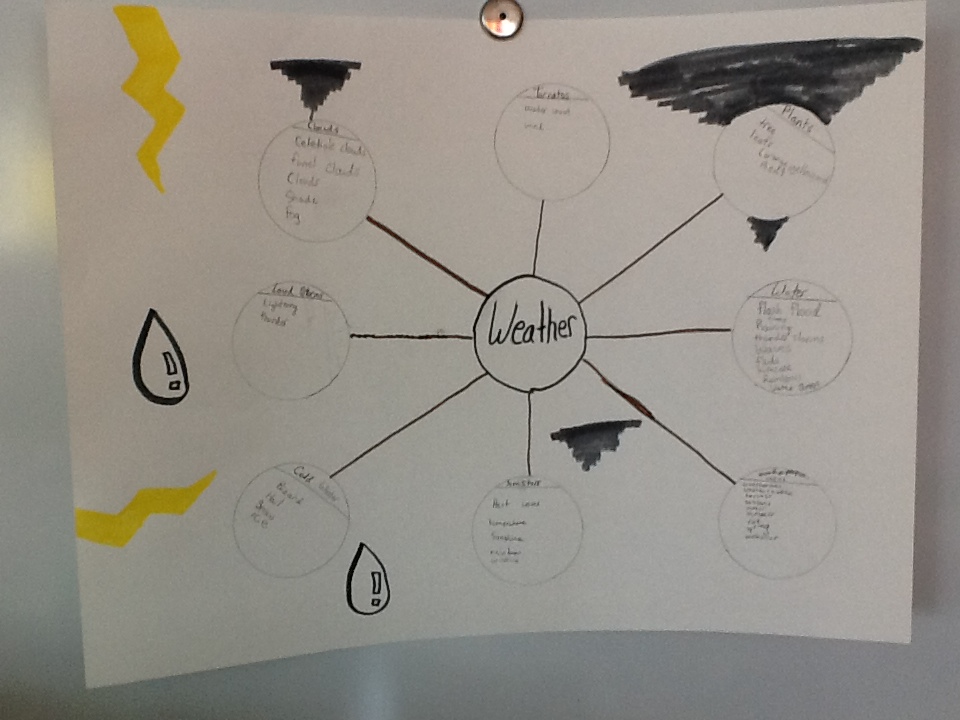
List-Group-Label: Science Work with Weather Words

I wrote about this topic last year here.  And like last year, I started my weather unit today with the same activity.  But that doesn’t mean that our experience was the same.  I have a different group of kiddos, with different knowledge and understanding, and I gave a different set of directions of how this protocol would work.  So yes, it’s similar, as many things are year-to-year, but it’s not nearly the same.
As with most every unit we begin, we start with vocabulary words that students will need to know.  Today we used the protocol List-Group-Label to do this introduction.  Here’s the big idea of how it works:

So, like I mentioned before, I had a couple of added directions this time around that helped further thinking.   When tribes got to the GROUPing part, rather than tell them how to make their poster look, we talked about how they needed to make a decision about the best kind of graphic organizer to use for their information.  I also took this opportunity to introduce the phrase “You gotta build the house before you decorate it.”  We talked about how you could “fancy” up your poster if you had some time at the end, but that the most important thing was to get your thinking down first, to show what you know about weather in an organized way.

We spent about 10 minutes on the list-group-label part, then took a short gallery walk to each tribe’s poster.  As they visited other posters, they were to notice what words others used, how they organized their thinking, and if there were any ideas they could “steal” to add to their own sheet once they returned.  After spending about 30 seconds at each poster, they had two minutes to tweak their own work before we were finished.

It was great to hear them work together in their groups to put words together, and think about how they could label each category.  Look at it in progress:


And then here is what we ended up with after our work time:

The Legendary 4

The Crazy Dragons (they even signed their work with their tribe name!)

The SBF

The J.A.A.Zicles

The Wild Spirits

Please leave us a comment and let us know what you think.  We’d love to continue to learn with you.   What other words would you suggest we put on our lists?


Skype!

Remember how I told you about how lucky we were to be able to Adopt-a-Pilot?

Well, since that first visit, he’s come back two other times, teaching us all sorts of awesome things about geography and flight, as well as life-lessons related to doing our best and working to achieve our goals.

During this second-to-last visit with Mr. Smith, we got to Skype with him while he was out-of-town!  We got to guess “Where in the USA was Mr. Smith?” using clues he gave us.  We used our big map to mark where we thought he might be:

Molli guessed on the FIRST CLUE that it was Birmingham!  Way to go, kiddo!

Check out a clip of our Skype session:

This was only the second time I’d ever Skype’d (and the first was the end of Adopt-a-Pilot last year!), and it was so great!  I know lots of teachers use it in really creative ways in their classrooms for mystery read-alouds, conversations with authors and for class-to-class chats.  I can’t wait to see what else is out there that I might try next year!

How do you use Skype? I’d love to hear about it! 🙂

Do You Remember It All?

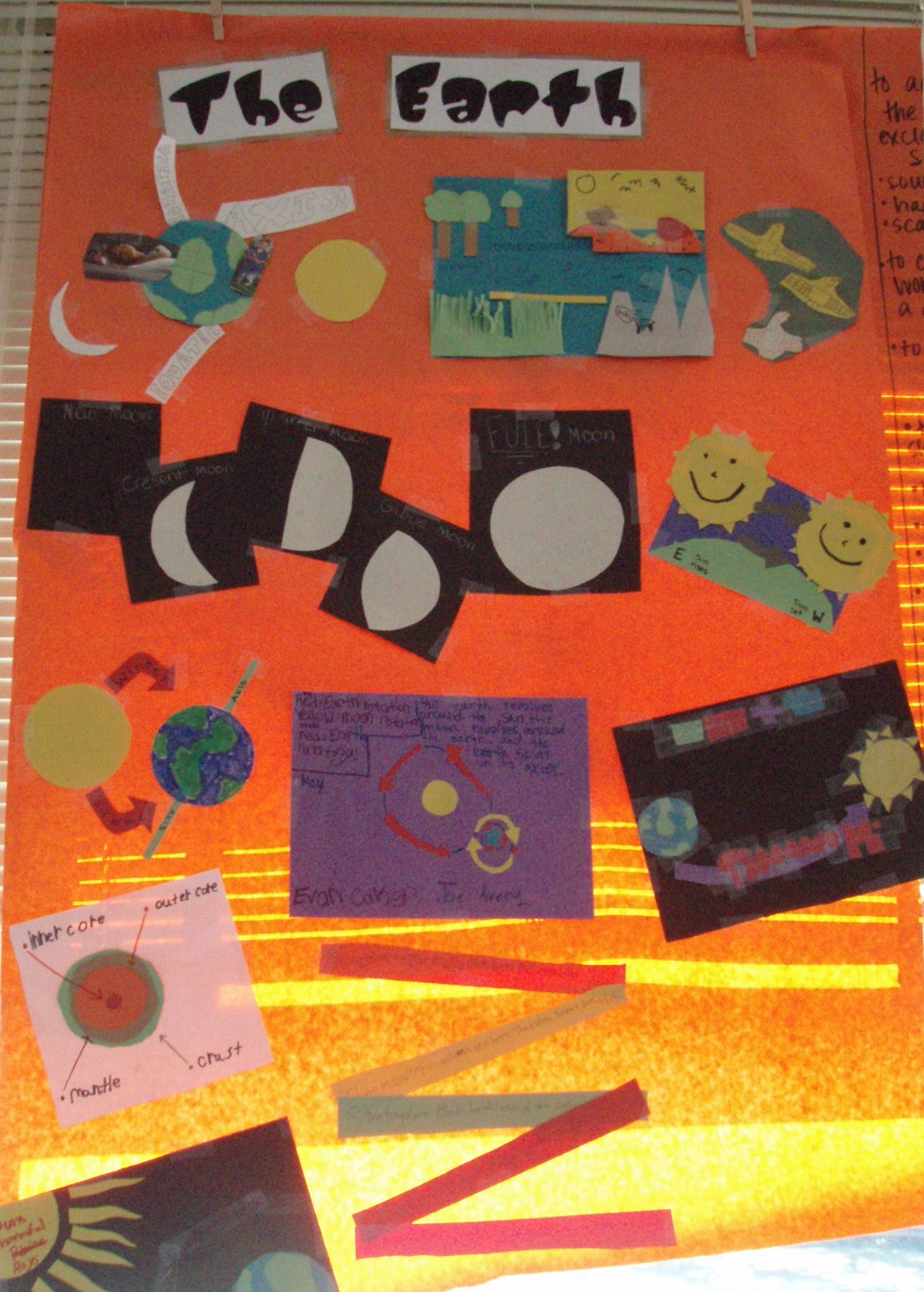
Of course, not, silly, but I can help you pull some of it out of the depths of your memory!  Wait–let me back up a little bit.  Remember when I mentioned the other day about how we are going to be starting MAP testing in a couple of weeks? Well, one thing that we have been doing to help us prepare for the Science section of that test is to review concepts that they have learned about previously.  Because, of course, they probably wouldn’t remember all of it without a few reminders.  And pretty much anything they’ve ever learned about (yep, since 1st grade!) is fair game on this test.  So we had some work to do.

This week we went back to an activity we’d done with past units in Social Studies in our classroom.  Since I knew that it worked to help us remember big ideas and I knew they had fun doing it, I figured it was perfect to pull out again.  Plus, unfortunately, the last few units we’d been doing in Social Studies had been more of the sit-and-read-from-this-book-and-tell-me-what-you-learned type units, so they were ready for a change.

We have access to Safari Montage through our school district, which is an amazing resource for videos to supplement your curriculum.  There is a great series by Schlessinger Science Library that presents concepts in a fun and informative way with short, interesting videos.  This week we watched several videos and then created window murals to help us remember the big ideas.  We worked with a partner or in a group of 3, and created representations for each big idea on the mural.

Here’s what we’ve been working on this week–

This one was after a video called All About Plant Life:

Can you see the big ideas of leaves, roots, what plants need, how plants are different from animals, photosynthesis, and how they give us oxygen?

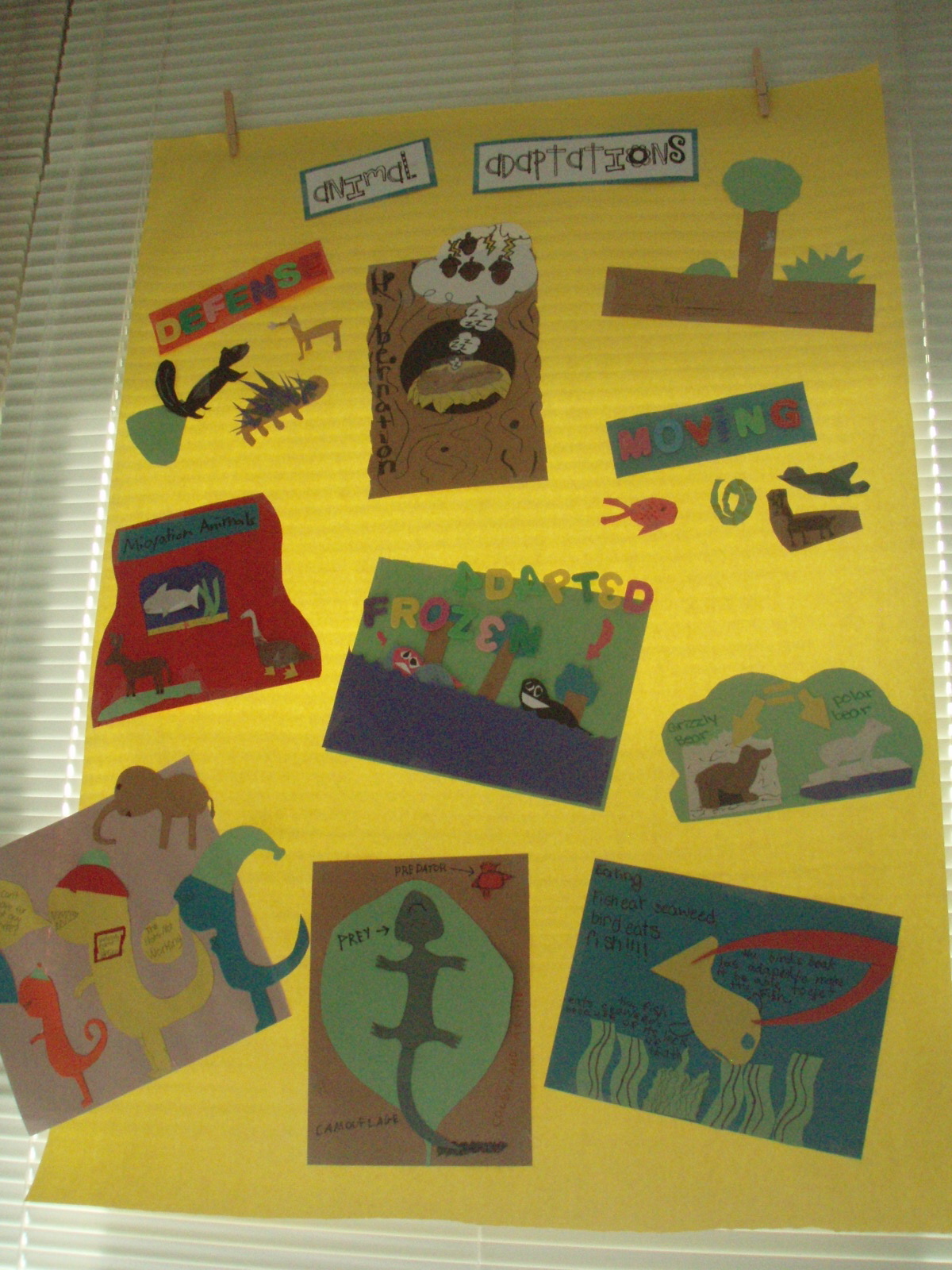
Next we watched a video called All About Animal Adaptations:

I wish the picture had turned out better, but this one had big ideas about how animals have to adapt to their environments to help them survive.

On Thursday, the topic was animals again, but this time Life Cycles:

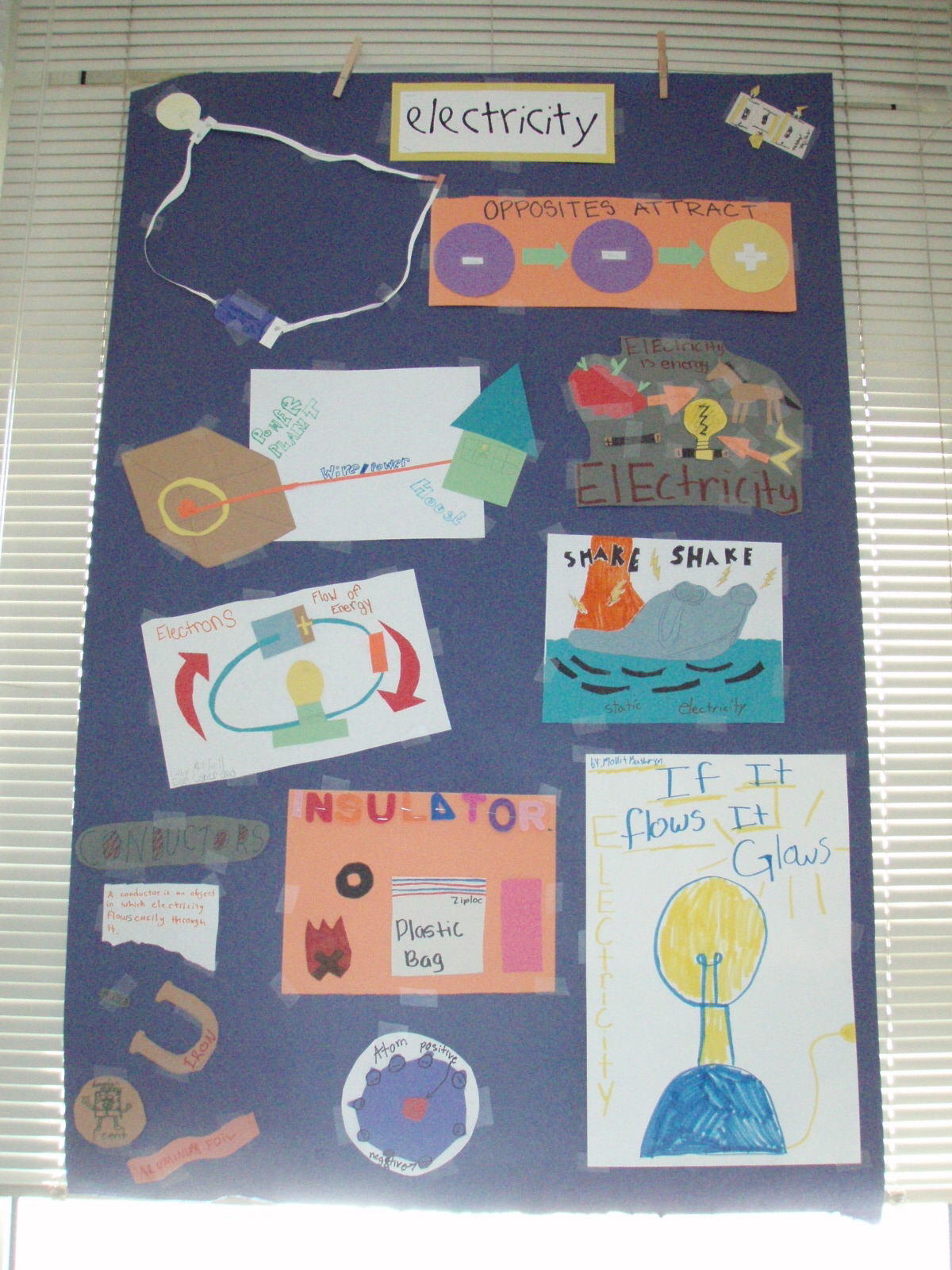
And then Friday we moved on to Electricity:

It is always great to see what my students do when they are given a challenge, and how much fun they have doing it.  I loved how so many kiddos mentioned this activity when they shared in our closing circle on Friday.  The Friday question is almost always “What did you like or what did you learn?” and a majority of kiddos mentioned that they liked going back to this again.  And any time we can learn in a fun way, I’m all game.  We have more window space and more science to review, so there are surely more of these in our future next week!  I am sure my class will be just fine with that. 🙂

New Technology!

Wait–it’s not new to the world, or new to the school, but new to us!

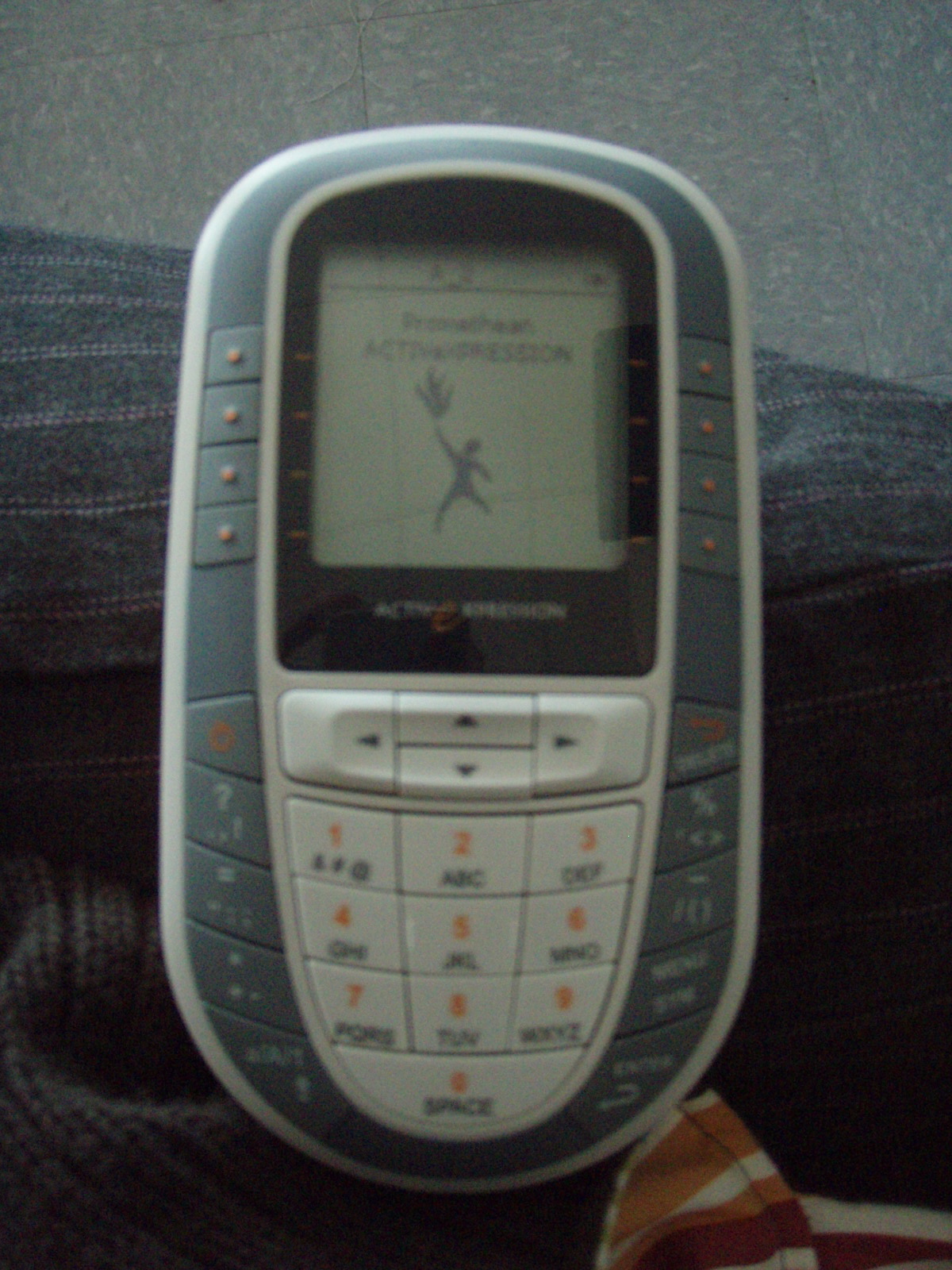
Today we used ActivExpressions for the first time.  Don’t know what I mean?  Check out this picture:

Ok, sorry for the quality of that pic, but hopefully you get the idea.  It looks alot like a cell phone, but is connected to our ActivBoard, and can be used to answer questions (using multiple choice format), or you can even text in your answer to a constructed response question!

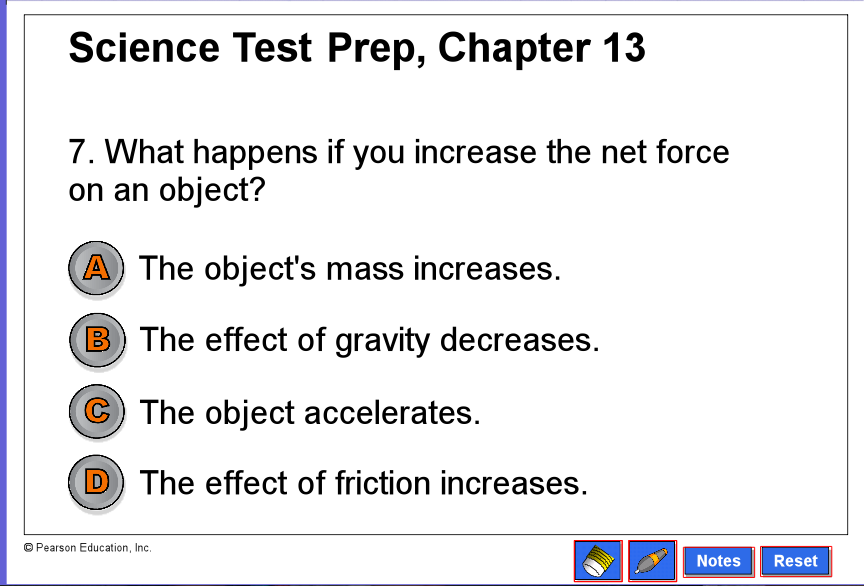
We are getting ready to take a test at the end of our Force and Motion unit in science, and so were ready to review today.  Instead of playing a game, or just answering questions out of the book, we used a flipchart on the ActivBoard that had questions we could answer using the ActivExpressions.  Here’s a random page from the flipchart we were using, to give you a better idea of what we were doing:

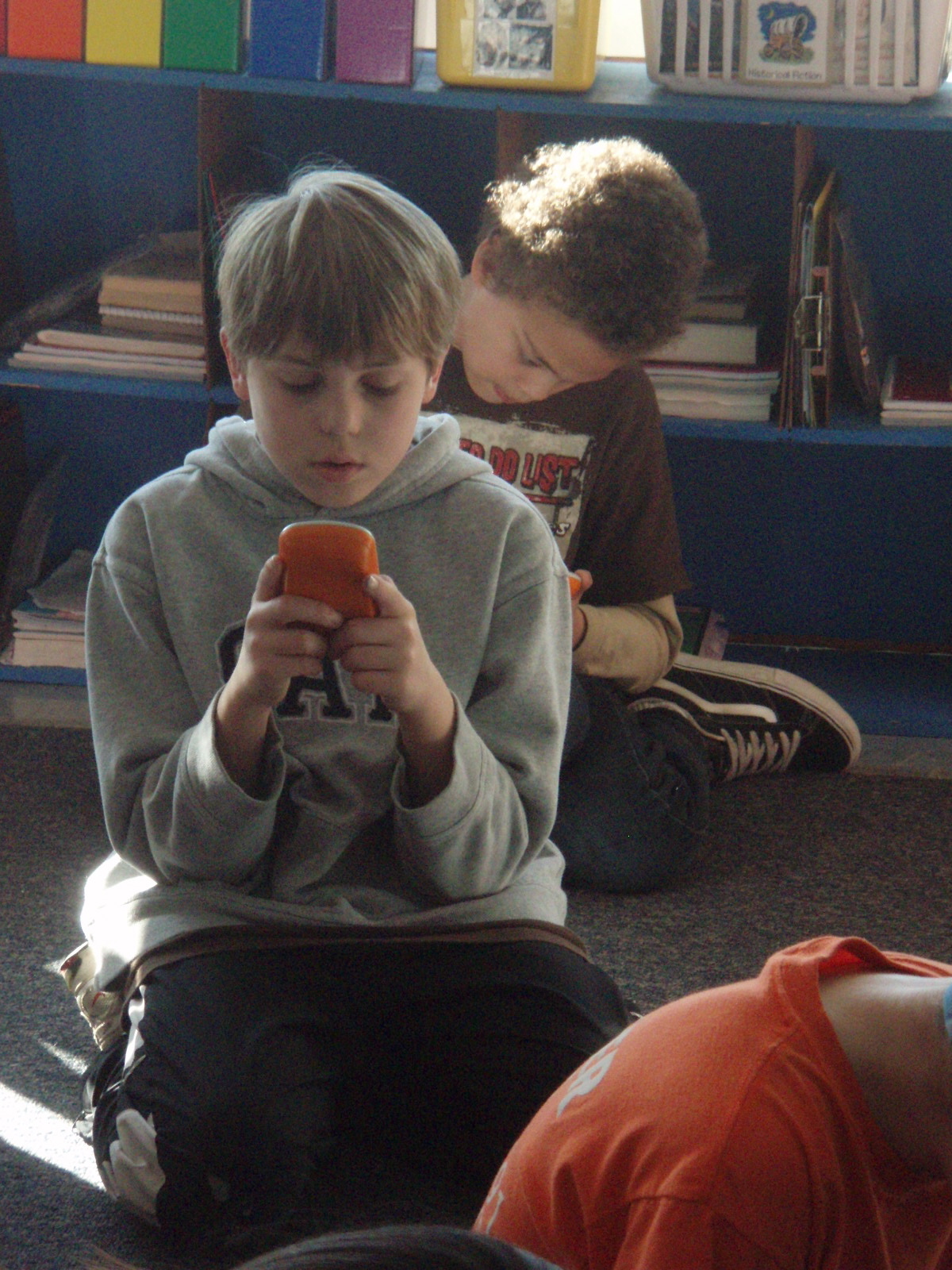
There were a couple of questions where the kiddos had to text in their answer, and they TOTALLY LOVED that part of our science review:


I loved how I kept hearing them say that, “This is so fun!”  My class loves science and socials studies (well they love everything we do, really), but you gotta love how a little change in the format, and an addition of a gadget and you’ve got their attention.   We will definitely we using these again soon.  Well, tomorrow, actually, because we didn’t finish today. 🙂

Are You Hungry?

If you’re anything like me, then you love to eat.  And you really like to eat out.  My family loves to find new restaurants around town and try them out; “chain” restaurant is kind of a bad word in my house.  So, if you’ve ever eaten out, then you know the idea behind a menu–you are offered a variety of choices of yummy things to eat.  Most times you will choose a main course, side dishes and dessert.  Maybe if you’re really hungry, or if something looks really interesting, you might add an appetizer to your meal.

Ok, so what?  This is a blog about school, about education.  Why all the restaurant talk?  Well, if you’ve spent any time in our classroom lately, or if you’ve seen a 5th grade homework sheet this year at school, then you’re familiar with the idea of a menu.  But why, you ask, would you use a menu in school?

Let me tell you. 🙂

The big idea that makes a restaurant menu work, that makes it desirable, is the idea of choice.  When you sit down to eat, no one tells you “Eat this.  Chew it 25 times.  Swallow it.”  You’re not forced to eat things you don’t want to (well, unless maybe you’re a kid!), and there are many ways to achieve your goal of filling your empty stomach.

That’s what we’re trying to do with menus in school.  We have a goal–based on subject and unit–and then students are given a choice of ways to show their knowledge and learning related to that subject.  The idea is not new, really; I’ve been doing a variation of it for years.  Long ago we called them “invitations” or had a list of “must-dos and can-dos”, but the idea behind it is the same: children are going to have more ownership over their work and probably ‘dig in’ and little deeper when they have choice in what they do and what the final product looks like.

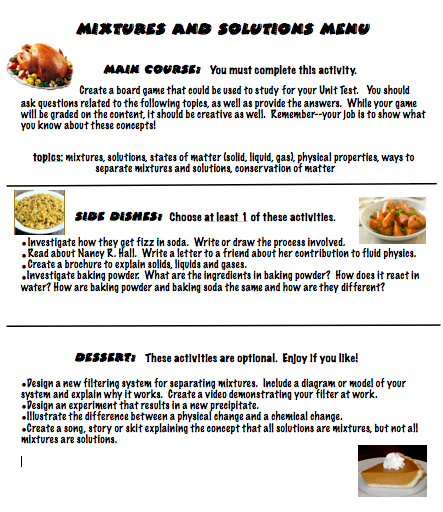
Here are some examples of menus we’ve used this year so far:


I must add, though, that besides giving students a say in what their work looks like, menus are an important tool in differentiation.  The categories are tiered, so that every learner can be engaged wherever they are in their understanding of the concept; the main course is something that everyone can do (still at their own level with their own creativity), side dishes are a little deeper, and then desserts are activities and projects that allow and enable students to stretch themselves and think in a deeper way.  Everyone in my classroom has their needs met regardless of what they are, and everyone has activities that are appropriate for them.

So, are you hungry for learning? Menus are for you. 🙂


“Blog Worthy” Part 3: Talk-a-Mile-a-Minute

My students love to talk.  I do, too, so I can’t blame them.  I remember myself as a 5th grader, even, and remember that the thing I got in trouble for most often was talking when it was somebody else’s turn.  So whenever I can, I try to give them opportunities to talk while we’re learning.  Partly so that they won’t fill in the space with talk about non-learning things, but also because learning is a social thing; talking is part of how you make meaning.

So frequently we play a game called Talk-a-Mile-a-Minute.  It’s a vocabulary game, and can be used in any subject, with any set of words.  I think I introduced it in math (because there is a TON of vocabulary there!), but we have also played it with science and social studies terms.  Today we played it with new terms from our Ancient West Africa unit in social studies.  It’s fun, they can talk and be active, and they learn something.

Here’s how it works:

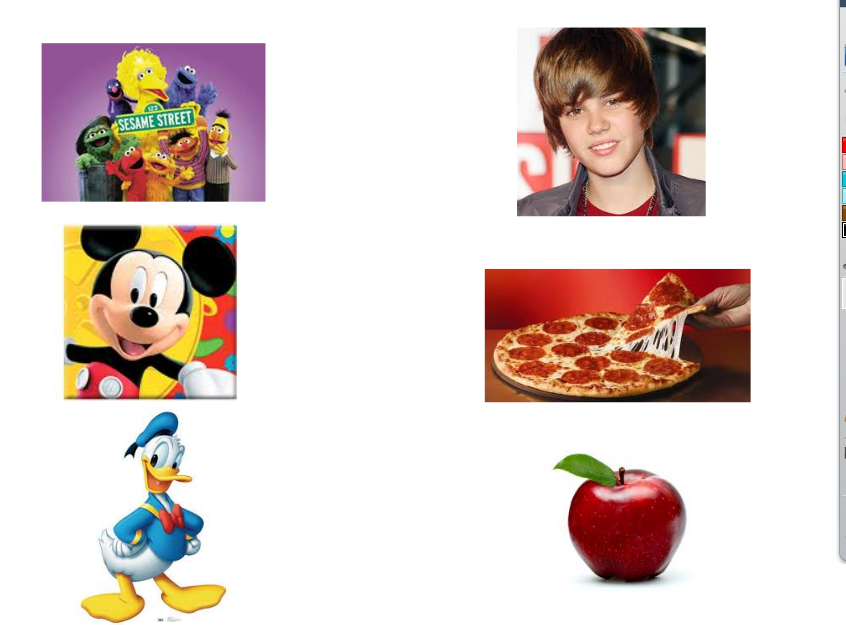
Kids choose a partner to work with.  Partners sit “eye-to-eye, knee-to-knee” in front of the ActivBoard.  The person with their back to the board is the guesser, and the person who can see the board is the describer.  I put up a screen with words they should know (or that they are working on), and the describer has one minute to get the guesser to say all of them.  The first time we played it, we did several practice rounds, and instead of words there were pictures, like this:

The goal is to be as descriptive as you can, without saying what the word starts with or rhymes with.

The first round was pretty easy, so then we tried it with words:

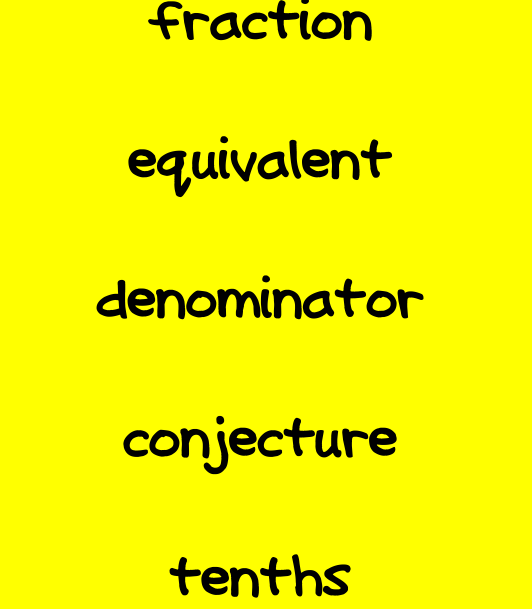
Here are some terms we used yesterday in math:

And here’s today’s version for Social Studies:

How well do you know these words?  Play with your child and see how it goes!