A Book Binding Machine?

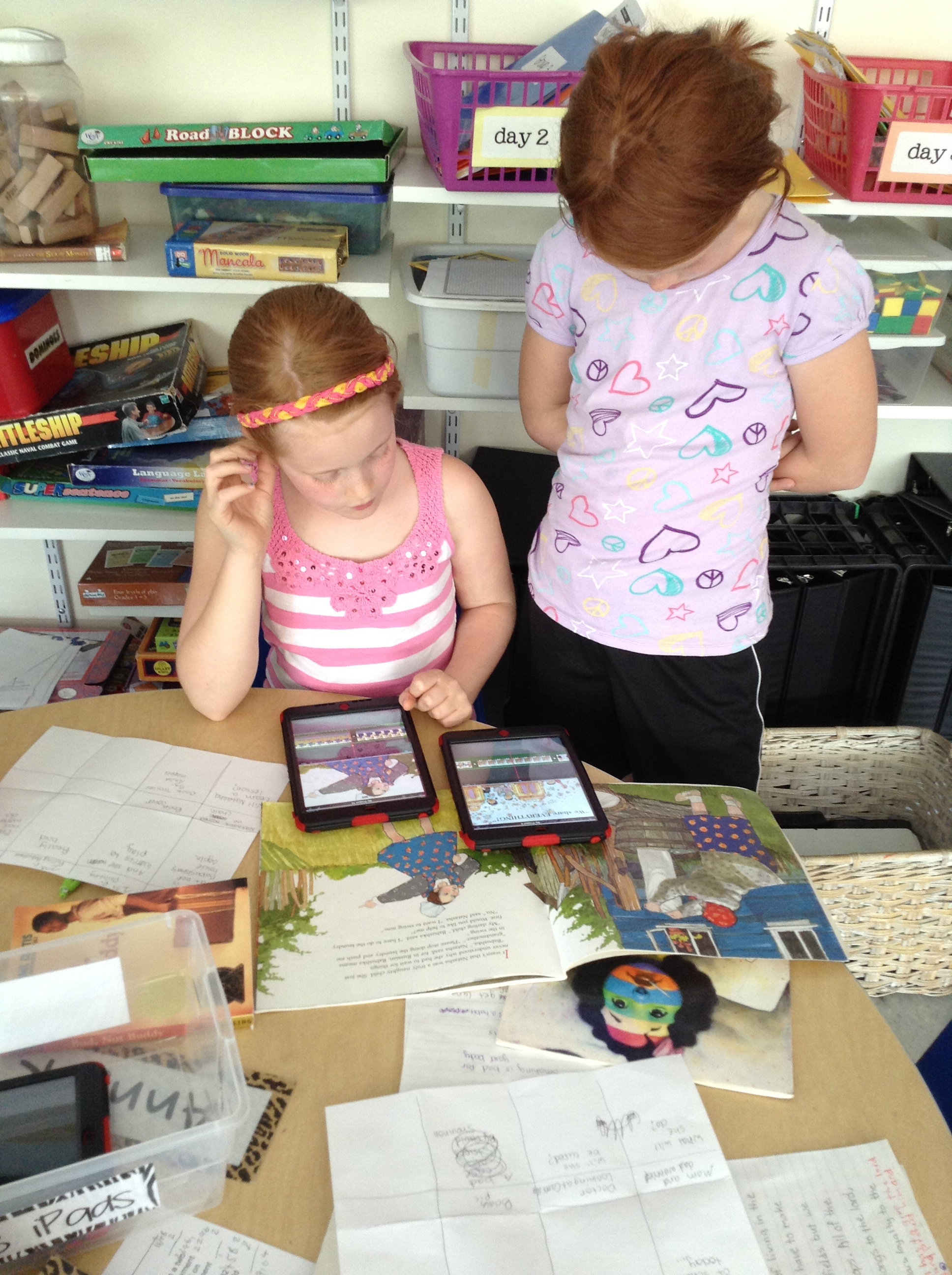
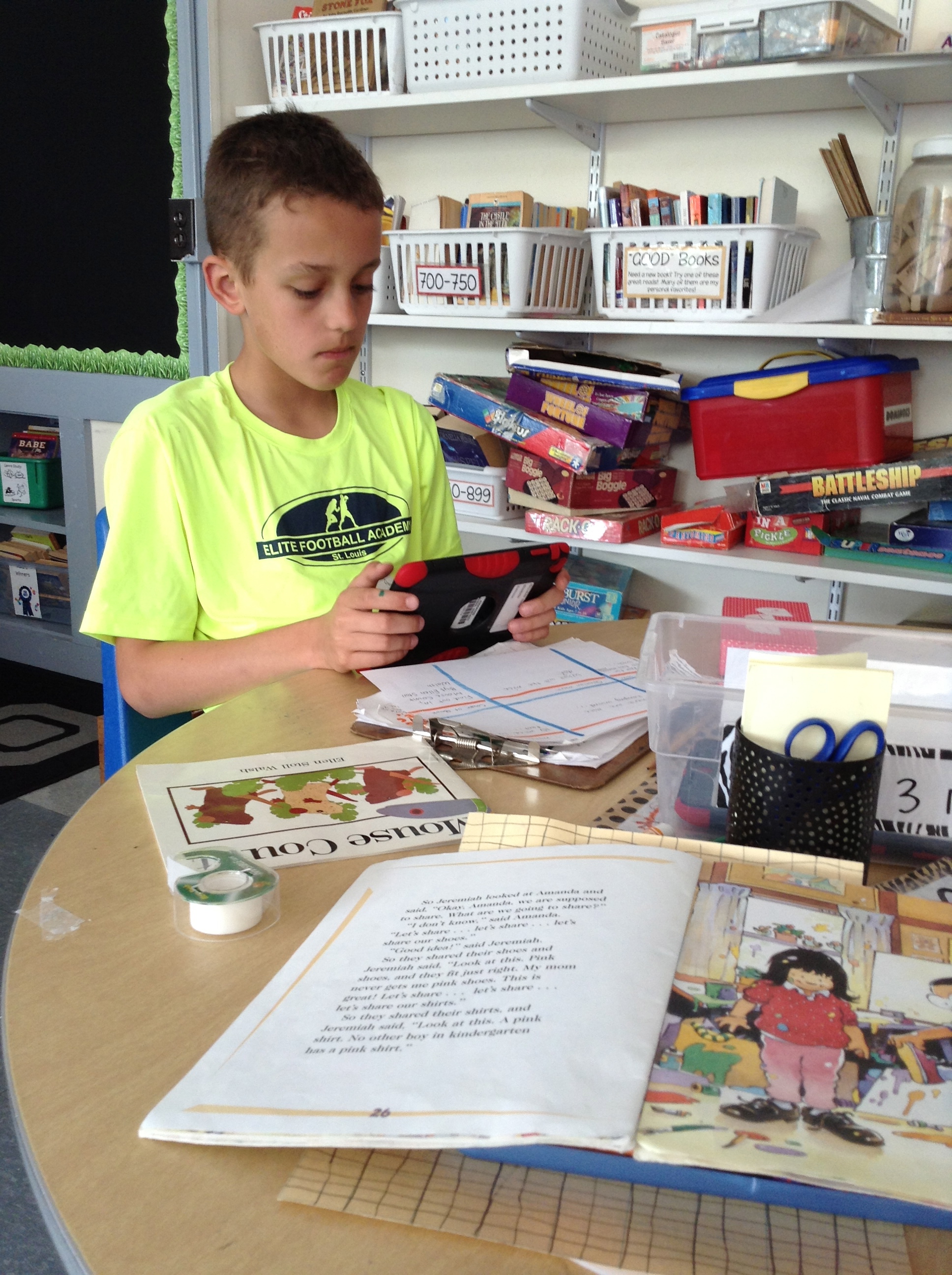
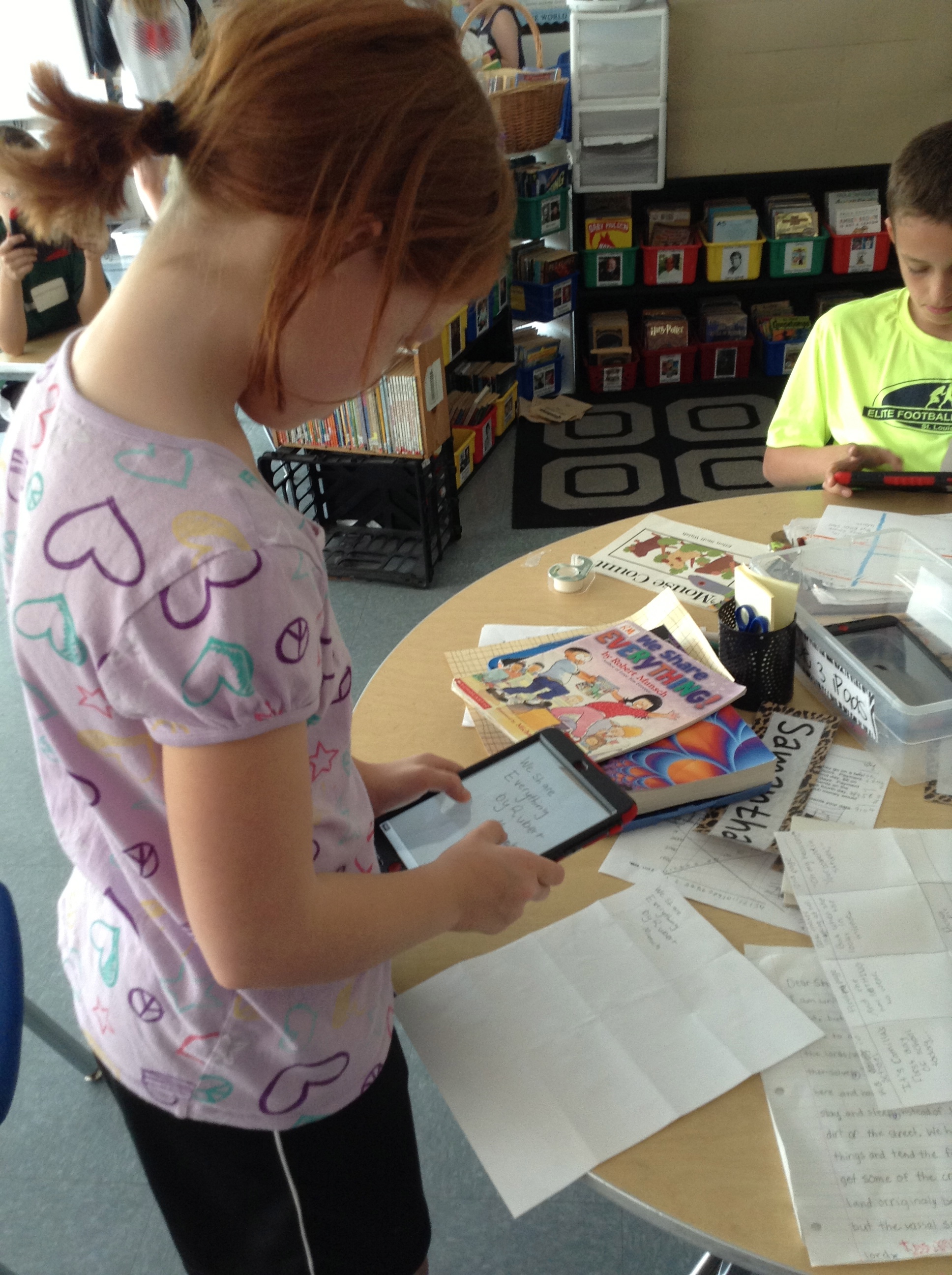
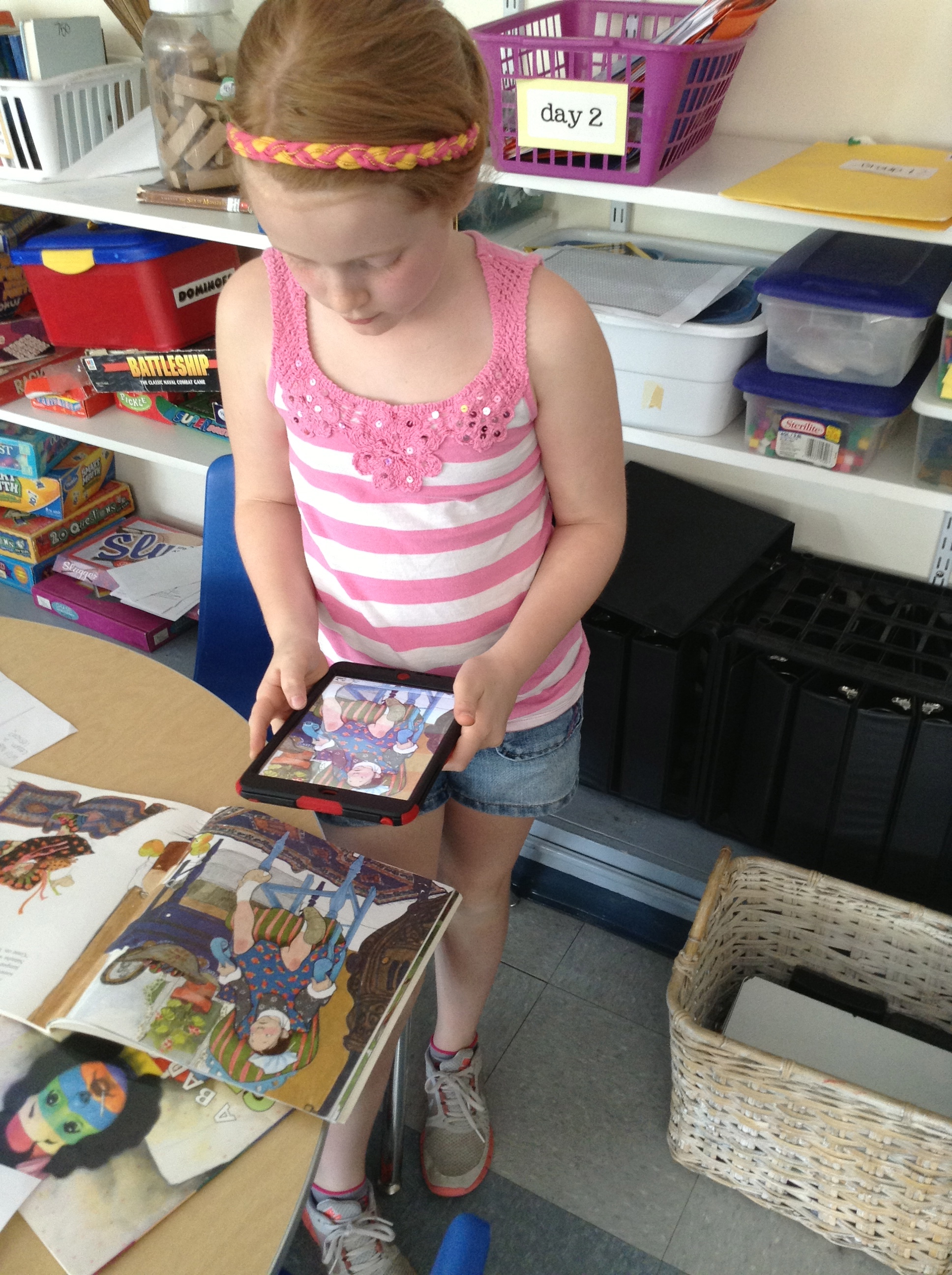
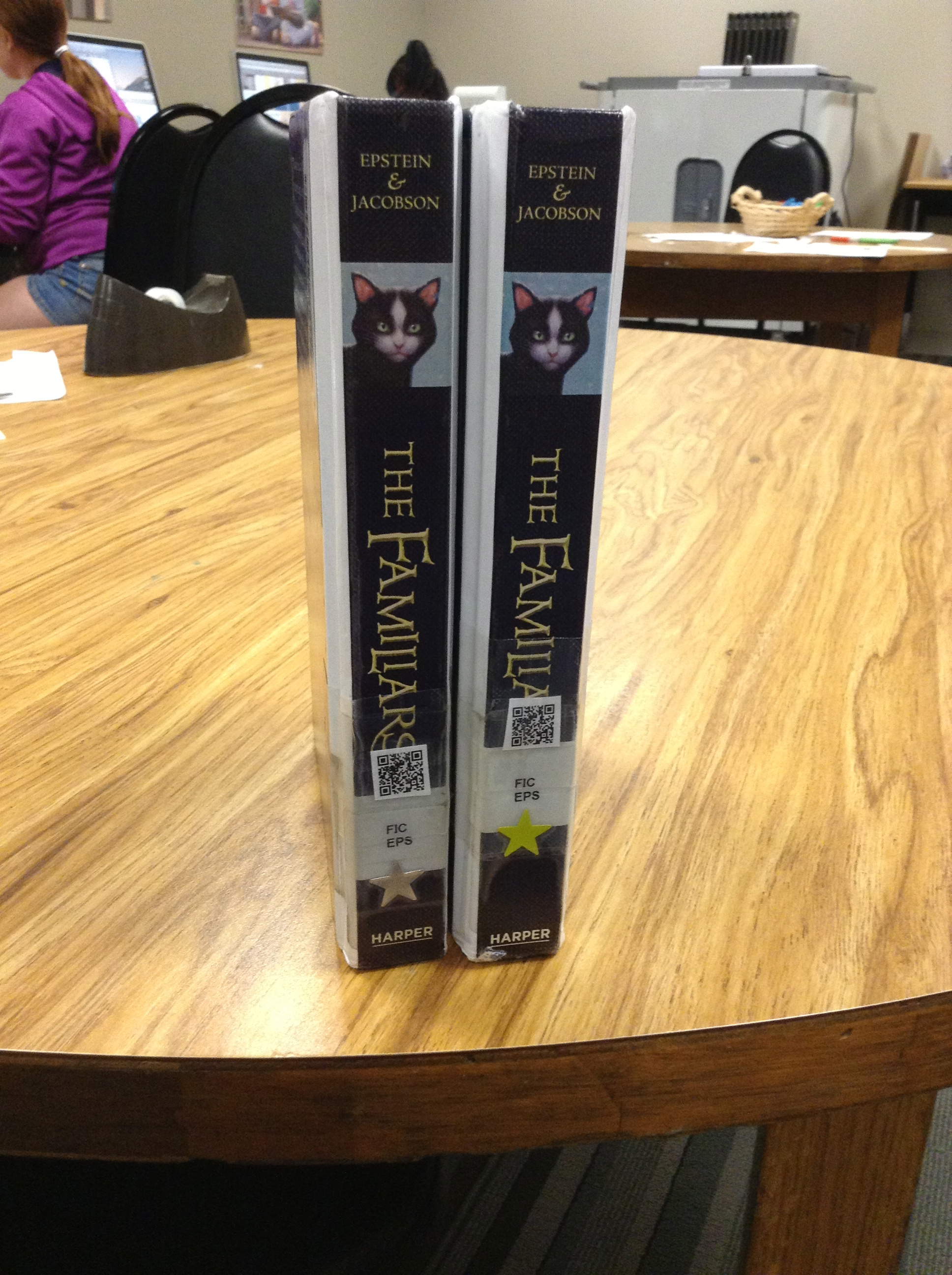
I shared a couple of days ago about the class books we make that go along with our Read Aloud Timeline.   Well, today it was time to put together the books from our last 2 read alouds and so we took a little field trip to learn about this machine:

CAM01420Have you ever seen one of those?  It’s funny how excited they were to learn about how it works.  This was partly (I’m sure) because it is housed in a teacher workroom where kids aren’t allowed to go (but that we sneaked into for a few minutes!) but also because it’s just pretty cool.  And old.  I’m pretty sure it’s the same machine that’s been in that workroom for the last 20 years.  And I made books on it the last time I taught 1st grade 10 years ago.  But hey–even in this age of technology and digital learning–sometimes you just need to do things the “old school” way.  That totally works in this case. 🙂

100th Day Questions

I have returned to 1st grade this year after about 10 years with 4th-5th graders.  Many things have been the same since my return, and of course there are some things I’ve had to readjust to, or that are entirely new, as is the nature of education.  One thing, though, that was definitely not a “thing” the last time I was in primary is the 100th Day of School.  No, I said that wrong–we definitely HAD the 100th day of school, we just didn’t officially celebrate the 100th day as a holiday.  This is new to me, and as I am coming up on that day (it’s next Wednesday, the 28th), I’ve been thinking A LOT about what I will do with that day in my classroom.  (Before I go on, I feel like should ask that you presume positive intent in my questions here–my focus is on really understanding the why, not judging what others may choose (or not choose) to do in their own classrooms on any given day.  I want to learn here!) 🙂

It seems that other people are also thinking about it, and having similar questions to me.  I found a blog post by Aviva Dunsiger (@avivaloca) the other day, after she posted this tweet:

I found myself nodding as I read her post, as she was asking the same thing I have been struggling with:  Why do we “celebrate” the 100th day of school?  What is the purpose and how can we use this day to continue to help our kiddos think and grow and problem solve?  Why is this day any different than every other day? I’ve read many opinions about how it’s a rite of passage and a fun day to celebrate the milestone of getting so far into the year together, and I’ve heard others say it’s about helping students understand the “bigness” and importance of the number 100.  Believe me, I’m all for having a great day, and I LOVE the idea of kids understanding numbers and being flexible in their use of them.  So the part I’m grappling with is how I can “do” the 100th day in a way that is still high quality and rigorous, while fun and enjoyable–and not just full of things that are “cute” or that we’re doing “just because” they have to do with the number 100 (and let’s be honest–this is really our goal for every day, isn’t it?).

After thinking about this for a couple of weeks, as well as reading about what others are doing, I think I’ve settled on a few things.  Most of them are incorporated into our normal routine, but are focused on the idea (that Aviva mentioned in her post) of the learning we’ve done in the last 100 days.  I plan on there being a focus on how long those 100 days have been and how much learning we’ve already done!  I hope to highlight the “grittiness” we’ve displayed and the fun we’ve had together and how much more fun we’ll have in the rest of the school year.   Here’s what I’m thinking:

1. 100 Book Reading Challenge–with my “big” kids, we have done a 40 Book Challenge the last few years, after reading about it in The Book Whisperer by Donalyn Miller.  I would love to give my firsties a similar, one-day challenge for our class together to read 100 books.  It averages out to 5 books a piece or so, which is TOTALLY doable, and would be a great motivation to reach a goal and work on being better readers.  That’s how it happens, right?  By reading!  I figure we’ll make a chart or list somewhere in the room so we can record the titles as we go.

2. 100 Word writing challenge–I’m not entirely sure how to frame this one, maybe around writing word wall words correctly or creating words from them (like word families), or if we’ll write stories that include 100 words or what…..somehow we’ll write.  Like we do everyday. 🙂

3. What Have We Learned in the Last 100 Days?–Taking inspiration from Aviva’s post, I thought it would be great to document all of the things we’ve learned and done in the last 100 days (which I am sure is WAY more than just a 100) with pictures and words.  Since I’m a regular blogger, I am also a regular picture-taker.  That means I probably have at least one picture from each of our 100 days together.  I’m thinking about having kiddos reflect on each day (probably in pairs) and writing something to go along with each picture.  These could be put into a book (either paper or digital) and we could add to it as we finish up the year.  Again, what a great way to visually see all of the many things they know now that they didn’t know on our 1st Day together!

4. Legos? Blocks? Maker Space?–We are definitely builders in Rm. 202, and incorporate this kind of representation into many things we do on a regular basis.  I have seen ideas for “what would you do with 100 Legos?” which could be interesting, as they could answer the question about what they’ve learned or what they are most proud of.  We did something similar when we returned from Winter Break where they created and then wrote about their favorite thing/event/present from Christmas.  I’d love to give them the same question and have them build something with big blocks or just “stuff” and then have them video their thinking as they explain what they made and why.  The video part would be pretty basic, as we’re just getting into documenting our learning digitally.  Those videos would be great to share on our blogs–which we’re going live with this week, too!

5. 100s game in Math–this will be an easy extension of what we’re already doing!  The unit we’re currently working on is about kids become flexible and efficient with adding numbers within 100.  We’re already playing games, solving problems and having great conversations about place value with bigger numbers.

6. Read Aloud–I know that Read Aloud has been a focus around here lately, so maybe we’ll read 100 pages in our book on Wednesday, too, as a way to celebrate a great story together!

I guess we’ll see what I end up going with (as it will happen in just 3 days from now!).  I’d love to hear your thoughts on how YOU will be spending the 100th Day of School.  What questions did you consider in your planning?  Please come back later this week to see the update on what actually happened in Rm. 202, and/or follow us @jbeardensclass to enjoy the day along with us!

Have a great week! 🙂

Into the Woods

We have the most AMAZING woods behind our school, and it’s such an adventure when we get to go out and play (and learn, of course!) out there!  We have gone several times this year, and just the other day we got to explore with our 5th grade learning buddies.  They had a job (which was given by Mrs. Sisul, our principal, and unknown to me!), but I think it has to do with reasons why the woods are such a great place to learn.  We’re working on vamping up our outdoor spaces, and this is a great example of how important they are to the kids of Robinson School.  The “big” kids used their iPads to take pictures and then create a Keynote of slides that capture the essence of what happened on their adventure in just one image.  Check out what they did!  LOVE, LOVE, LOVE what goes on with our students! They truly never cease to amazing me with their creativity. 🙂

This slideshow requires JavaScript.

Finishing Strong

Every year the last weeks of school come and life starts going CRAZY FAST!!  It seems that I have time to take pictures of things, but not to write about the things I take pictures of (wait, do I say that at the end of every year?  I should go back and look….)!

So…since I hate to leave things all messy and untied, I’ll end the year the way I began it–with a highlights reel.  Here’s to the last few BUSY weeks of 5th grade with some of the BEST kids around.  Have a great summer, friends of Rm. 202!

Check it out. 🙂

MATH OUTSIDE

In April we had a whole school Outdoor Learning Day, with the focus being on how to get kids outside more often.  I had to take Ms. Turken’s lead and  try math outside.  On this particular day, we were working on division problems with a little bit of a “scavenger hunt” around the playground.  Funny how just a change of environment can make for so much less whining about long division!!

ACES DAY

1399472839870

Ok, so granted, this picture TOTALLY doesn’t do this day justice, but imagine our whole school with All Children Exercising Simultaneously to some really great music, with really cool routines created by our 5th graders, and that’s ACES Day.  Always a fun one!

ADOPT-A-PILOT

This year, as with the previous few years, our class (along with the other 5th grades) adopted a pilot through a program with Southwest Airlines.  He is our own First Commander Marcus Smith, whose kiddos go to Robinson and who is a beloved Kirkwood resident.  Here are some pics from our culminating activity–a paper airplane flying contest!!

This slideshow requires JavaScript.


ROBINSON NIGHT AT THE BALLPARK

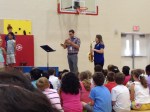
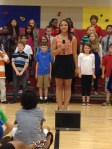
Ok, so I admit it, these are not The 20somethingkids that you were expecting to see, but they are pics of my kids nonetheless!  This was a great night of fun at the Cards game, where our Honor Choir–along with the choir from Tillman–got to sing the National Anthem!  SO fun to see Cardinal and Kirkwood red everywhere you look!  Go Cards!

SPRING SING

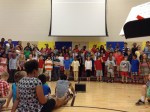
This year Mrs. Kesler helped every grade level get something ready for our first ever Robinson Spring Sing!  While I expected greatness because of what I know about both Mrs. Kesler and our Robinson kiddos, I was BLOWN AWAY by how amazing it was!  (And like the ACES Day section, I feel REALLY bad about not posting a video, but I couldn’t get a good quality one!!  I know, bummer….don’t be mad, ok? 🙂 )  Can’t wait for Spring Sing Take 2 next year!

FIFTH GRADE CELEBRATION

CAM00520 CAM00521 CAM00522 CAM00523 CAM00524 CAM00525

Thank you, thank you, thank you to all the parents who made this night of food, friends and fun possible for us!  What a touching way to say Goodbye to 5th Grade!  Those shirts are perhaps the best part–we can take our memories with us!  And they looked really great when we all wore them on our last-day field trip!

20% TIME PROJECTS

One thing I hadn’t yet tried, but was SO EXCITED to do this year was 20% time.  Some schools call it Genius Hour, and it’s not really equated to 20% of our time, but you hopefully get the idea that it’s a project that kiddos could do that was completely of their interest.  Some friends had some extra time in the last few weeks to investigate something of their choosing, and MAN WERE THEY EXCITED!!  We had so many fabulous projects, and spent our afternoon after Field Day presenting our new learning.  It is so cool how interested they all were in the new expertise their friends had to share!

Ok, so apparently the theme of this post is “I don’t have pictures or videos of everything I want to tell you about”–and somehow that happened here, too.  I wish I could show you the smoothies that Owen made for us, the posters that Max made about radio waves and how they transmit music, the dance that Cate and Mia choreographed and then taught the class, the Keynote the Grace created to show how she learned to do makeup (including a before and after picture of how she tried it out on her sister!) or the demonstration Tom did about the most effective jump shot in basketball, but I don’t have them.  Just know that THIS IS ONE TALENTED GROUP OF KIDDOS WHO DIDN’T DISAPPOINT WITH WHAT THEY SHARED WITH US!!

Well, as they say in the movies (or at least Looney Tunes, right?)–that’s all folks!  It’s been a wild ride since our first Fifth Grade and Fearless post, and I wouldn’t have changed a minute!  Here’s to a great year in middle school and MANY more years of changing the world after that!  Remember your GRIT and all that you learned about respecting yourself and others at Robinson and GO GET ‘EM!  I MISS YOU ALREADY!!

EdcampSTL-take 3!

I went to my first EdcampSTL two years ago.  At that point I was a newbie on Twitter, and although I was excited about learning something new, I let my discomfort of going there by myself get in the way of having a great day.  I didn’t talk to anyone, didn’t make any connections, and can’t even remember walking away with anything.

Then there was last year.  EdcampSTL #2 was about 3000% better than the first go-round.  I know that some of it was because I went with friends–my best friend, my hubby, actually :)–and since I had been on Twitter a year longer, I had some familiar faces I’d “met” online to connect with, as well.  Plus, I guess like with most things, the second time you do something it’s always easier.  I met a great new friend, as well, and have been able to learn and share much with her since then, too.  Much better experience.

This year was the 3rd EdcampSTL, and it had the largest enrollment yet.  We were actually hoping for a record, but I think the weather kept some away from the fun. 😦 For those of us who were there, though, it was a great day!  I have to give a shoutout to by little bro, Chuck Baker, who is a fabulous teacher/father/tech guru/blogger, who came today for his first time!  He even got in on the fun and presented a session.  Gotta love the initiative there–I haven’t had the courage yet. 🙂  And then, yep, my more-than-fabulous hubby (who is also an amazing teacher, father and blogger in his own right!)  Grant was in on the fun again, too; I love that we can do this whole teaching thing (as well as our Masters’ program) together.   Adds a different level of help, support and even collaboration when he “gets” what I do.  LOVE YOU, honey!!

While I attended several great sessions this time around, I think I am most excited about the one where I learned more about Makerspaces.  I’ve been looking into Genius Hour for a little while now, and am also interested in problem/project based learning, and this was exciting to hear; two middle school science teachers shared real-life examples from their classrooms.  While it won’t look exactly the same in my situation, I’m interested in getting it all figured out.  I’m thinking about doing a really basic, Valentine’s version of a makerspace this week for Valentine’s boxes.  Not exactly how it’s supposed to work, but I think it could be a good way to introduce it.  Guess we’ll see!

I know to some it seems weird to go to school on a Saturday, to make a choice to get up early to learn on your day off.  Believe me, I wouldn’t do it for everything, but for EdcampSTL, it’s totally worth it!  Join me next year, will ya? 🙂


Book Trailers

We watched our first book trailer together when we read The One and Only Ivan earlier this year.   We were mesmerized by how it drew us in and made us want to read the book–even more than we already did!  Then we went 1:1 with iPads, and I knew that this would be something we’d have to do for ourselves, especially since we had some iMovie experts in our midsts (yes, I’m talking about you, Anna K., Aiden and Jack!).

Then, it was time to start thinking about service learning projects, too, and suddenly it all seemed to fall into place….

I was having a conversation with our librarian, Mrs. Meihaus, about my idea for wanting to learn about  book trailers (and at that point I didn’t really have a direction I wanted to go in, or anything more than a desire to do it), and she told me about an idea she’d just learned about from our Scholastic rep–just the day before!  Talk about good timing.  This idea she’d found out about involved creating cards on the shelves that link QR codes to book talks, to help readers as they make decisions in the library.  Seemed like a perfect fit!

So we just dove right in and started making movies the next day, right? Nope.

We had a TON of work to do first.  And what was great was that my kids knew what that work was without me even telling them.  I just asked the question “What do we need to know before we can start our book trailer project?” and this is what they said:

It's messy because we used it as our checklist to make sure we had done all of the prep work before we go to our movies.  What a great example of kids creating a project--they led us where we needed to go!

It’s messy because we used it as our checklist to make sure we had done all of the prep work before we go to our movies. What a great example of kids creating a project–they led us where we needed to go!

We spent many days together reading book reviews, and learning what was supposed to be included in one.  We read examples of them, and practiced writing our own on books we’d read together and individually.  We watched several examples (both good and bad) of book trailers and kept notes about what made them successful, i.e. which ones made us actually want to read the featured book and why.

About that same time, I came upon a Twitter chat where the topic was book trailers and several teachers were sharing ideas for how they make these productive with their students.  I LOVED the idea that Jenn Fountain (@jennann516) was sharing about how she managed student made book trailers.  The way she used storyboards to help students thoughtfully plan the pictures and the text they wanted to include was the missing piece of the puzzle, and seemed to be just what we needed!

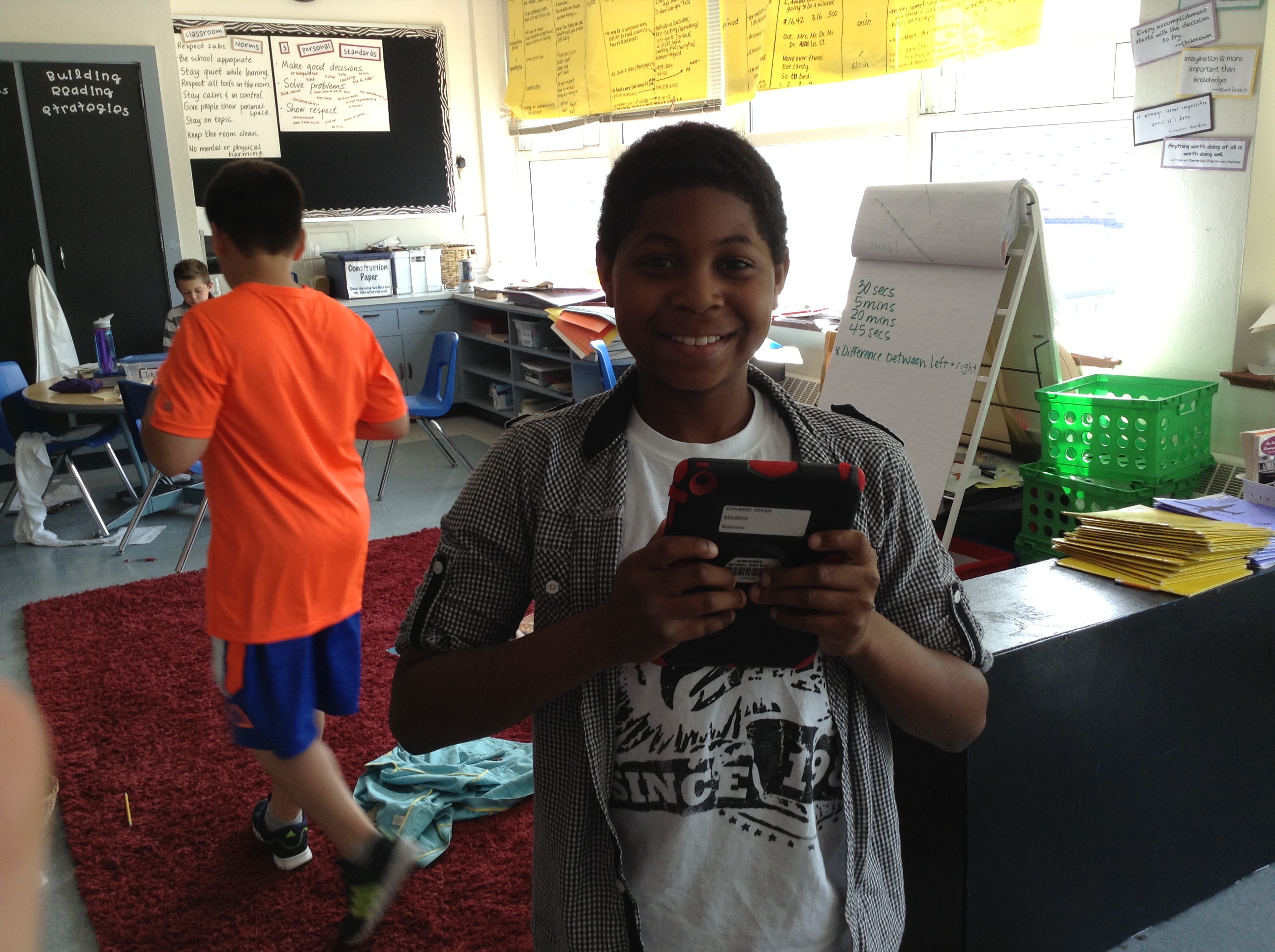
IMG_0849

Devan loved this project!

IMG_0850

Remember Jack, the iMovie expert? He’s hard at work on his storyboard and book trailer about the book Wonder by R.J. Palacio–a class favorite this year!

IMG_0851

Aiden (another in house expert) decides which pictures from The Kissing Hand to include in his video.

IMG_0852

Damonte is hard at work on his book trailer for a text about Lamborghinis. Another place we got ideas for books was from Ms. Dale, one of our kindergarten teachers. We made several for some favorites that we knew some of our newest friends at Robinson would want to read in the fall!

IMG_0853

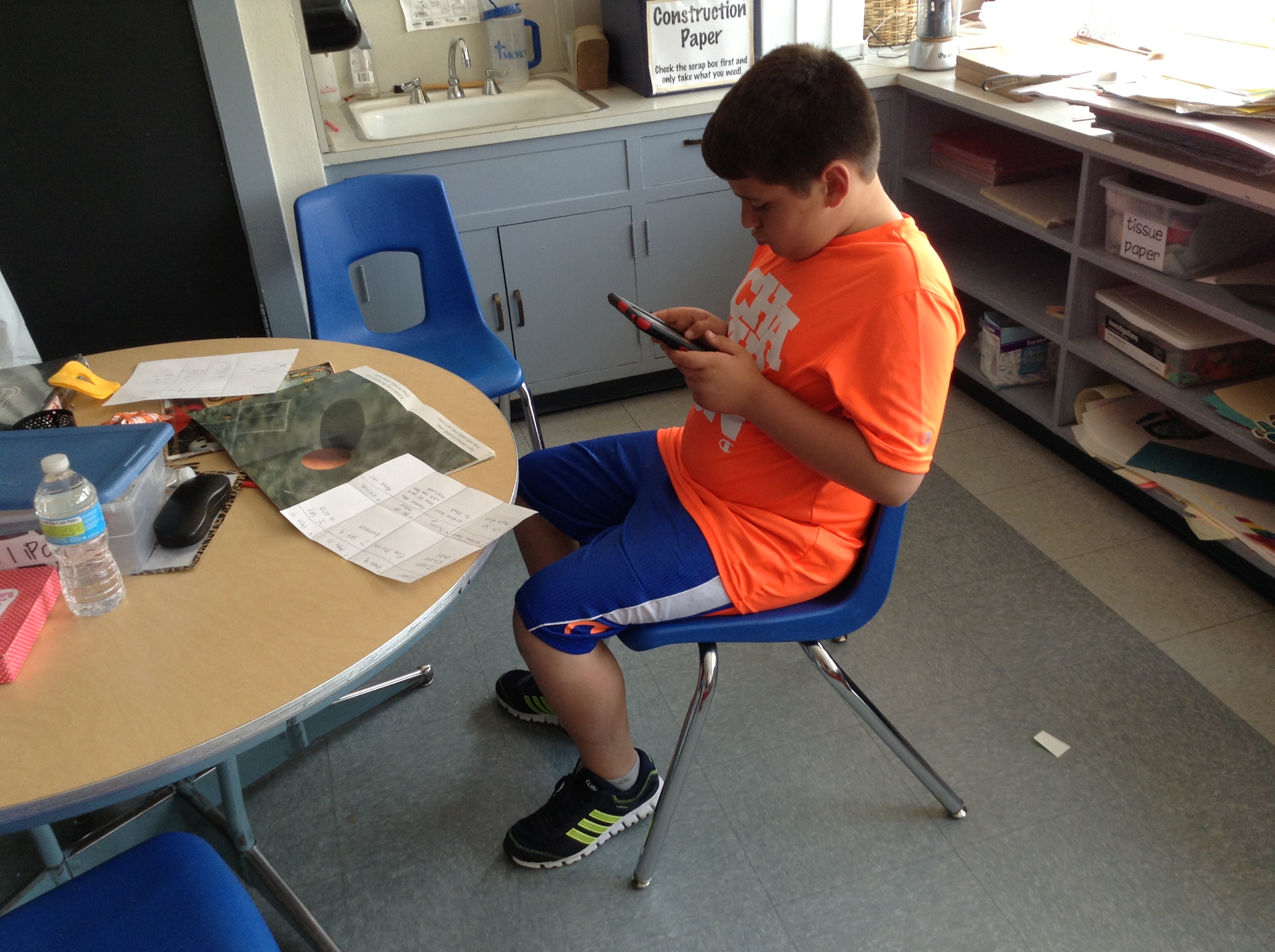
Don’s using his storyboard as he creates each scene of his iMovie.

IMG_0854

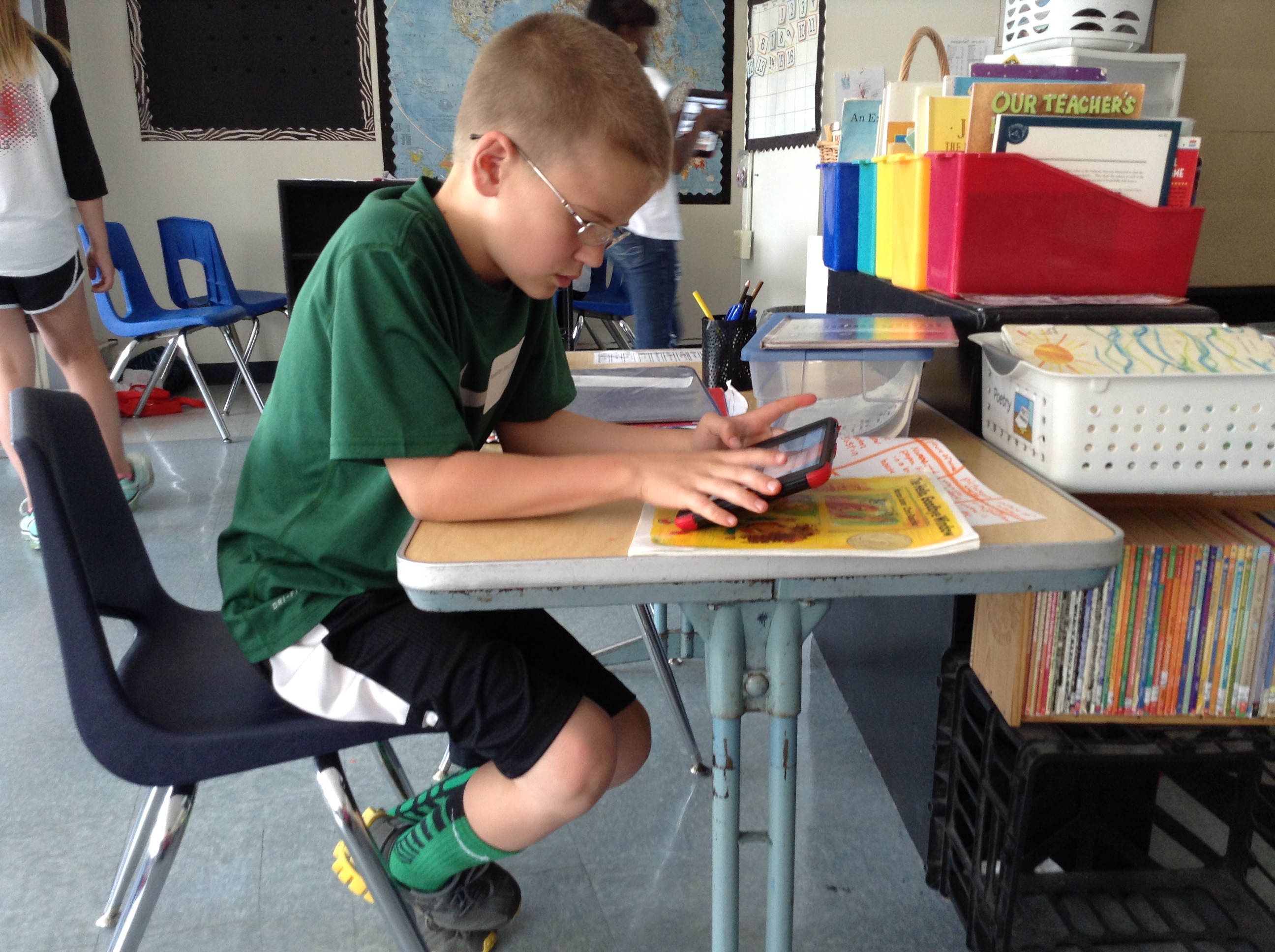
One of Keelan’s videos was from that kindergarten pile–The Hello, Goodbye Window.

IMG_0855

Anna K. (on the left) was a wiz at iMovie! I love how kids taught other kids how to do things and answered questions when we needed to troubleshoot why something wasn’t working. Here she helped Sammy figure out how to fix a problem she was having with a picture.

IMG_0857

Owen working on a book trailer for Mouse Counts.

IMG_0859

Sophia and Jernandra worked together, too. Jernandra’s book trailer was about Super Fudge.

IMG_0860

Sometimes the pictures we added were from the internet, and sometimes they were ones we took ourselves.  IMG_0863 IMG_0865See?

So, kids chose books (we started with our favorites, but also brainstormed other ways of choosing like book award lists for the upcoming year, book award lists from previous years, books that are frequently checked out from our library, etc.) and began to create our storyboards.  Once they had an approved storyboard, they went to work in iMovie, which we worked together to figure out—remember those experts I mentioned in the beginning?  They helped lead small groups to coach kids on what to do–and Jack even taught me how to do it!  What a great app, by the way, and on the iPad it’s SUPER SIMPLE to use.  I highly recommend using it if you aren’t already.

But just because our book trailers were finished, that didn’t mean our project was done.  We wanted to then link all of those trailers to QR codes that kiddos in our Robinson library can scan and learn more about the book as they are shopping for books to check out.  That meant we had to answer the “where do we put them when we’re finished making them” question from our original chart.  Many suggested we put them on our blogs, and we already a class YouTube channel, but we had to make sure it was some place that would be able to get through our internet filters at school (so kids could actually watch the videos we were creating!), that would be able to hold a large amount of data, AND that would be online (otherwise we wouldn’t end up with a QR code!).  I decided that SchoolTube was probably our best bet.

It was really great when we finally got to the end of the project and we were working in the library to finally attach all of our QR codes.  (Even this part of the project was kid-led, too, as someone suggested it would be a better idea to attach the code to the actual book, rather than the shelf.  Genius!)  We were super excited to be able to call in Mrs. Sisul, our principal, who supports all of the crazy and fabulous things we want to try with technology, and show her how they work.

Don and Owen showing Mrs. Sisul how to scan our QR codes to get to our videos on School Tube.  She was so excited for us!

Don and Owen showing Mrs. Sisul how to scan our QR codes to get to our videos on School Tube. She was so excited for us!

So at the end of it all, we ended up with over 50 TITLES that now have book trailers, and each copy of each book in our library has a QR code attached to the spine or the cover (depending on where it would fit)!

IMG_0872 IMG_0871

I wish that I would have had time to do the last reflection piece after this project, to have my kiddos tell you all that they’d learned throughout the process, but alas, we worked right up to the very last minute–and then it was summer!  So I ask now, to all of my 5th grade friends who worked on this big service-learning project with me: What did you learn from this experience?  What do you know now that you didn’t know when we started? What was your favorite thing?

And now it’s your turn to check out all of our fabulous work!  While I’d love to individually post every trailer here for you to watch, it makes more sense to direct you to our Robinson School Tube channel so you can check them out there! Happy watching and thanks for leaving us your comments about what you think!  We worked so hard and are so proud of what we accomplished!


iPad Scout Reflections Week 3 (and 4): Getting in a Groove

I knew it would happen eventually, and I think during week 3 it happened: we got into an iPad groove.  So in some ways that makes this week’s reflection really fabulous, and in some other ways it might make it really boring.

After the first week of highs and lows, and the second week‘s videos, I was excited to see what Week 3 would bring us.  I was hoping that it would bring some sort of “normalcy,” where we wouldn’t have our noses constantly in our iPads and were somehow thinking of them as tools instead of toys.  And to some extent that’s what happened.

The most exciting part of the week for me, I guess, was how my kids are starting to come up with really great ways to use our iPads to enhance our learning.  We’d already been using Educreations for annotating videos explaining our learning, using Notability to mark up text we were reading and taking pictures to help us save documents we could use later easily in another place.  And up to that point, much of what I was asking them to do with their new tools (outside of the iMovies they’re making for fun, blog posts they write for themselves and some other stuff like Edmodo) had been my idea.  Then we started talking about poetry.

As like with every other unit, they were to publish their pieces, self-evaulate using our writing rubric, and then turn in their work (not rocket-science, I know).  And ZB had a great idea of how to do it.  Just like we had been doing in Educreations to explain our thinking in math, ZB had an idea of how we could do the same thing for writing.

First we published our poems using Pages (the app on our iPads instead of the program on our laptops), which we could now save in our Dropbox folders.  Also in the Dropbox was the rubric, which I could easily share for each kiddo to upload.  Then came ZB’s idea: maybe we could put pictures of them both on a page in Educreations and then explain why we scored ourselves that way.  GENIUS–especially since the “4” on most of our rubrics is to “explain the reasons behind your choices.”    So they took a screen shot of their poem, and laid a screen shot of the rubric right next to it:

Screen Shot 2013-04-26 at 9.11.23 PM And as they scored themselves on the rubric, they could explain to me why they thought their poem showed that, and could make connections to the text of their poem at the same time.  This type of thing, before we had our iPads, was possible, but would take FOREVER because I’d have to have a separate conversation with each writer in order to gain the information about their thinking.  Great idea, ZB!

Now, I must take a minute to insert a short story of a frustrating “apportunity” we had related to these videos.  It’s related to the fact that Educreations is a GREAT place to create videos, but not such a great app to use if you want to do anything with those videos.  And of course I didn’t know this until after we’d done all kinds of work with it.  As I struggled to find a way for my kids to be able to share their work with me, I found this FAQ on the Educreations website that helped me find an answer to my problem.  A negative answer.

Screen Shot 2013-04-26 at 9.29.44 PM

Lame, right?  Yeah…great information I wish I’d had before we started.  And so this meant that what I had thought were great opportunities for my students to share their thinking with me were now just stuck on their iPads.  Well, unless I wanted to lug them all home.  Which was kind of not the point of going 1:1 and being electronic and such, you know?

Well, since then, I have learned a couple of things that solved our problems:

1.  You can get around the exporting problem if you sign up for an Educreations account.  That way you have the option of emailing your video to someone or copying the URL link of to post or use.   I found out I can also give my students a course code that will allow me to have access to their videos via the website.  They don’t even have to send them to me now; I can just click on each students’ file from one screen at the same time.

2. Notability also works in a similar way, and can be more easily shared or saved in Dropbox, Evernote, or a variety of other ways.

3. Explain Everything is a great app that combines all of the things that both Educreations and Notability can do, and has many other great options that will grow with your students as they get older and/or learn to do new things with their devices.  Downside?  It costs $2.99, but does offer a volume discount if you buy in bulk.  We’re considering this one as an option to Educreations.    Doodlecast Pro could do the same thing, and might be great for younger students (it’s also $2.99). 

Screen Shot 2013-04-26 at 9.43.11 PM               Screen Shot 2013-04-26 at 9.44.08 PM


So this past week was technically Week 4, but with MAP testing taking up much of our time and energy, there is not a lot of iPad news to share.  The one thing I will mention, though, which I guess fits in the “high” category, came from our class meeting today.

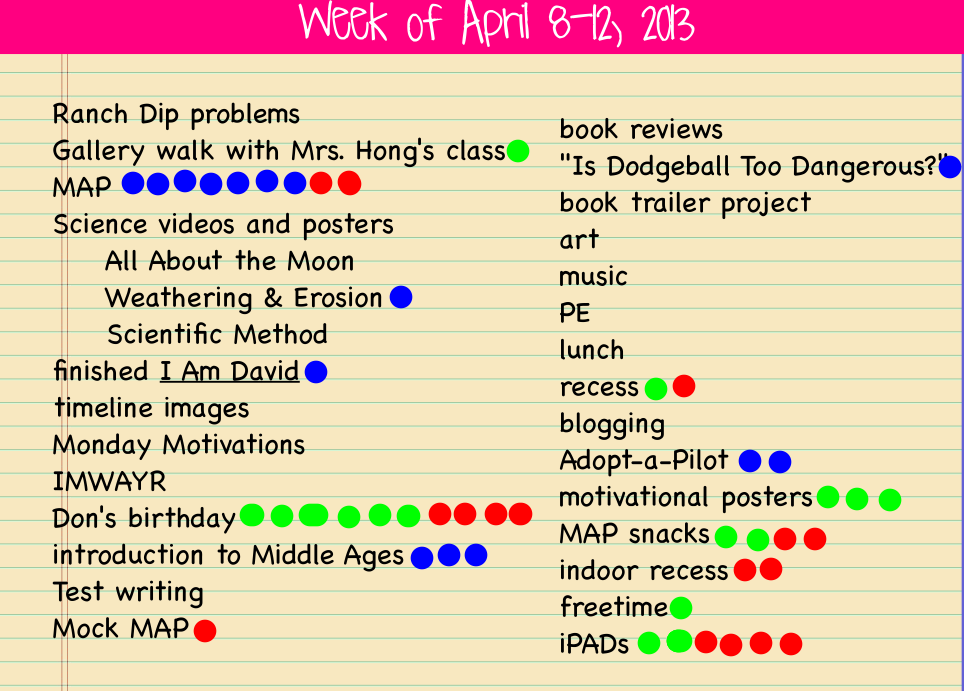
As always, the last question we answered before we started our discussion was “What do you want to talk about from the week?”  As you can see, man people had the same idea:

The red dots mention are what kiddos wanted to talk about.  Their conversations could be positive or negative, but these are the pressing issues of the week.

The red dots mention are what kiddos wanted to talk about. Their conversations could be positive or negative, but these are the pressing issues of the week.

Ok, so I know Don’s birthday was a big topic of conversation (because many people wanted to wish him well and tell him how awesome he is), but they also wanted to talk about iPads.  What I loved was that unlike past weeks conversations when there was a lot of discussion about what NOT to do, today they wanted to talk about how great it’s going!  The discussion was about how we’ve all figured out how to do things, aren’t playing around so much anymore, and how they’re helping us as learners.  Of course I was interested in hearing more about that last thing, so I dug for evidence.  They mentioned things like being able to get and send documents to me electronically instead of having to always get papers, as well as how easily they can look up answers to things they’re wondering about and just how much more interesting doing their work on the iPads has been.  And I’ve been excited at how much more collaboration there has been in spite of everyone being 1:1; many people worry that kids will be “plugged in” constantly and not interact with other students.  I’m happy to see that this hasn’t been the case in our room so far.  We’re just finding better ways to collaborate, communicate and curate.

IMG_0784

Don and Ames look at a common text on Educreations as we practice editing together.

IMG_0785

Anna and Fiona can look at the same text on their separate devices as they discuss how they’d improve the paragraph to make it easier for the reader to understand.  Since they’d uploaded the picture into Educreations, they can mark on the text right on their iPads and then save their thoughts to come back to later.

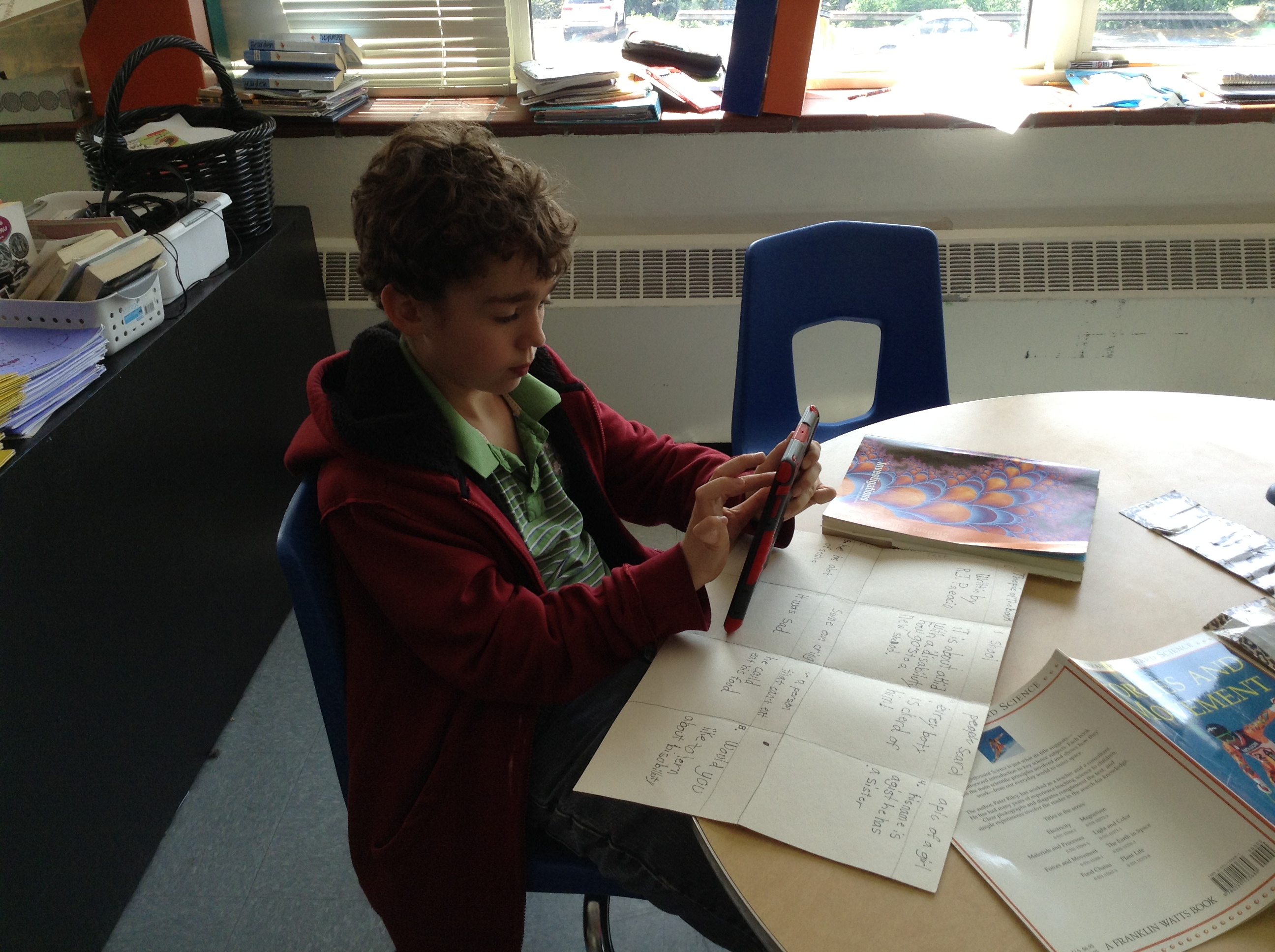
IMG_0786

Devan and Peter work to edit punctuation and capitalization in a text uploaded from our shared Dropbox folder.

IMG_0791

iPad minis make it easy to have everyone look at the same text at the same time, but then interact with it in whatever way works for them as a learner.

IMG_0792

And they’re portable and small, making them easy to go anywhere–even the rug–unlike when we were only using our laptops for these kinds of things.


So we’re about halfway home.  4 weeks in and 4 weeks to go in the Scout.  And with MAP finishing up this next week, we’ll have some more time in our schedule to explore what our iPads will help us do.  Stay tuned for more on the book trailer project we’re in the middle of.  That is definitely something that would have been inconceivable before we were 1:1.  Exciting times ahead!

Just like always, it’s your turn now.  Thoughts? Suggestions? We’d love your feedback on what’s going on in our room! 🙂


iPad Scout Reflections Week 2: Math Revisions and Video Thoughts

So I realize it’s really only been a couple of days since I posted my Week 1 Reflections, but since today was technically the end of Week 2 and we had such a fabulous tech day, I thought I’d tell the story today.

Since our horrible experience last Friday trying to get our Dropboxes all figured out, we’ve had some pretty successful days with our iPads.  Today was a particularly great day, with many great ideas flowing about how we could enhance our learning by using our iPads to record our thinking.

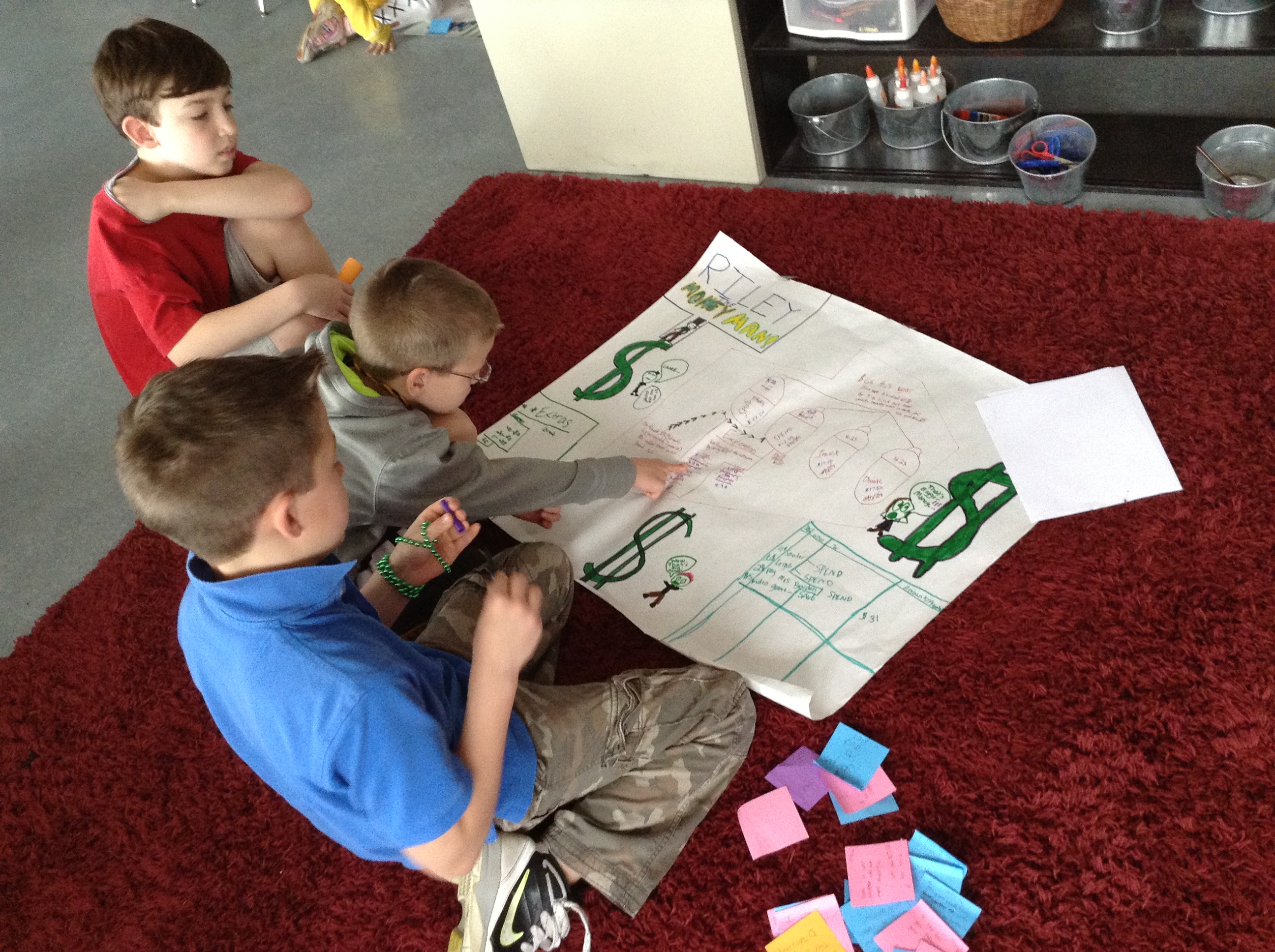
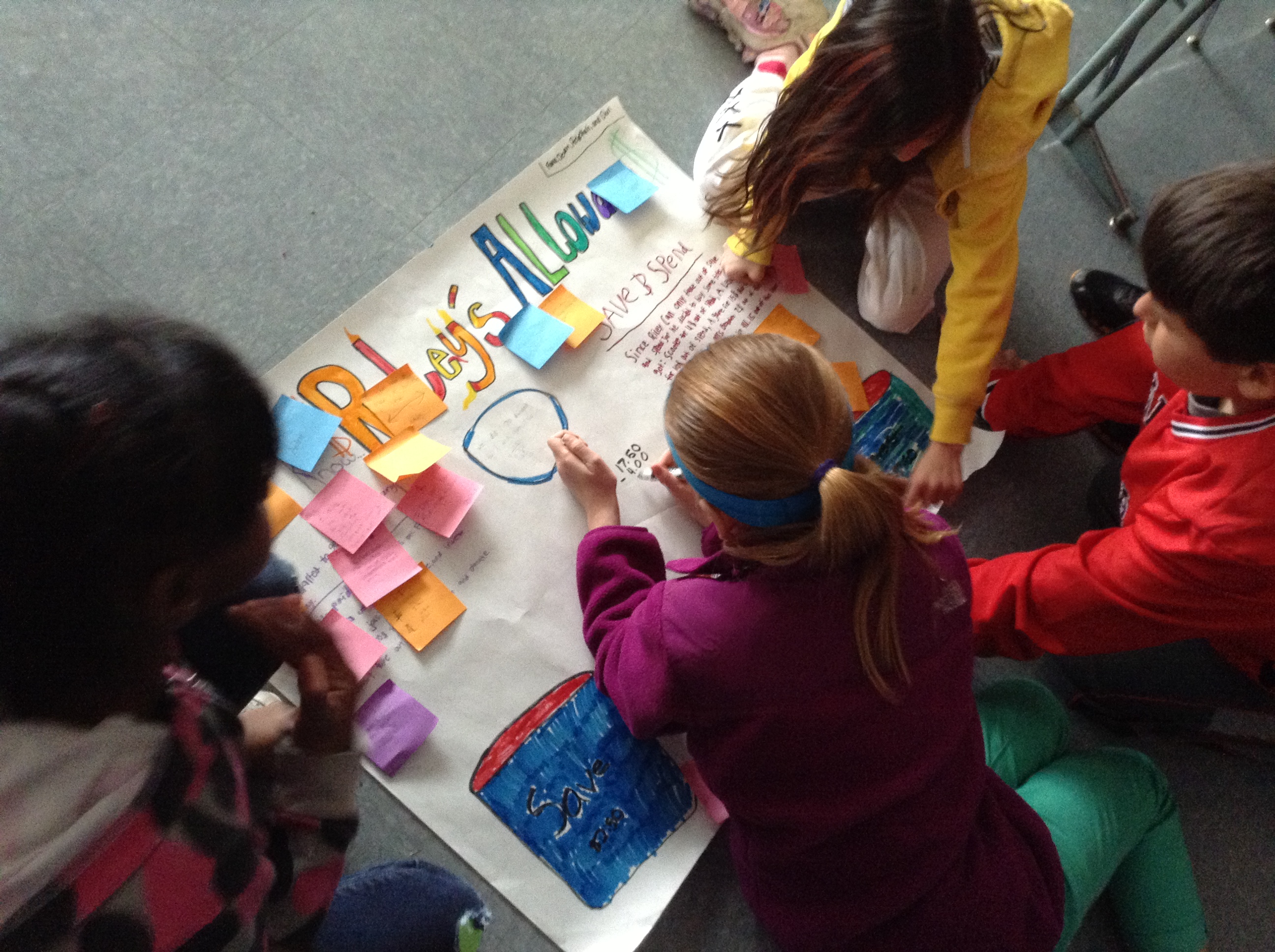
On Monday, we started an investigation in math that was focused around my son, Riley’s, allowance.

Riley's Allowance Problem

Riley’s Allowance Problem

Now, the math involved in this problem was not difficult; the focus here was on using clear and concise notation to record thinking, as well as revising your work before “publishing” it for others to see.  We focused on making sure we followed all of the directions and did the whole problem (which is a great skill to review since we’re doing state testing starting in about a week and a half. 🙂 )

Kiddos spent two days working on the problem and then creating their posters.  After everyone had a poster, we did a gallery walk where groups were responsible for leaving feedback for others related to how well they accomplished each of those goals.  They left plusses and deltas for the group to consider as they revised their poster later.

IMG_0793

Revising based on what classmates said about their poster.

IMG_0795

One of their “deltas” was that they had too much white space and not enough numbers. They added in equations to show how they got their answers.

IMG_0797

Creative use of paper scraps as “white out” to cover parts they needed to change.

IMG_0798

Don’t you just love the combination of “old school” and “new school” here? IPads right alongside big ‘ole paper and markers. 🙂  They’re using one as a calculator and the other has a screenshot of the original directions where they did their draft work before the poster.

IMG_0800

Adding headings to each section (which classmates thought included too much writing) helped their thinking make more sense.

Then, I gave them one more direction: make a video to summarize your post-its, share your revisions and explain why they would help learners better understand your poster.  Pretty cool, huh?  Here’s what they did next:

I’m trying to decide when to mention that it took SIX STEPS to get those videos from where they were recording to being able to embed them on this blog post!!  WHAT?  I’m sure some of it was me not knowing some details about Dropbox (where I was hoping to be able to upload the videos so I could have access to them on my computer after school), but honestly, some of our biggest problems come from the filter that our Minis have embedded on them.  Obviously an internet filter is a necessary thing to have, but so often it also keeps us from efficiently doing what we need to do as learners.  So…the videos went from kiddo iPads where they were recorded——–>they were sent to me through iMessage (which ended up being the only way we could figure out to export them, and by the way, we had to set up before we could use today)——-> then I learned how to upload them to the Dropbox app on my Mini so I could access them———>then I had to download them to my computer, since the Dropbox they were in is not the same as my personal Dropbox linked to my computer—–> then they were uploaded to YouTube——-> and THEN they could be added to my blog.  Are you tired yet?

That definitely wore me out a little.  Surprised I had any energy left to even write all these words!  Is that crazy to anyone but me?  PLEASE, PLEASE, PLEASE tell me if you know an easier way to get video from kid iPads to a usable form for me.  I want to use them more often for things like this, but I’d love to be able to do it without so much work. 🙂

(And so here I was going to add a really SUPER idea that my friend ZB had today about how to show our thinking about poetry, but surprisingly the examples I wanted to share are still on the iPads where we recorded them today.  Just didn’t have enough hours in the day to figure that one out.  Hopefully tomorrow. 🙂 )

iPad Scout Reflections Week 1

Last week I showed you some fabulously happy 5th graders with their new iPads.  And somehow, a week (almost 2!) has passed, and I haven’t updated you.  Man–what was I thinking?  Oh yeah, I’ve been living in iPad mini world!

So…how’s it going?  That question is harder to answer than just a simple “yes” or “no,” because obviously this past week has had both its ups and downs.  Growing pains, maybe.  I realize that some (or maybe most) or our issues are related to the fact that this is all still so new, and figure they’ll work themselves out as we go along.  So I guess I’ll digest it all and share in terms of Highs and Lows.

Here we go:

HIGHS

1. From the first morning after we got our new learning tools (not toys!),  I was rethinking how we’d do things.  Not that it was a huge change, but I wanted them to be able to use their Minis from the second they walked in, and so put our morning agenda on the blog instead of on our screen.  They accessed it via a QR code that I put up instead.  It was really funny to see all the smiles on their faces as they walked in and saw what we were doing.

2. We have used a new app for our whiteboards during math!  We’re used to working out problems during small groups, but usually we’re fighting to find markers that work, spending lots of time getting them out and putting them away (not the best situation, but it happens, right?).  Now kids can easily open their Educreations app and work their problems, using different colors if they want, either writing with the pencil feature or typing with the keyboard.  Even better than that–we used the same app for a pre-assessment for our next unit!  With the recording feature of Educreations, students could read decimals to me, as well as work through multiplication and division problems and explain to me what they were doing while they did it.  A. MAZ. ING.   The only downfall?  I now have about 5 or 6 hours of videos to review…

3. Dropbox is making sharing and turning in documents super easy!  Thanks to my super-smart, tech-savvy friend Genie, who is along in this iPad Scout with me, my students and I share some folders in Dropbox that allow me to upload files to them to download and read (or mark up, using Notability, which we also discovered last week!), then upload to a different shared folder for me to review later.  Crazy, right?  It’s just the way I use Dropbox as an adult, which is great, too, because this is a real-life skill.  They were pretty much amazed by this whole deal.  I found it very cool because we could do something we would have done anyway in a new (and once we learn how it all works–more efficiently) way.

4. Our iPads fit right into what our fabulous art teacher is doing with her photography unit, but she doesn’t have to worry about figuring out a schedule for kids to share digital cameras or worry about taking time to upload all of their pictures.  They can take and then use all of the photographs they want, right on their iPads! Easy peasy. 🙂

5. We can blog at a moment’s notice!  This is probably the thing that I love the most, because we use our blogs to share and reflect upon our learning many times a day.  Previously, that meant making sure that everyone had a laptop (from the cart in our room and probably the cart next door, too), turning it on, waiting for it to turn on and be ready, going to our KidBlogs and logging  in, then writing, and repeating the whole thing in reverse.  Ok, so that’s really not hard, but it is time-consuming enough that it makes it inefficient to do more than once a day.  Now, they just pick up their iPad, which is right near them (and they were probably already using anyway), touch the app (which is always logged in as them and goes straight to their blog) and go!  They are writing more on their own than before, too, since they can add a new post about whatever they’re thinking about without having to go through that big “to do” that I mentioned previously.  WE LOVE KIDBLOG ON OUR IPADS!

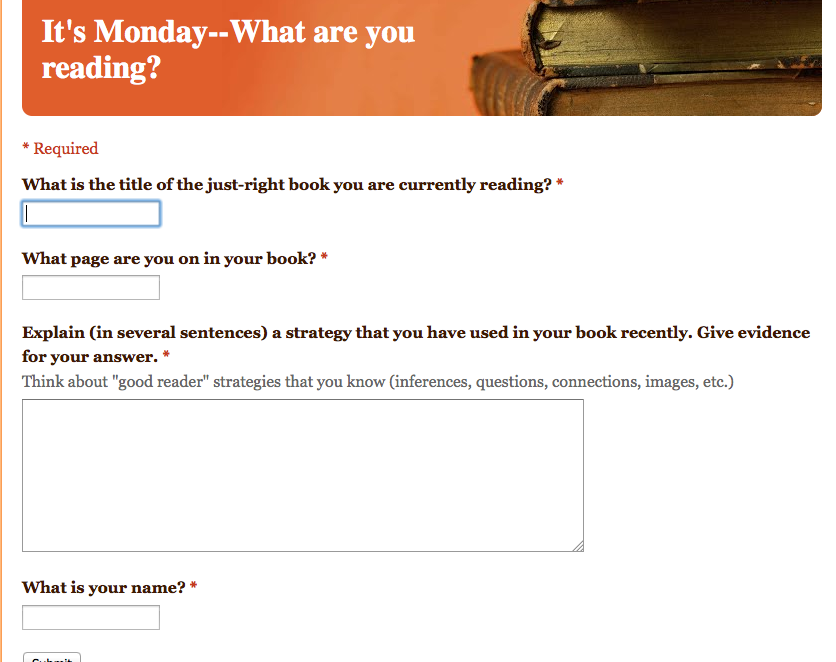
6. We now have a way to do two more new things that are a part of our normal routine in a more efficient (and more motivating for some) way.  I have been wanting to look into using Google Docs and Google Forms for a while now, and I finally found a reason to do so!  On Mondays, we do something called It’s Monday, What Are You Reading? (which I stole from some way-smarter-than-me people I connect with on Twitter), which is essentially just a way for readers to share with me and each other what they are reading and what page they are on.  I can then use that list to keep track of what readers are doing, and address needs that may arise.  We used to do it on a checklist that I keep, but now, using a QR code that sends them right to the link, kiddos do it on their own and send me the info!

Live view of our Google Form for It's Monday, What Are You Reading?

Live view of our Google Form for It’s Monday, What Are You Reading?

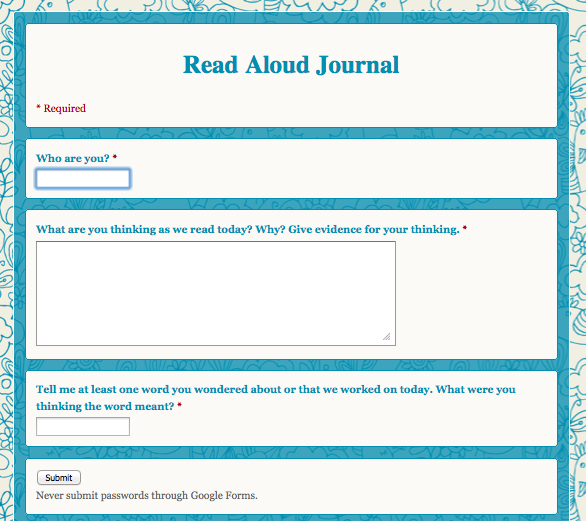
Another thing that we now have in an electronic format is our Read Aloud Journals.  While we will not always complete them online (it’s not the best platform for every learner, nor can you record images you’re having while we read), it’s a great way for me to do check-ins and get a picture of what is going on in their heads during our Read Aloud time.  Kids love this one, too!  Plus, it’s just cute.  But not that that would ever by why I would do something. 🙂

Electronic Read Aloud Journal

Electronic Read Aloud Journal

So, overall, it’s been a great week with in our new 1:1 world.  I’m sure that I’ve forgotten something really innovative and fabulous that we did (and I’ll remember as soon as I post this!), but I couldn’t possibly put it all in one post, anyway.  Really quickly, though, I’ll share some lows.

LOWS

1. They’re new.  Just that mere fact that it’s a new “toy” means that everyone wants to fiddle.  And always touch the screen.  And figure out what settings they can change without breaking any rules.  And forget that they shouldn’t be app shopping during math class.  I’m hoping this wears off soon, as we really focus in on how this device can enhance our learning.

2. There have been some Wi-fi issues.  Even though the district did much up front work and we have amazing structures in place, putting this many more devices on the network at once is going to cause some hiccups.  It’s just annoying when those hiccups come right in the middle of trying to show 20 5th graders how to set up their Dropboxes.

3. Everything takes 10 times longer than you anticipate or want it to.  The Dropbox scenario that I just mentioned was nightmarish on Friday afternoon as we had to keep going back and forth from the Dropbox app to Dropbox.com to their email to access invite messages and back again.  It’s not that it’s anything new, or unlike what I had to do when I set up my own Dropbox, but their understandings are different (they also can’t envision how what I’m asking them to do will work in real life) since they haven’t used Dropbox before.  And then add in those wi-fi issues and we only go through 1/22 of what I wanted to do with them.  But then there’s a lesson in that, too.  Sometimes you have to put down the technology and walk away.  Or just do something the old-fashioned way that you know will work without the wi-fi connection. 🙂

4. Subs don’t have the same visions and understandings about how these devices are meant to be used as you.  They might give your students “free iPad” time, which is just an invitation for problems when you’re talking about 5th graders who have only had their iPad for a few days.  No huge issues, just some bad habits started to form already.  I had to quickly “unteach” the idea of “freetime” and “playing.”  At school these are for business.

Ok.  Enough for now.  My posts always end up WAY LONGER than I first plan, and this one is no different.  I leave with some questions for you:

1. What insights do you have to share with us after reading about our first experiences with 1:1 in our 5th grade classroom?

2. What suggestions do you have for us as we move into Week 2 and beyond?