Pictures of the Day: May 13, 2015

This one is in honor of our friend Diego. 🙂

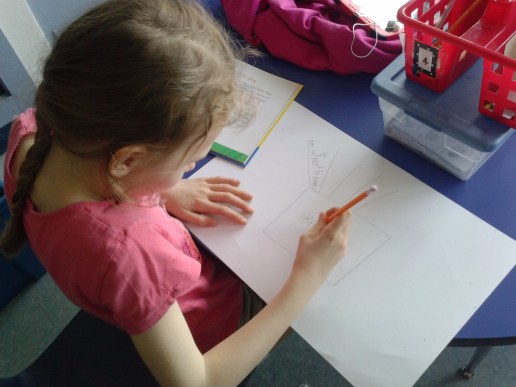
  Check out the really difficult task we’ve been working on with completing our series of books.  This is BIG first grade work, but they’re definitely up to the task.  This was what our morning looked like today:


And this one’s just because I know you were wondering what my shoes looked like today. 🙂  Right? 🙂 #dontforgetthekookyteacher       

Picture (and Video!) of the Day: April 27, 2015

Welcome to a new week!  Let’s get started with some super pictures.  This week’s gonna be a good one. 🙂

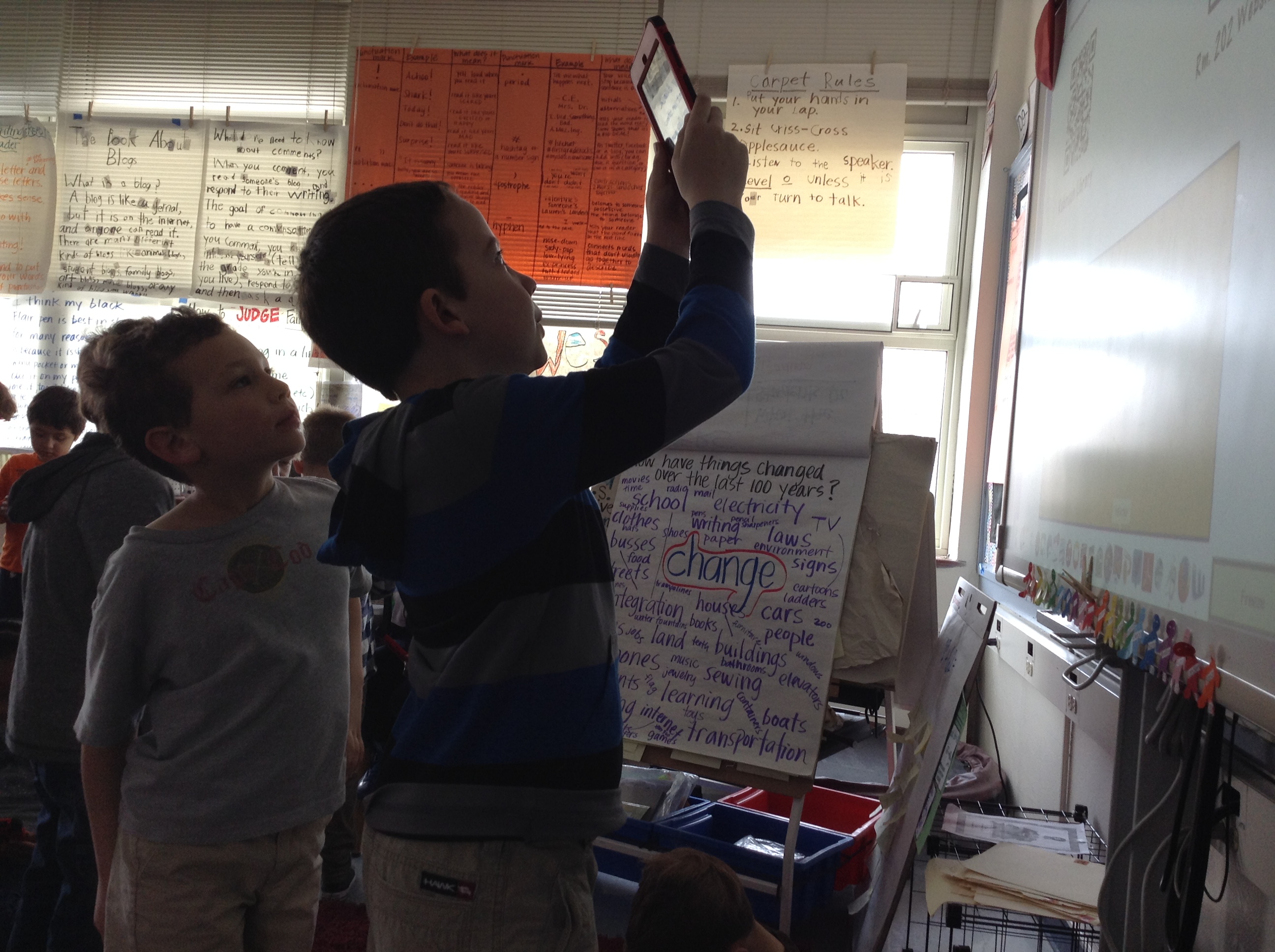
IMG_4474We have been working on a design challenge in science lately (more later!), and this picture is of some friends working on it.  Even better, it’s a picture of first graders independently documenting their learning with videos explaining how their design works.  Amazing.  It’s cool when 5th graders do it, but when you’re 6 and 7YO and you can do that, somehow it seems better.  And now that we’re all 1:1 in KSD, it’ll continue to happen over and over.  What will these friends look like with tech and learning when they’re in 5th grade?  I’m excited to find out!

Here’s a video of this same work:

Can’t wait to share more!  Have a great week, friends!

Pictures of the Day–April 14, 2015

Somehow I think I’ve started a new feature: Picture of the Day.  It’s actually something I was thinking about trying my hand at for next school year (because I need something else to do, right?), but in true form, I decided to try it now, too! (And I should get over to my family blog and pick it back up, too, shouldn’t I?  That’s actually where I first got the idea….oh well, one project blog at a time I guess….) Anyhow, it’s funny how you look at things differently when you know you want to post something every day.  It’s kind of like how I teach my kiddos that writers look at the world differently than “regular” people–they EXPECT to see interesting things that they can capture in words, and sometimes in pictures!  So today when someone said, “Hey, look, they all have on the same shoes!” I HAD to take a picture of it.  That’s our first picture of the day–cute first grade feet in Converse tennis shoes, all in different colors and sizes!

IMG_4392

Cutest ever, right?? 🙂

And since it’s not fair to just show shoes, here are the cutie-pie faces that go with those awesome kicks:

IMG_4394

Say cheese! Diego, Makayla and Peyton 🙂

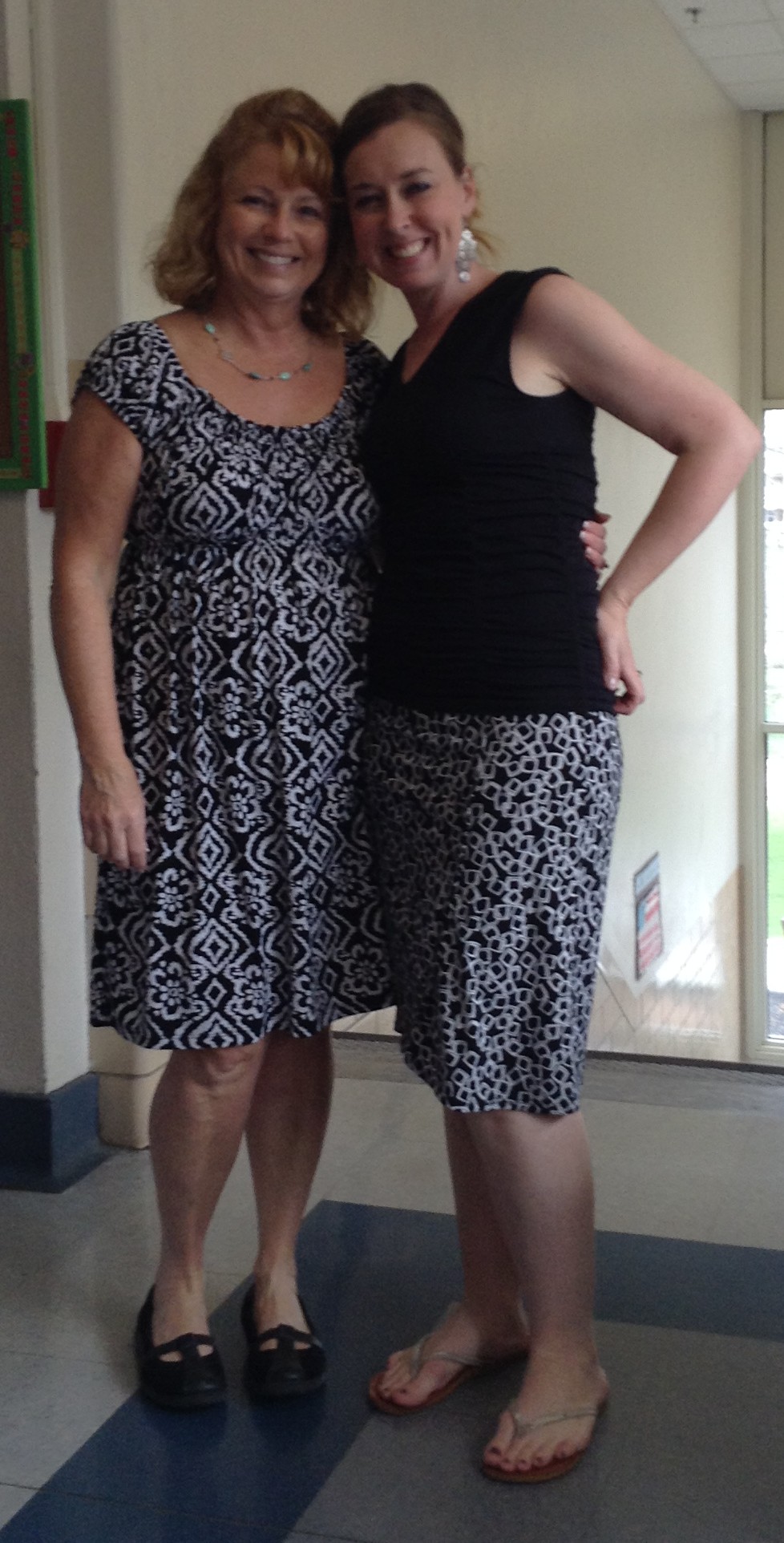
And since kids can’t get all of the focus here (after all, there is 1 KOOKY TEACHER in Rm. 202, too!), my friend Landen took a picture of something else cool we noticed today: Mrs. Appelbaum (she’s kind of like a celebrity around here lately!) and I were twinsies with the color and patterns in our outfits!  And I must mention that Landen both offered to take the picture AND AirDrop it to me so I would have a copy. 🙂  Gotta love those growing tech skills, huh? IMG_4399

Science Meets Writing Meets Popplet

We were in a little bit of an “in-between” time in writing last week and so I took advantage by doing something new.  I can thank my friend and neighbor in Rm. 201, Mrs. Appelbaum (isn’t the the BEST name for a first grade teacher??), for the idea for how to connect our writing with science.

Ok, a little background…we have just started a unit on animals in science, and so were eager to do some reading and learning.  I got a big ‘ole pile books from the library about all kinds of interesting animals and we got to work.  First we just read, but then we got to thinking about how we could record the things we were finding out as we read.  We had already done some work with Popplet (remember how Diego so ingeniously figured out how to make the camera work?), so I thought they could easily transfer that thinking to new info on animals.  Well, it didn’t go quite that easily, and I decided we needed to do backtrack a little bit.  That meant (by suggestion of Mrs. Appelbaum) that we do some webs on paper (together first, then on their own) first.  So that’s just what we did.

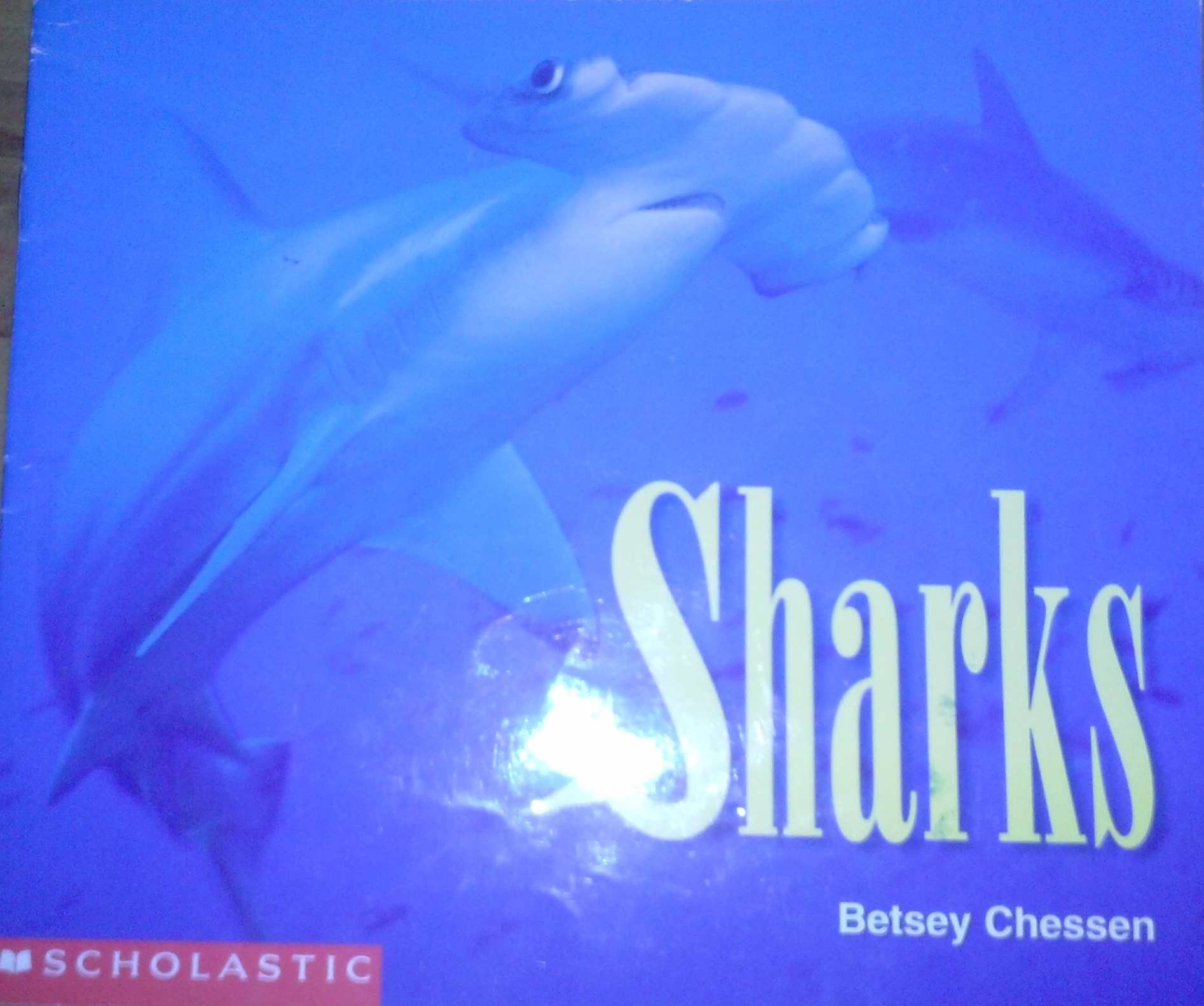
We started with a text about sharks:
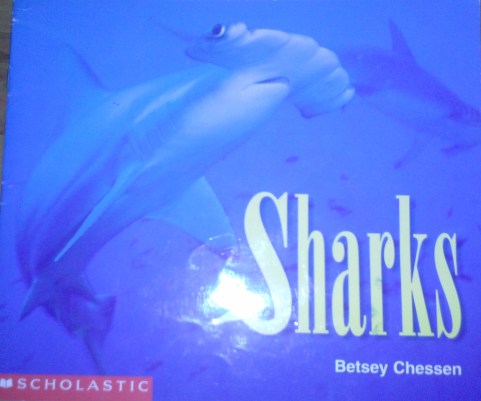
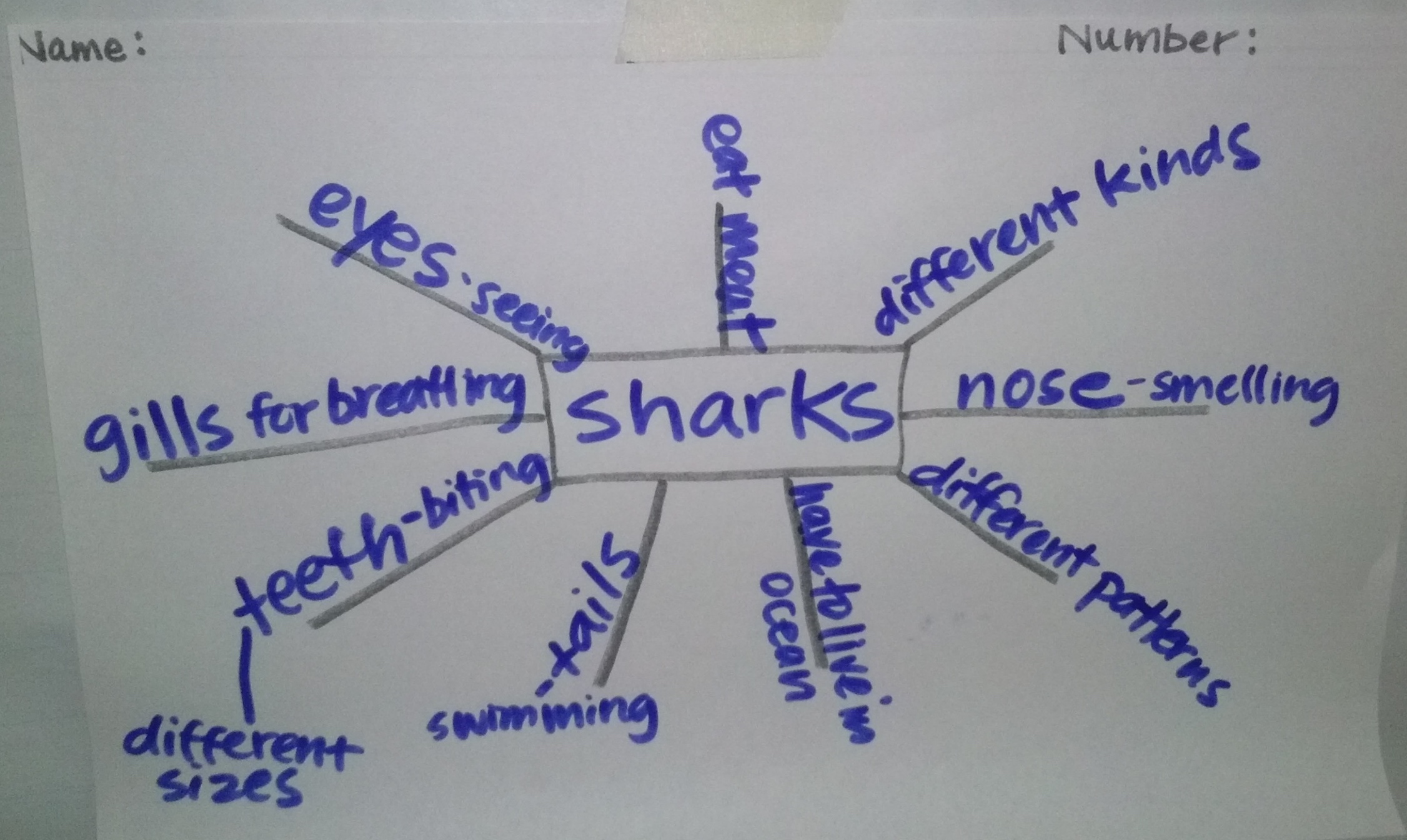
CAM01856and then we worked together to write things we learned in our book about sharks:
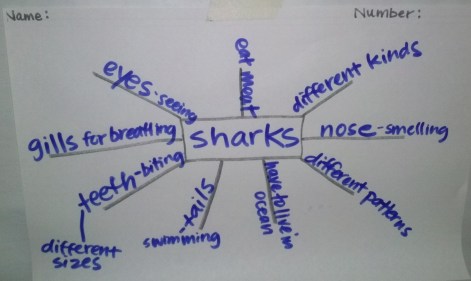
CAM01849We talked about how to write just blurbs or words, not whole sentences, as well as how to add details.  After I was pretty sure they understood what to do, I set them free to try it out for themselves.  It was our first try, but still, I’d say they did a pretty great job!

CAM01805

Sara uses her smart reading strategies to learn about ladybugs.

CAM01806

Makayla, Kylie and Lauren all hard at work on their animal webs.
CAM01807

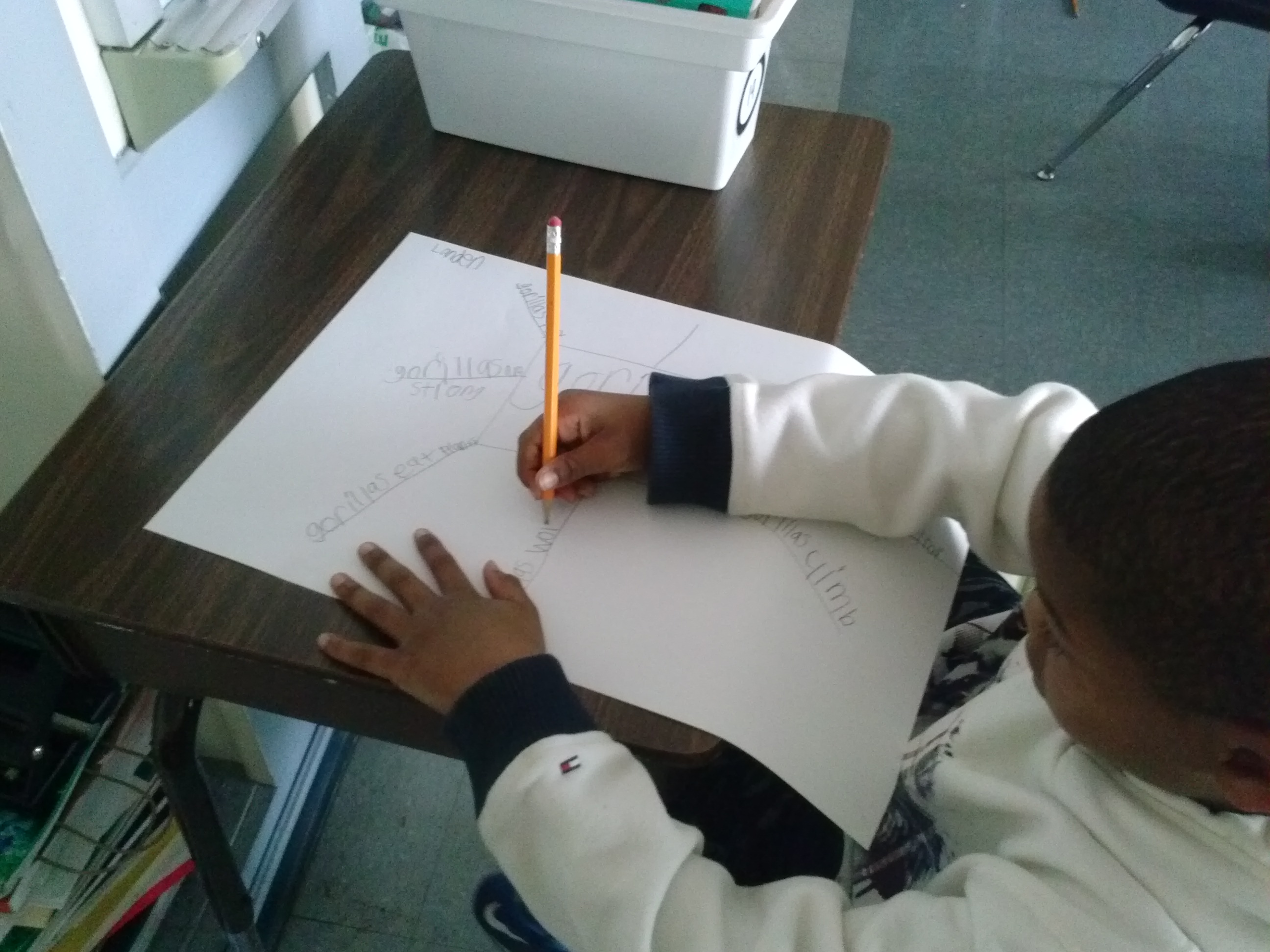
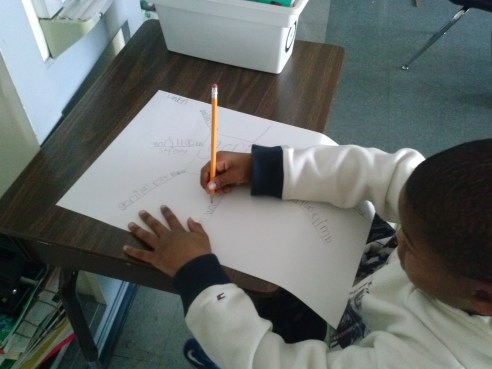
Landen made a web about gorillas, and even used more than one book on the topic to collect his information. Then, he turned his paper over and did another web about moths. 🙂

CAM01808

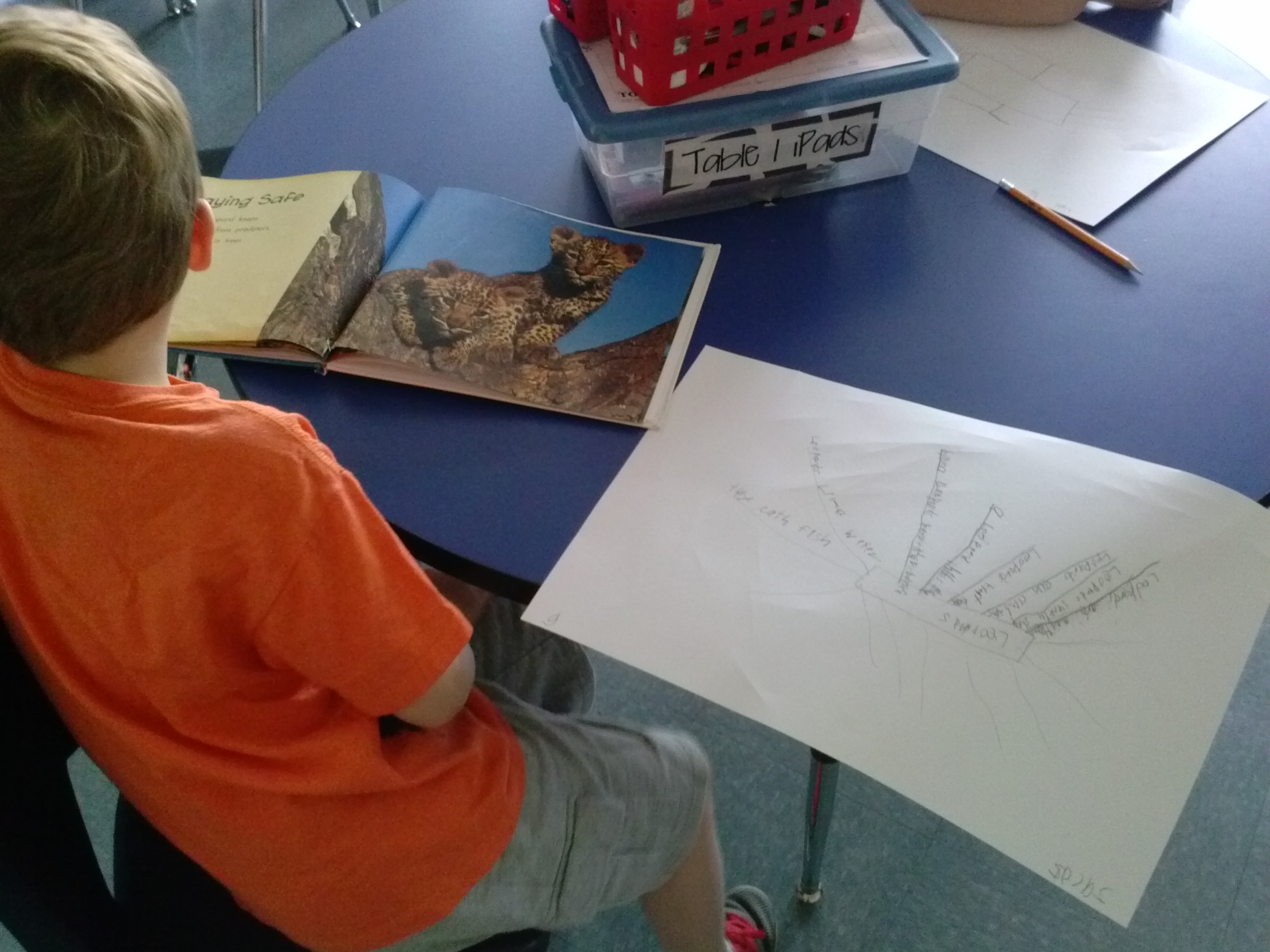
Jacob read about leopards. His web ended up filling up almost the whole page!
CAM01809

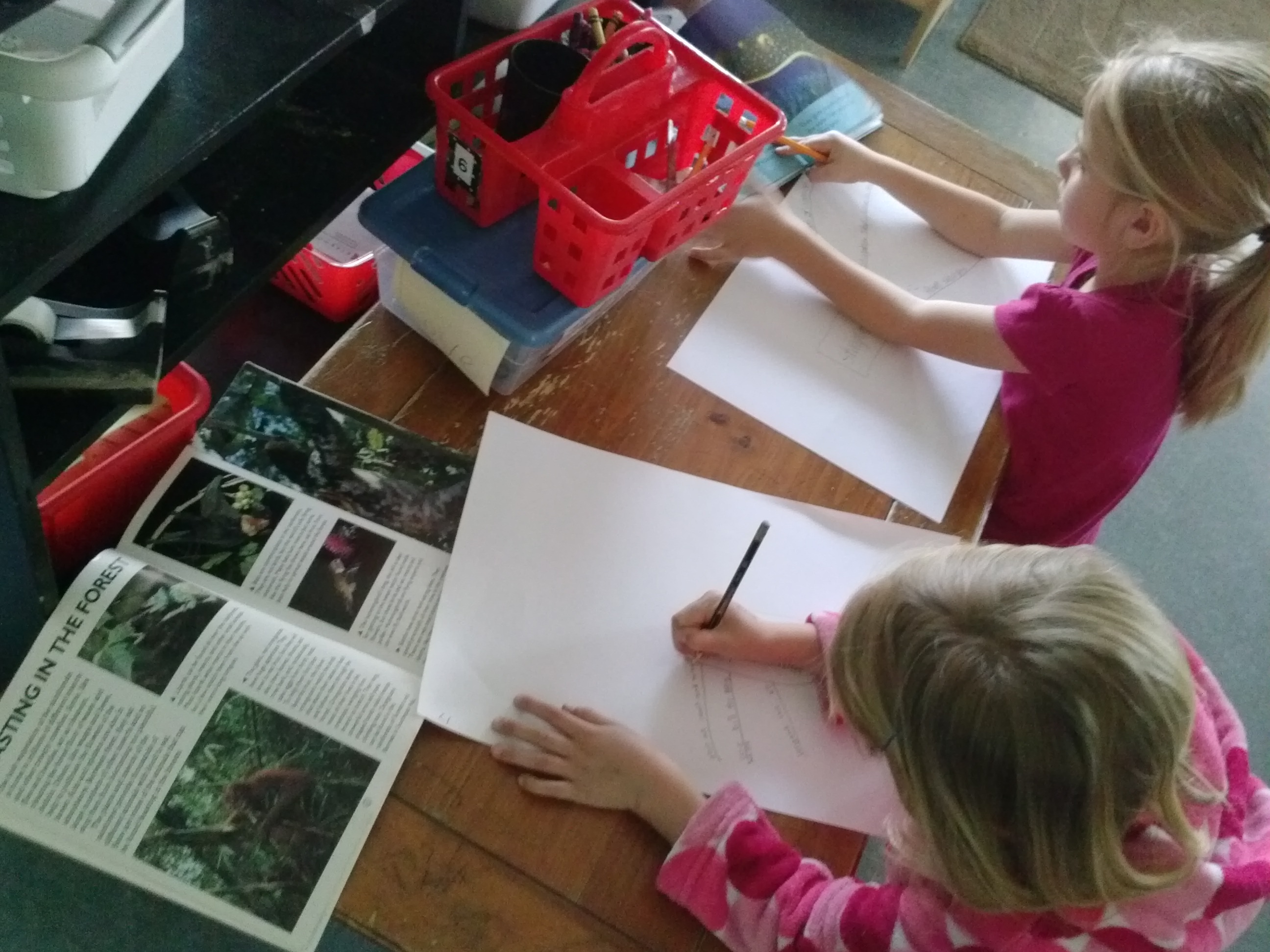
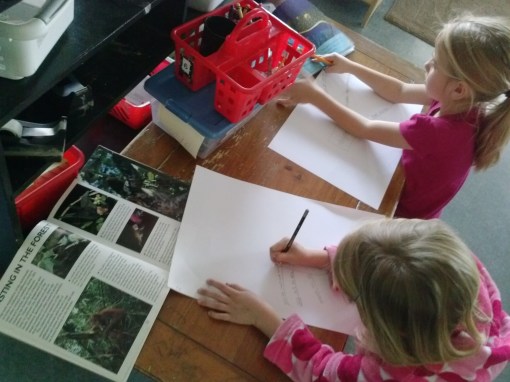
Amelia and Millie working hard on their webs. Millie, who learned about hummingbirds, ended up reading at least 4 different books about her topic and adding loads and loads of facts. Amelia was researching stingrays.

CAM01810

Nate is getting ready to add his topic to the middle of his web.

CAM01811

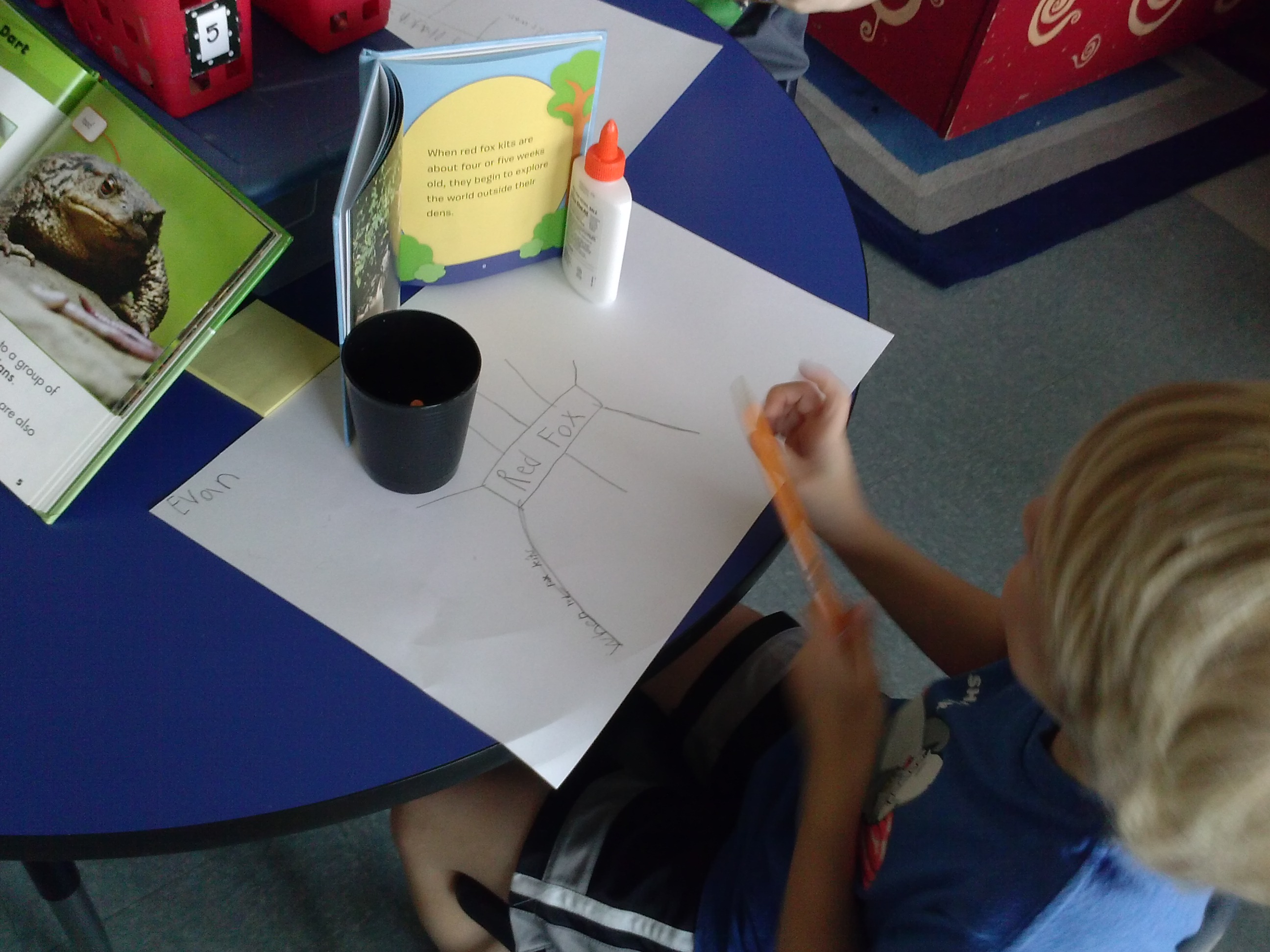
Evan recorded facts about red foxes.

CAM01812

Ella Marie was super excited about learning more about bees!
CAM01813

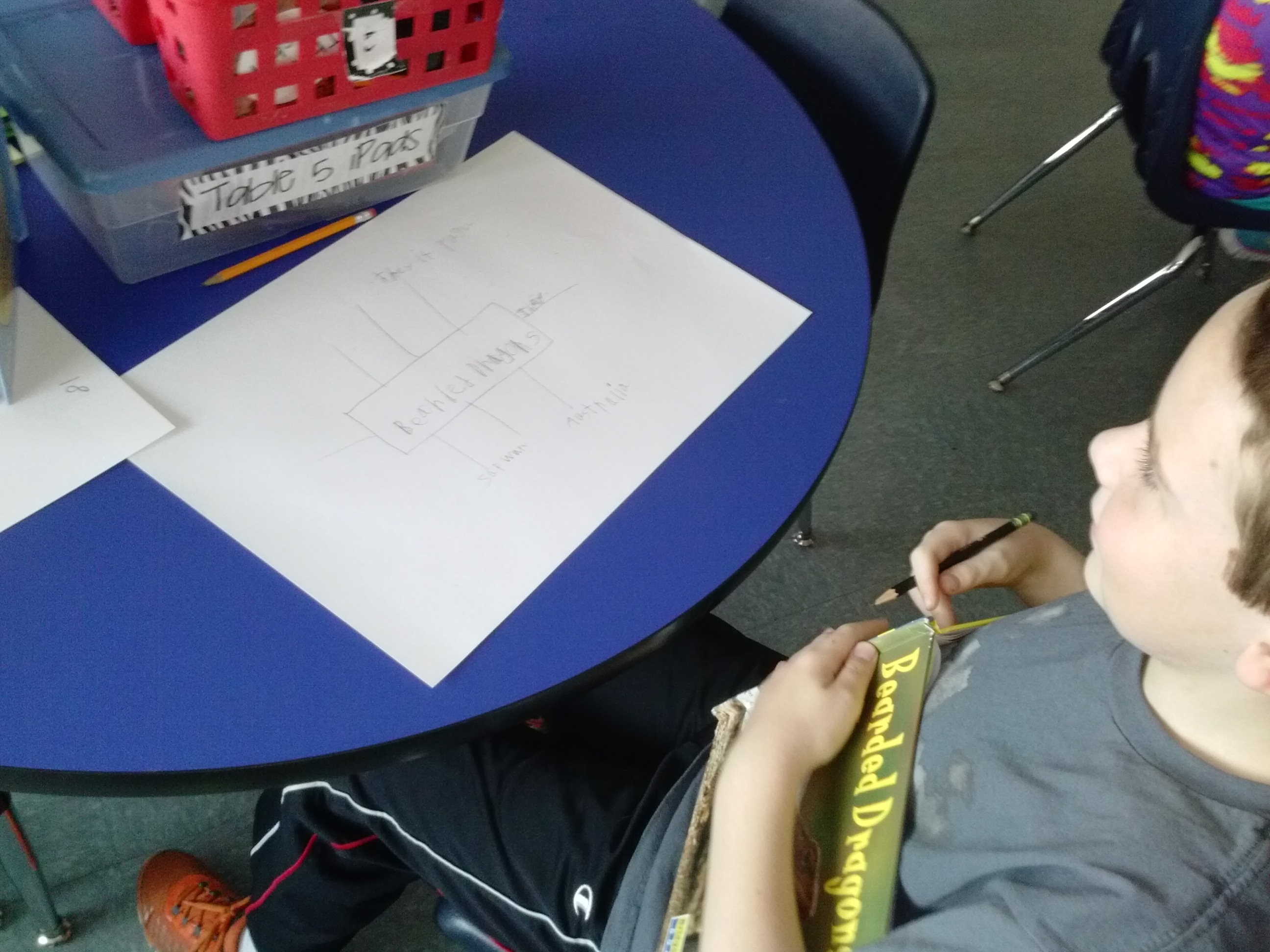
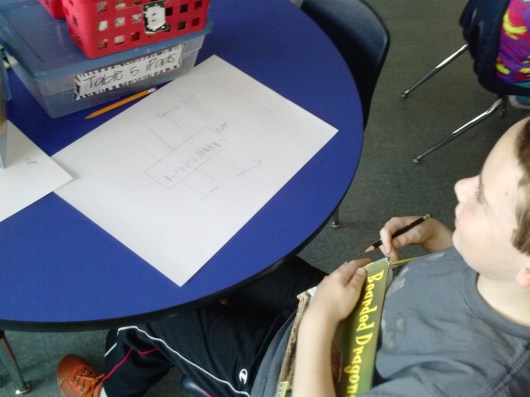
Thomas found a book about bearded dragons for his work.

CAM01814

Ava found a book on frogs to use for her web.
CAM01815

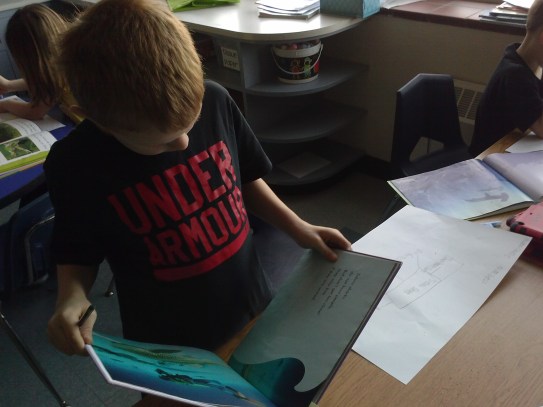
Charlie was checking out a book on zebra sharks.

CAM01816

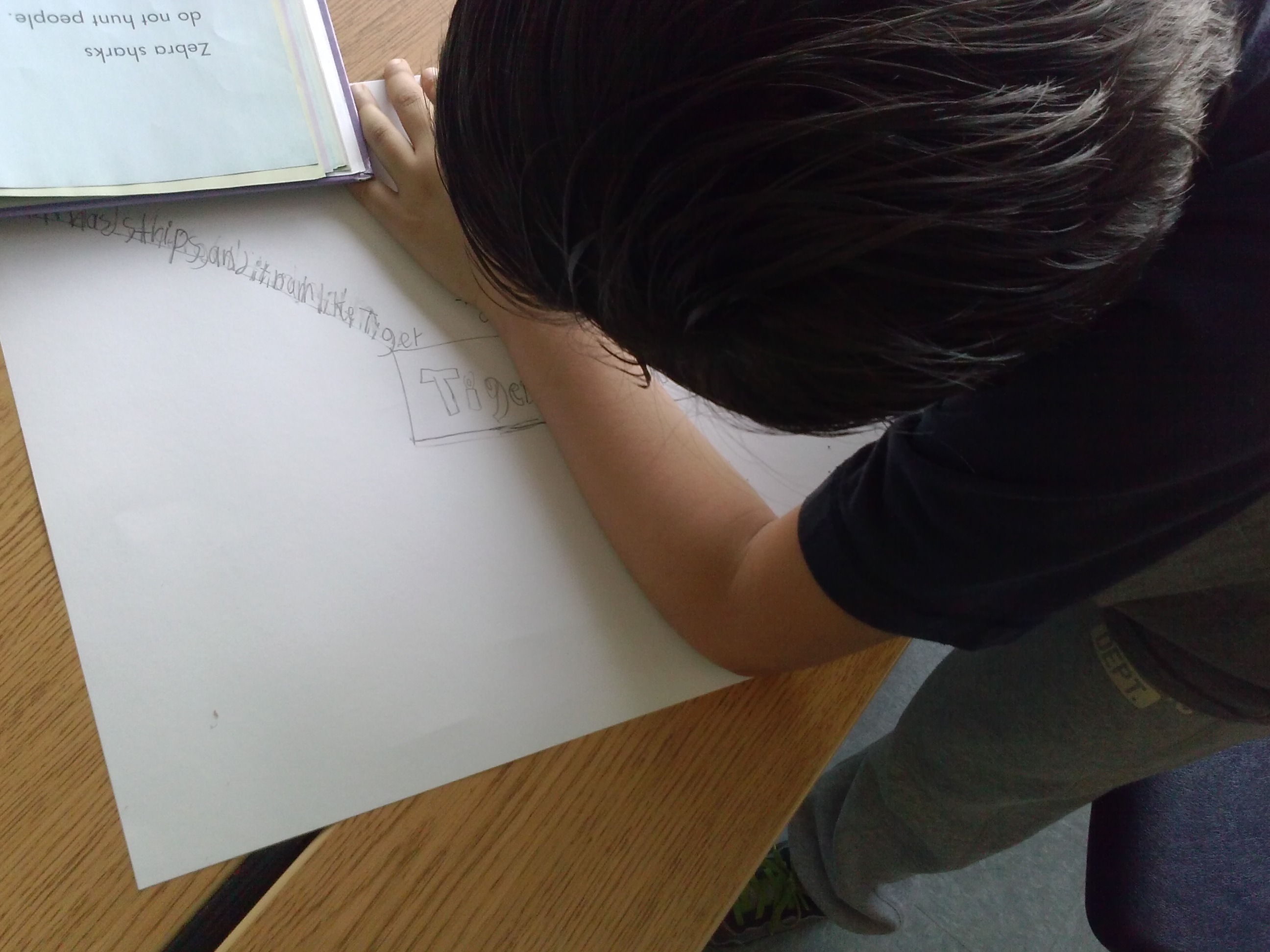
Diego’s learning about tiger sharks!

CAM01817

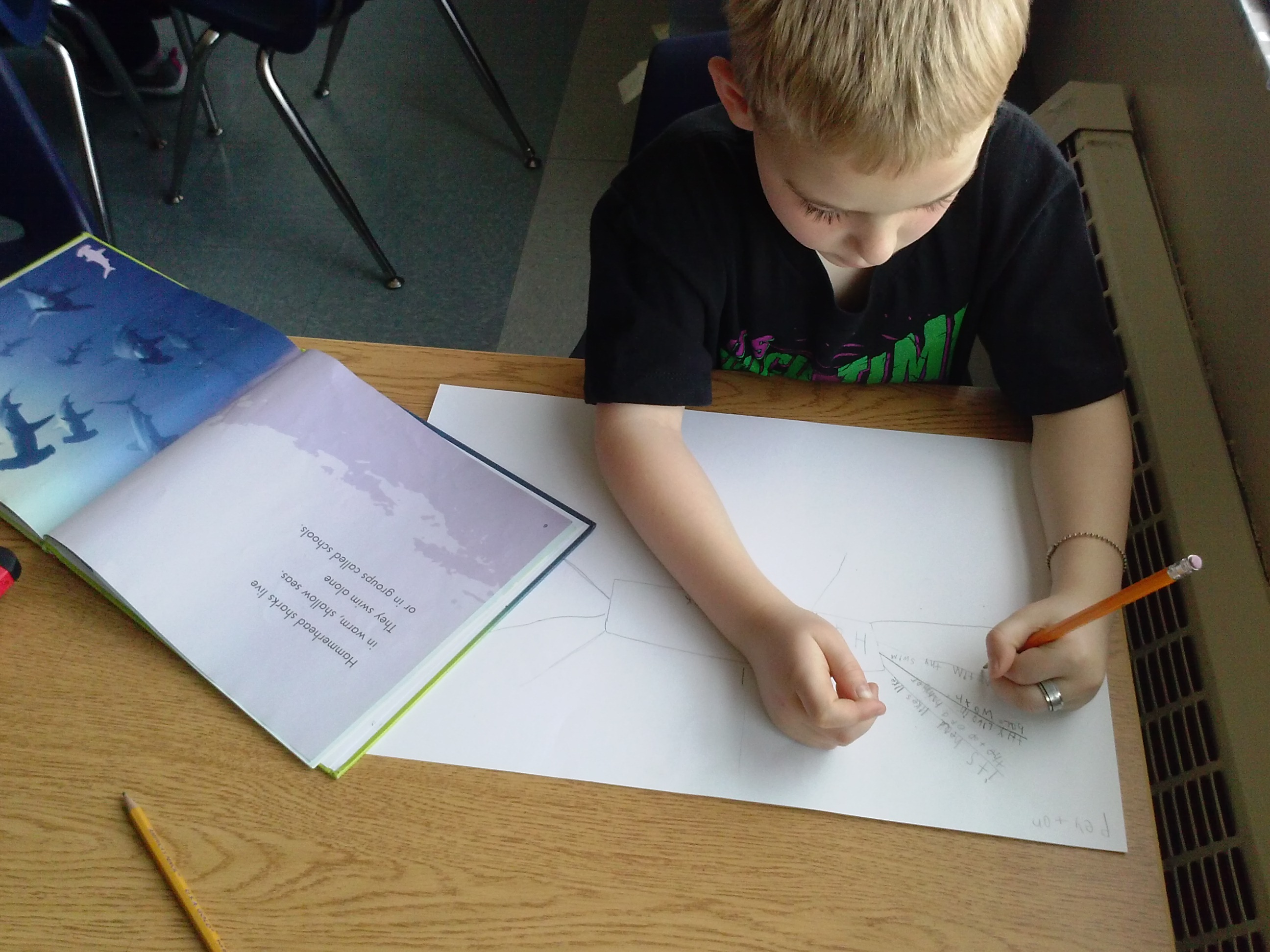
Peyton’s web showed many things he’d learned about hammerhead sharks! We had many different kinds of shark books on this day and they were all very popular (everyone at his table had a different shark book to read!)!

Oh, and the part about Popplet in the title?  The next day, many kiddos took the information from this draft of their webs and transferred it to Popplets on their iPads.  Some started brand new Popplets using the same process that they’d practiced here.  The best part is that this is something they’ll be able to repeat again and again as they research new topics and organize the information they learn!  SWEET!

Ok, finally, a slideshow of our work from this day:

This slideshow requires JavaScript.

In Rm. 202, Everyone’s in the Geek Squad!

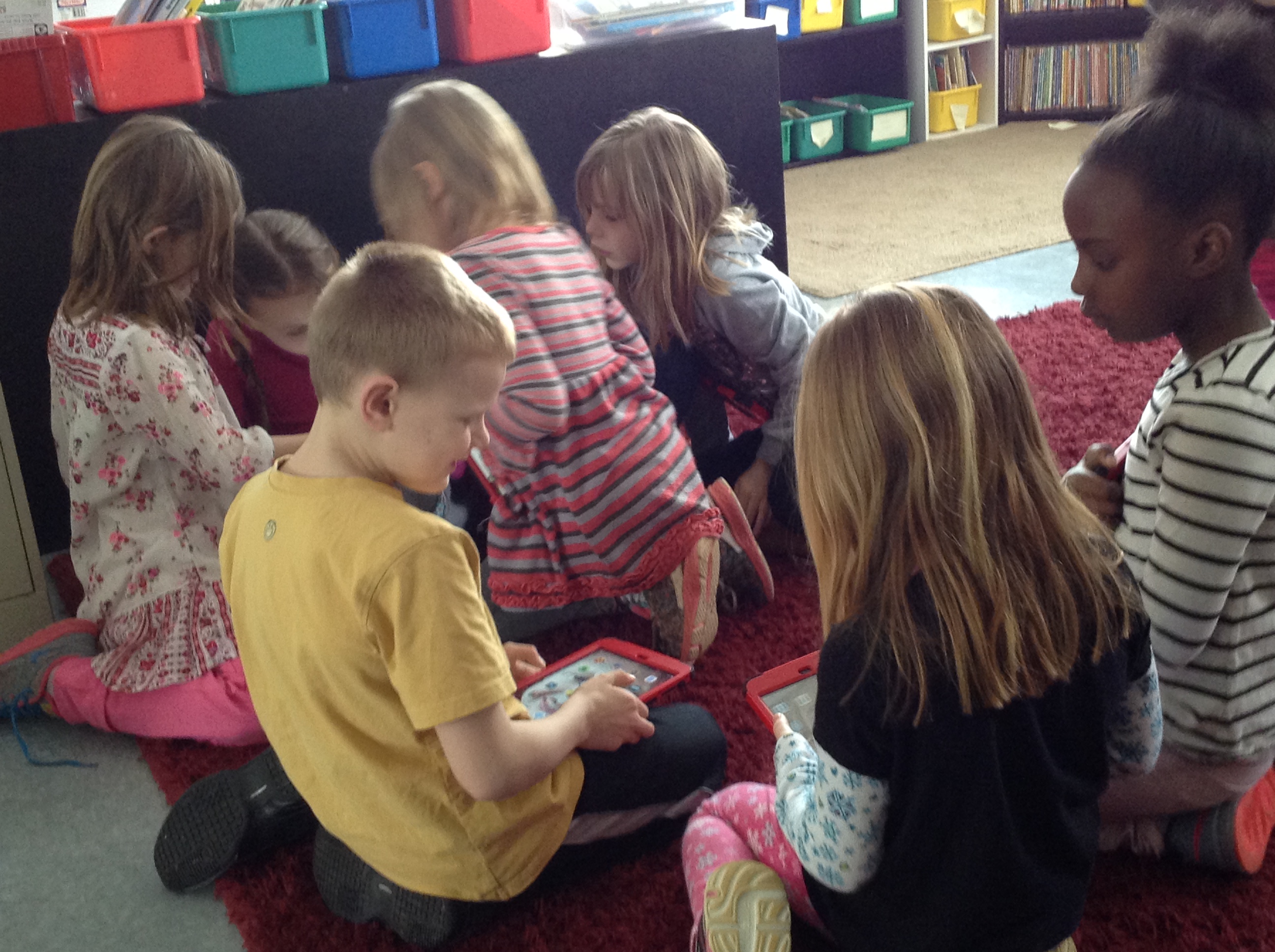
One thing I love about learning how to use iPads–or anything that is new to most kids in the room– is that we figure things out together!  Sometimes this happens when I teach a new skill, and sometimes it happens when even I don’t know what to do and I simply say, “Let’s figure out how to do….”  Either way, someone becomes the expert and then shares that knowledge with a friend.  Then we all become experts!

It goes right along with the saying we have in Rm. 202–that we are all teachers and we are all learners–and it makes my teacher-heart happy!

IMG_4314 IMG_4315 IMG_4316 CAM01818 CAM01819

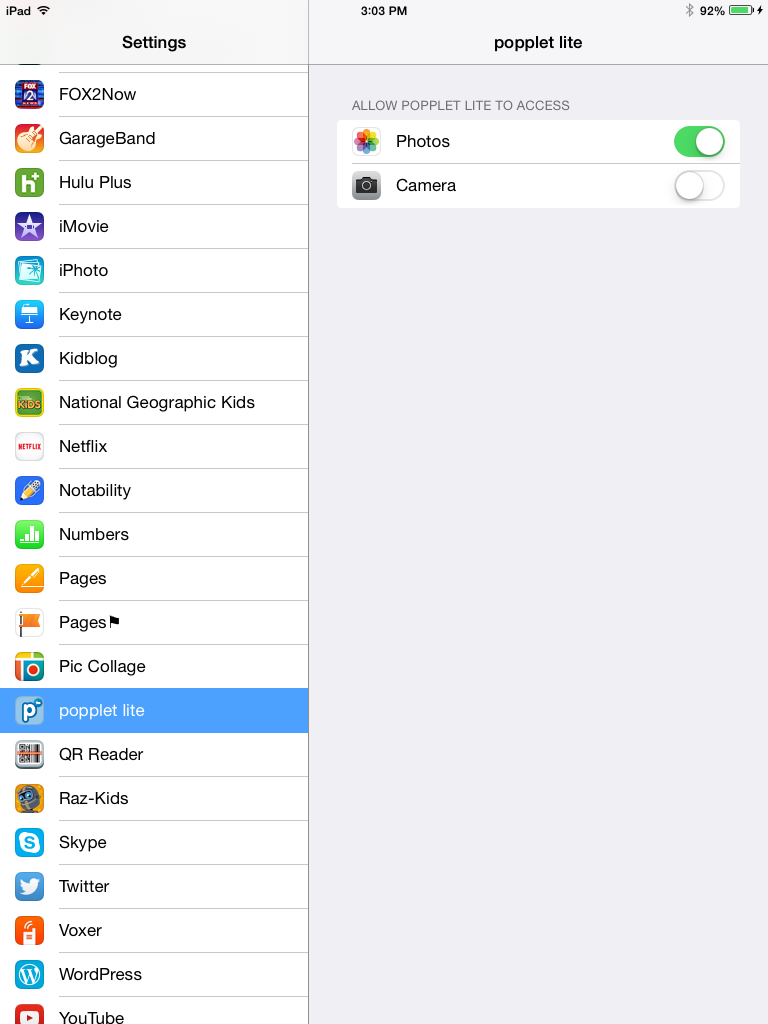
I think my favorite story yet came the other day when I had to step back, get out of teh way and let my firsties do what they know how to do.  Here’s what happened:  we were learning to use Popplet and Diego wanted to put a picture into one of the popples (the circle parts of the web) he was making, but every time he tried, the screen on his camera came up black.  As I walked by and he was trying to figure out what ot do about it, I saw him get into the settings on his iPad and start to tinker.  Now, mostly because I’ve been working with 10-11 YOs for so many years and I know the havoc that can be wreaked when kids are in the settings on their devices, I had red flags coming up when I saw this.  I asked him what he was doing, he said, “Well I remember one time this happened with another app and it was because the app didn’t have permission to use the camera.  I wonder if that’s the problem this time.”  Then he proceeded to find the settings for Popplet and indeed, the app did not have the right settings to use the camera!

IMG_4352

WOW–talk about transferring knowledge!!  I had to apologize for my jumping to conclusions, and congratulate him for knowing what to do.  And of course, when 4 more people had that same problem during our work time, he was the expert I sent them to!  WAY TO GO, DIEGO!!  And the best part of this all?  The stories I could tell like this one keep happening every day!  We’re learning many things that we will use for many, many years to come. 🙂